⚫ Step 4 Click Apply to complete the settings.
1.19 Account
⚫ You can manage users, user group and ONVIF user, set admin security questions.
⚫ For the user name, the string max length is 31-byte, and for the user group, the string max length is 15-byte.
The user name can only contain English letters, numbers and “_”, “@”, “.”.
⚫ The default user amount is 64 and the default group amount is 20. System account adopts two-level
management: group and user. The user authorities shall be smaller than group authorities (The admin user
authorities are set by default).
⚫ For group or user management, there are two levels: admin and user. The user name shall be unique, and one
user shall only belong to one group.
1.15.1 User
1.15.1.1 Add User
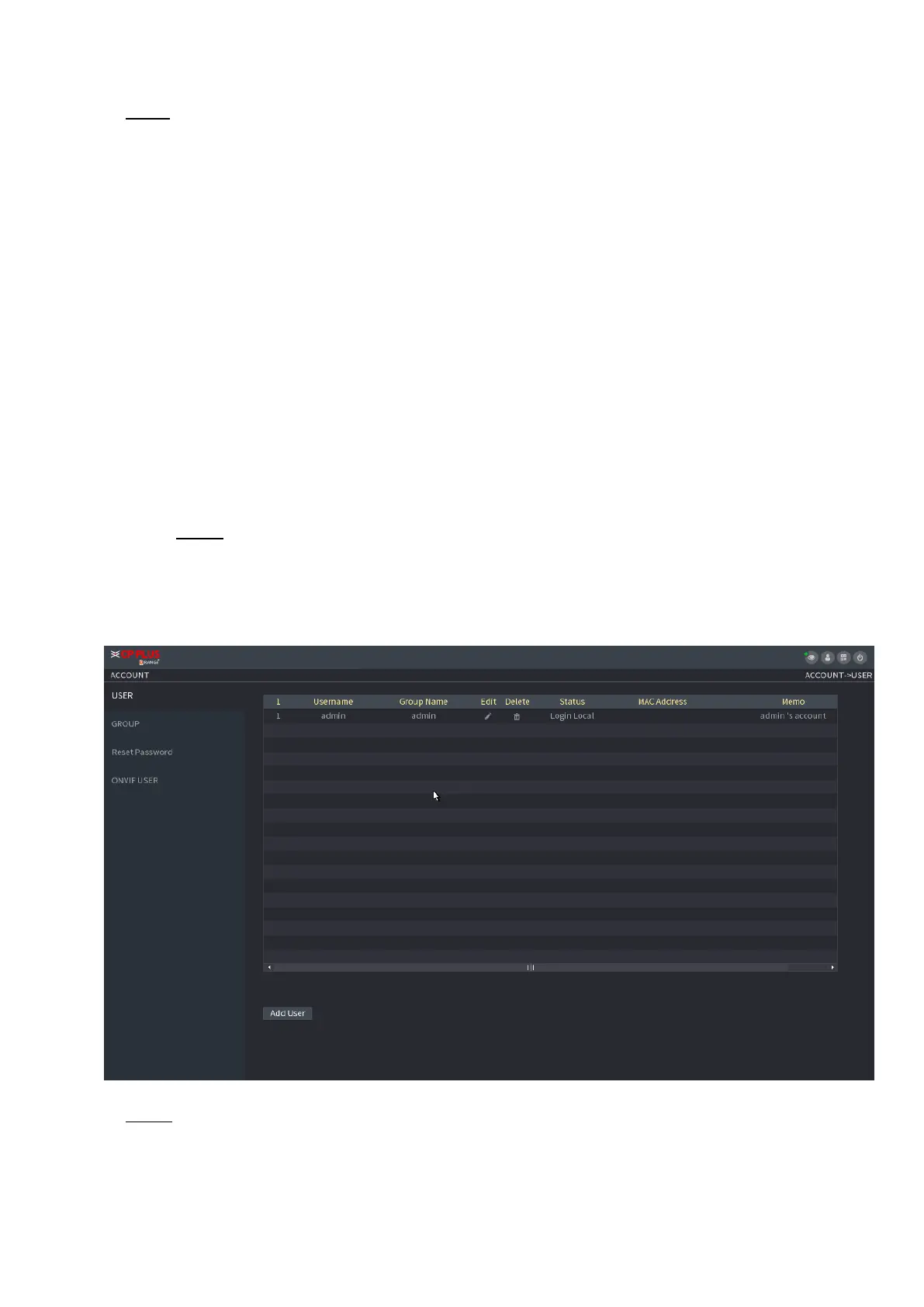
Step 1 Select Main Menu > ACCOUNT > User.
⚫ The User interface is displayed. See Figure 1-238.
⚫ Figure 1-238
⚫ Step 2 Click Add User button in Figure 1-238.
⚫ The Add User interface is displayed. See Figure 1-239.



 To Next Page