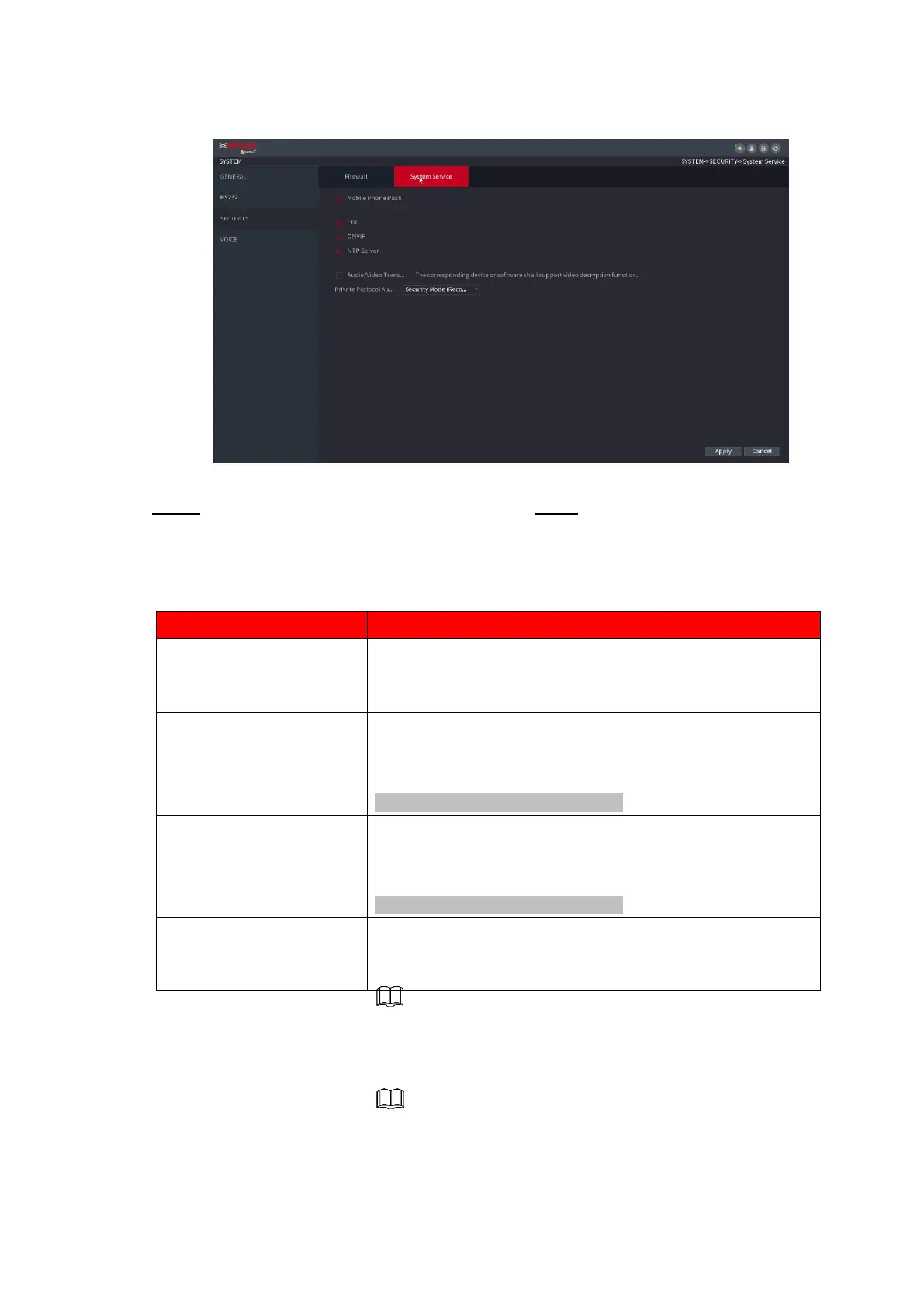
⚫ Figure 1-237
⚫ Step 2 Select Enable to enable function in the Type list. Step 3 Configure the parameters. See Table
1-68.
⚫ Table 1-68
After enabling this function, the alarm triggered by the NVR
can be pushed to the mobile phone. This function is
enabling
by default.
If this function is enabled, the remote devices can be added
through the CGI protocol.
This function is enabled by default.
If this function is enabled, the remote devices can be added
through the ONVIF protocol.
This function is enabled by default.
Enable or disable the audio and video stream encryption. If
enabled, make sure the devices or software support
decryption.



 To Next Page