In the Manual Snap list, select how many snapshots you want to take
each time.
In the Channel list, select the channel that you want to configure the
settings for.
In the Mode list, you can select Timing, or Trigger.
⚫ Timing: The snapshot is taken during the scheduled period.
⚫ Trigger: The snapshot is taken when there is an alarm event
occurs, such as motion detection event, video loss, and local
alarms.
⚫ In the Image Size list, select a value for the image. The bigger
the value is, the better the image will become.
Configure the image quality by 6 levels. The higher the level is, the
better the image will become.
Configure or customize the snapshot frequency. Max. supports 3600
seconds/image.
Step 3 Click Apply.
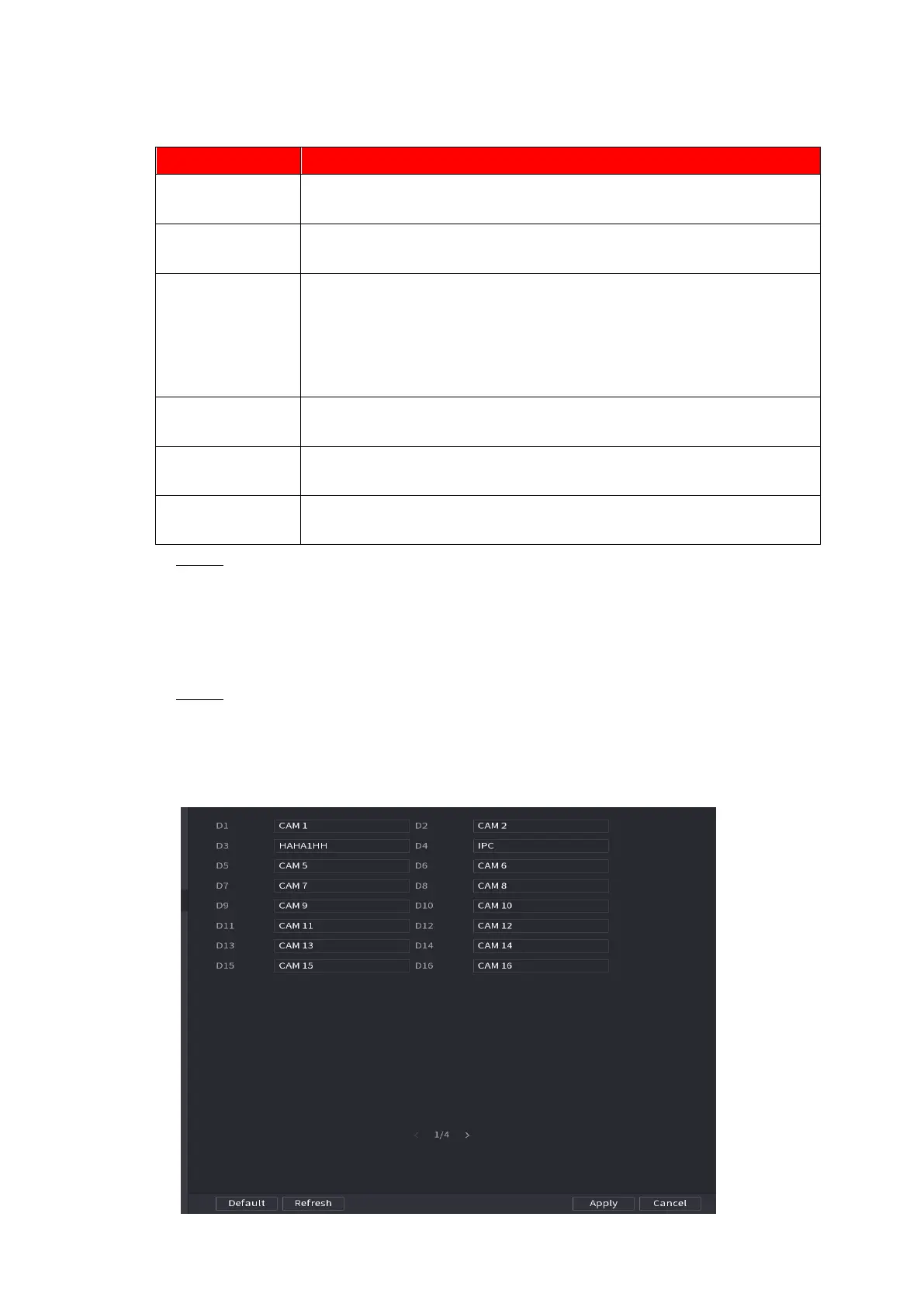
1.2.6 Channel Name
⚫ You can set customized channel name.
Step 1 Select Main Menu > CAMERA >CAM NAME.
⚫ The CAM NAME interface is displayed. See Figure 1-58.
⚫ Figure 1-58



 To Next Page