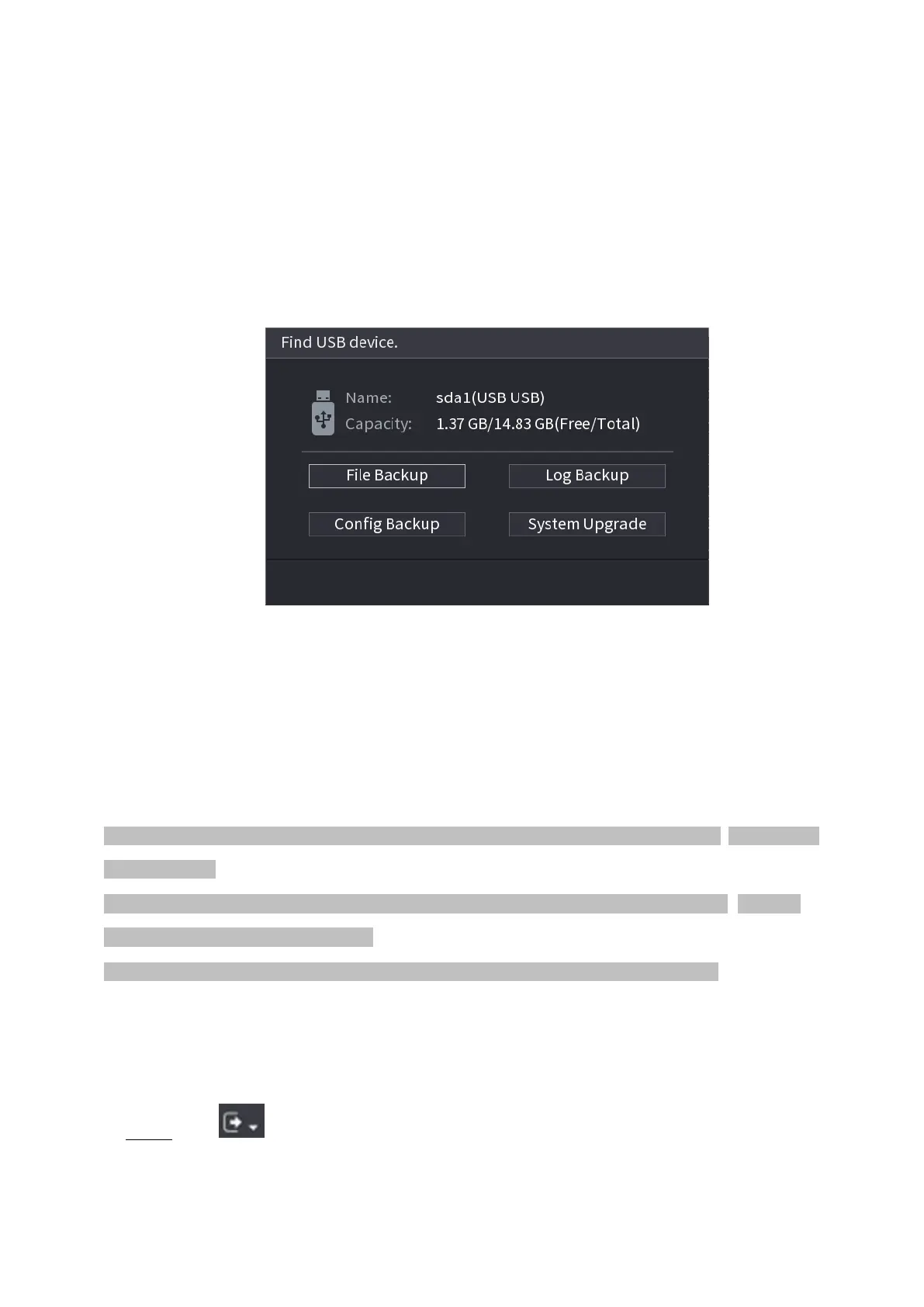
⚫ After you inserted the USB device, system can auto detect it and pop up the following dialogue box. It
allows you to conveniently backup file, log, configuration or update system. See Figure 4-258.
⚫ Refer to "1.17.1 File Manage", "1.10.1 Log", "1.10.4.2 IMP/EXP", and "1.10.4.4 System Update
⚫ " for detailed information.
⚫ Figure 1-258
1.19 Shutdown
⚫ When you see corresponding dialogue box "System is shutting down…" Do not click power on-off button
directly.
⚫ Do not unplug the power cable or click power on-off button to shutdown device directly when device is
running (especially when it is recording.)
⚫ Shut down the device and then unplug the power cable before you replace the HDD.
Operations
⚫ From the main menu (Recommended)
⚫ Step 1 Click at the top right corner. See Figure 1-259.
Figure 1-259



 To Next Page