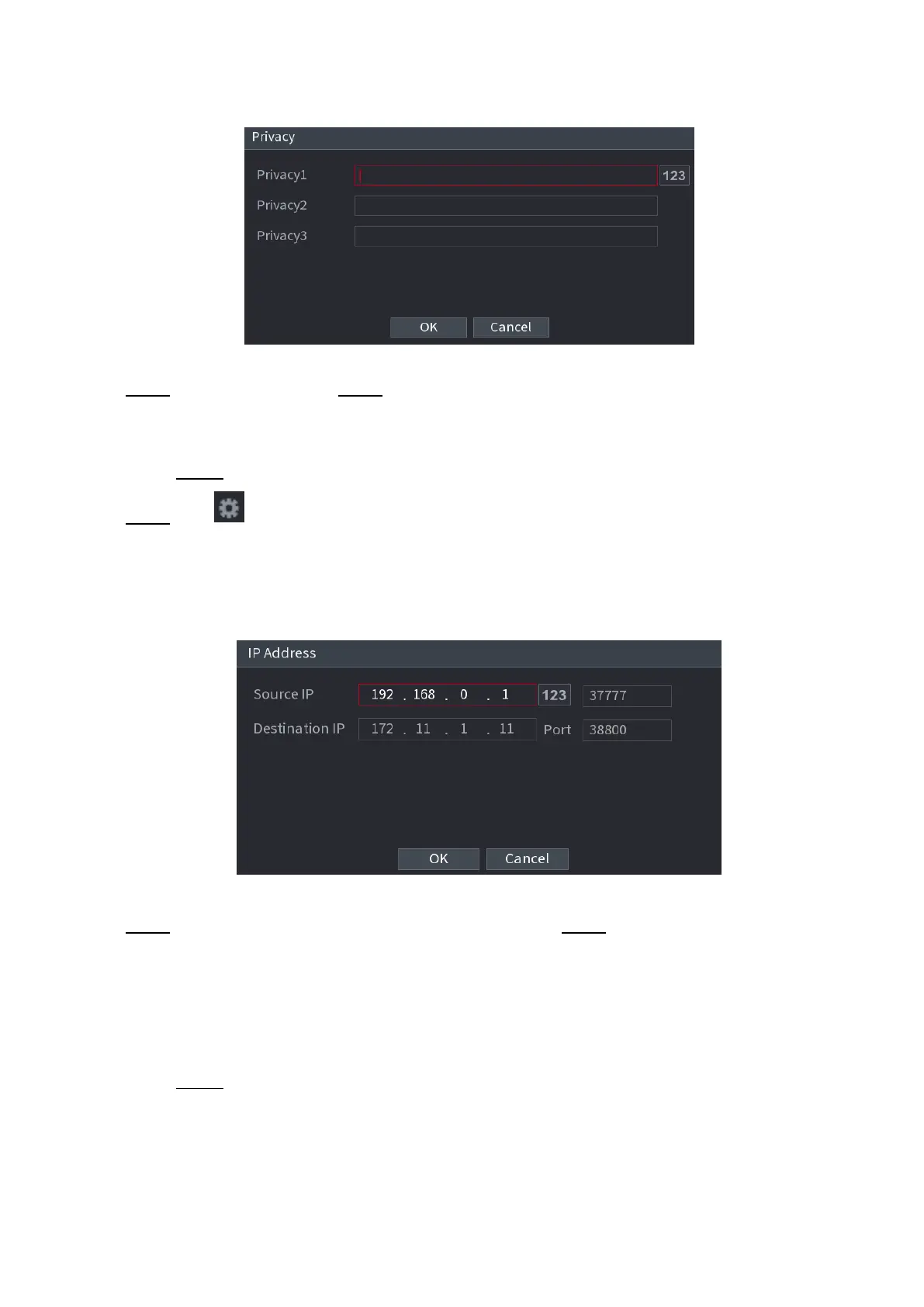
⚫ Figure 1-183
⚫
⚫
⚫
⚫
⚫
⚫
⚫
⚫ Step 2 Set privacy information. Step 3 Click OK button.
1.9.2.2 Connection type
⚫ Connection type is UDP or TCP.
Step 1 Select Connect Type as UDP, TCP_CLINET or TCP.
⚫ Step 2 Click .
⚫ The IP Address interface is displayed. See Figure 1-184.
⚫ Figure 1-184
⚫
⚫
⚫
⚫
⚫
⚫
⚫
⚫
⚫ Step 3 Source IP and Port. Refers to POS IP address and port. Step 4 Click OK to complete setup.
1.10 Operation and Maintenance
1.10.1 Log
You can view and search the log information, or backup log to the USB device.
Step 1 Select Main Menu > OPERATION > LOG.
⚫ The LOG interface is displayed. See Figure 1-185.
⚫ Figure 1-185



 To Next Page