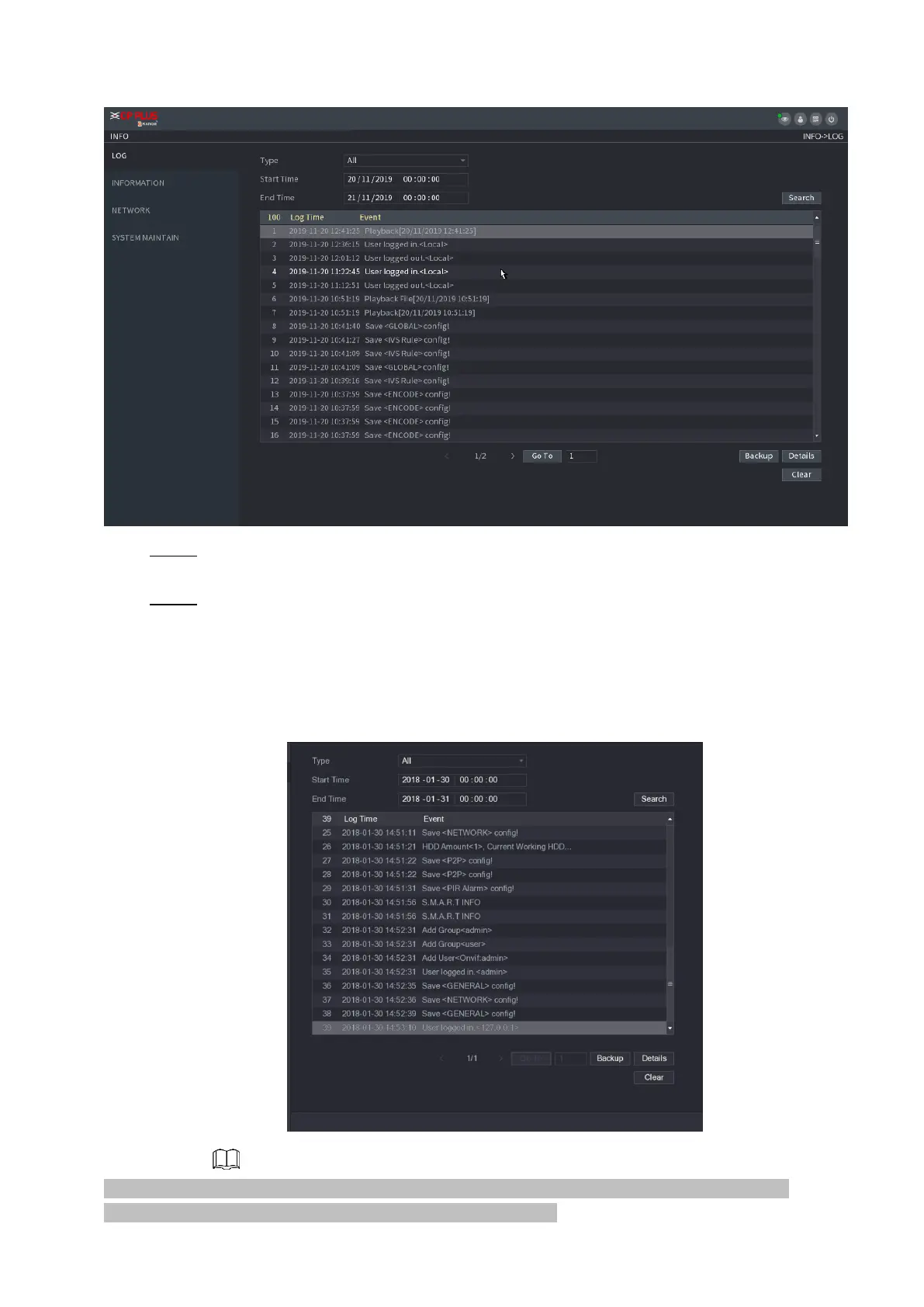
Step 5 In the Type list, select the log type that you want to view (System, Config, Storage, Record,
Account, Clear, Playback, and Connection) or select All to view all logs.
Step 6 In the Start Time box and End Time box, enter the time period to search, and then click
Search.
⚫ The search results are displayed. See Figure 1-186.
⚫ Figure 1-186
Click Details or double-click the log that you want to view, the Detailed Information interface is
displayed. Click Next or Previous to view more log information.



 To Next Page