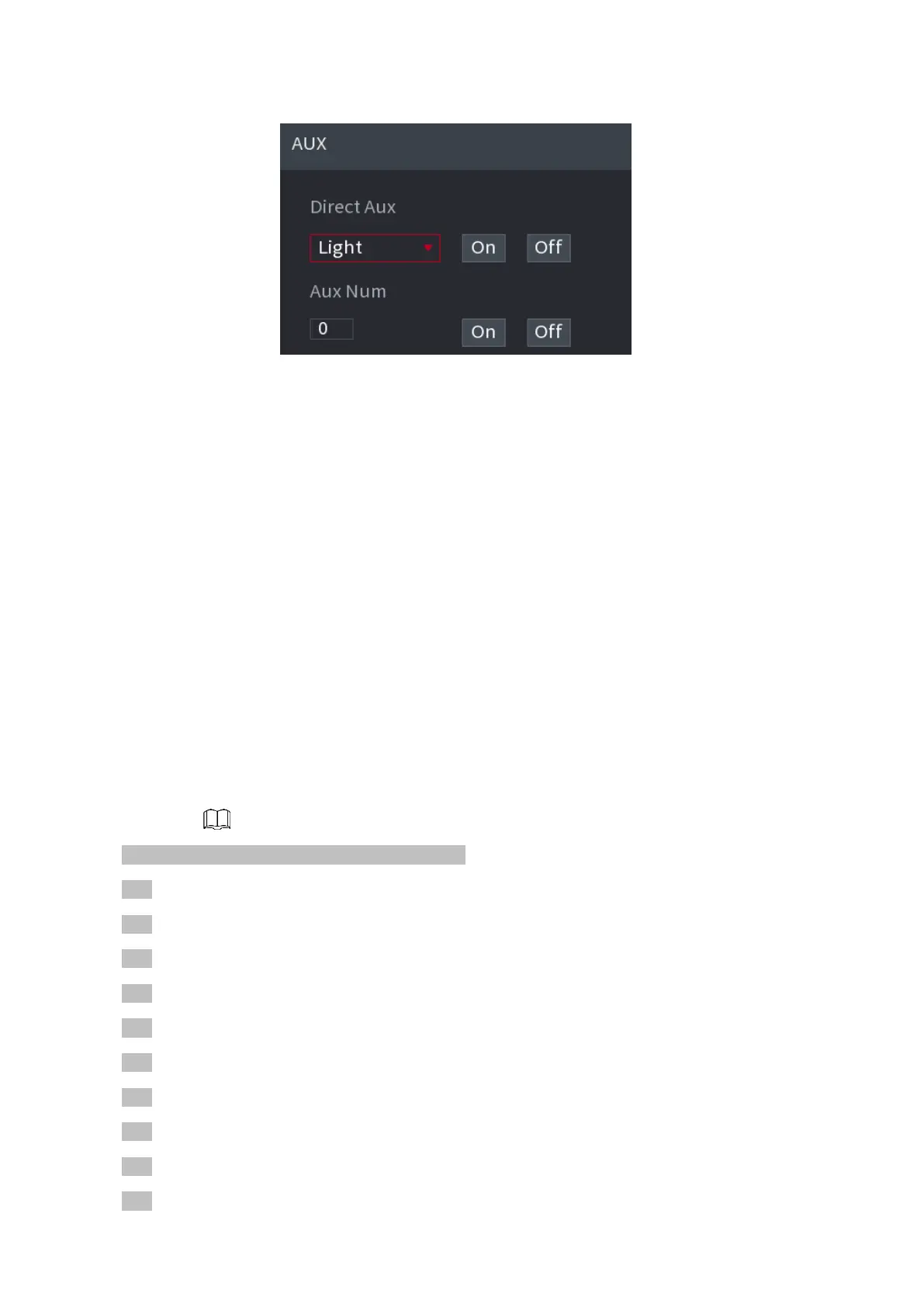
⚫ Figure 1-91
⚫
⚫
⚫
⚫
⚫
⚫
⚫
⚫
1.5 Record File
⚫ Device adopts 24-hour continuous record by default. It supports customized record period and
record type. Refer to "4.1.4.6 Schedule" for detailed information.
1.6 Playback and Search
1.6.1 Instant Playback
⚫ You can view the record file of previous 5 to 60 minutes. Refer to "4.3.2 Navigation bar" for
instant playback information.
1.6.2 Search Interface
⚫ You can search and playback the record fine on the NVR.
Select Main Menu > PLAYBACK, or on the preview interface right click mouse and then
select
⚫ Search, you can go to the following interface. See Figure 1-92.
⚫ The following figure for reference only.
⚫
⚫
⚫
⚫
⚫
⚫
⚫
⚫
⚫
⚫



 To Next Page