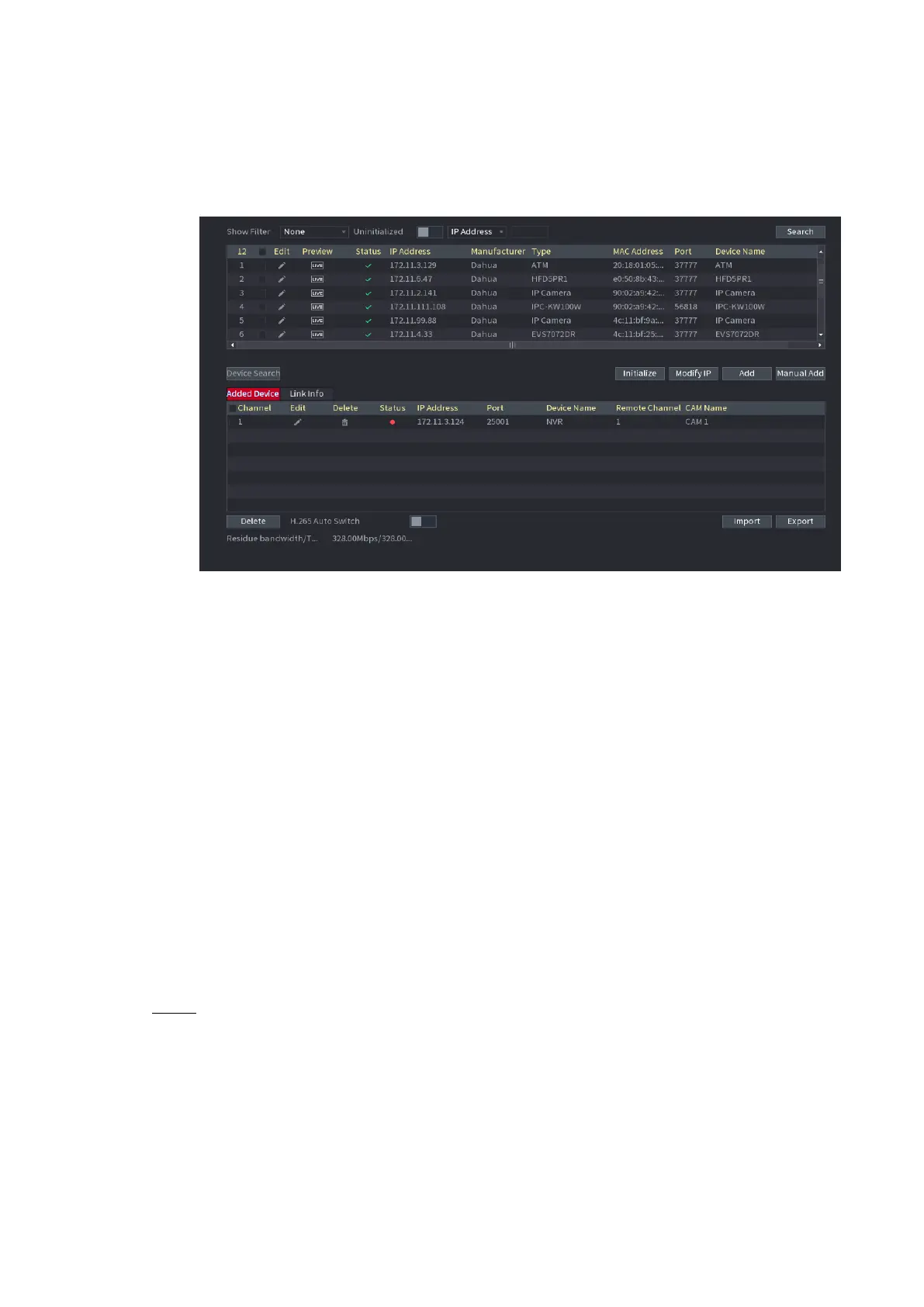
⚫ Once the multiple-sensor device has registered to the device system displays the channel status on the
Link info. See Figure 1-30. It shows one remote device has occupied two channels: D1, D3.
⚫ Figure 1-30
⚫
⚫
⚫
1.1.4.5 Schedule
⚫ After set record schedule and snapshot schedule, the device can automatically record video and
snapshot image at the specified time. Select Main menu > STORAGE > SCHEDULE, you can go to the
SCHEDULE interface.
1.1.4.5.1 Recording Schedule
⚫ After set schedule record, device can record video file according to the period you set here. For
example, the alarm record period is from 6:00–18:00 Monday, device can record alarm video files
during the 6:00–18:00.
⚫ All channels are record continuously by default. You can set customized record period and record
type.
⚫ Step 1 Click Next button.
⚫ The Rec interface is displayed. See Figure 1-31



 To Next Page