2) Select upgrade file on the pop-up interface.
3) Select the upgrade file and then click OK button.
⚫ After successful operation, system pops up upgrade successful dialogue box.
⚫ If there are too much remote devices, select Device Type from the drop-down list to search the remote
device you desire.
1.2.8 Remote Device Info
1.2.8.1 Device Status
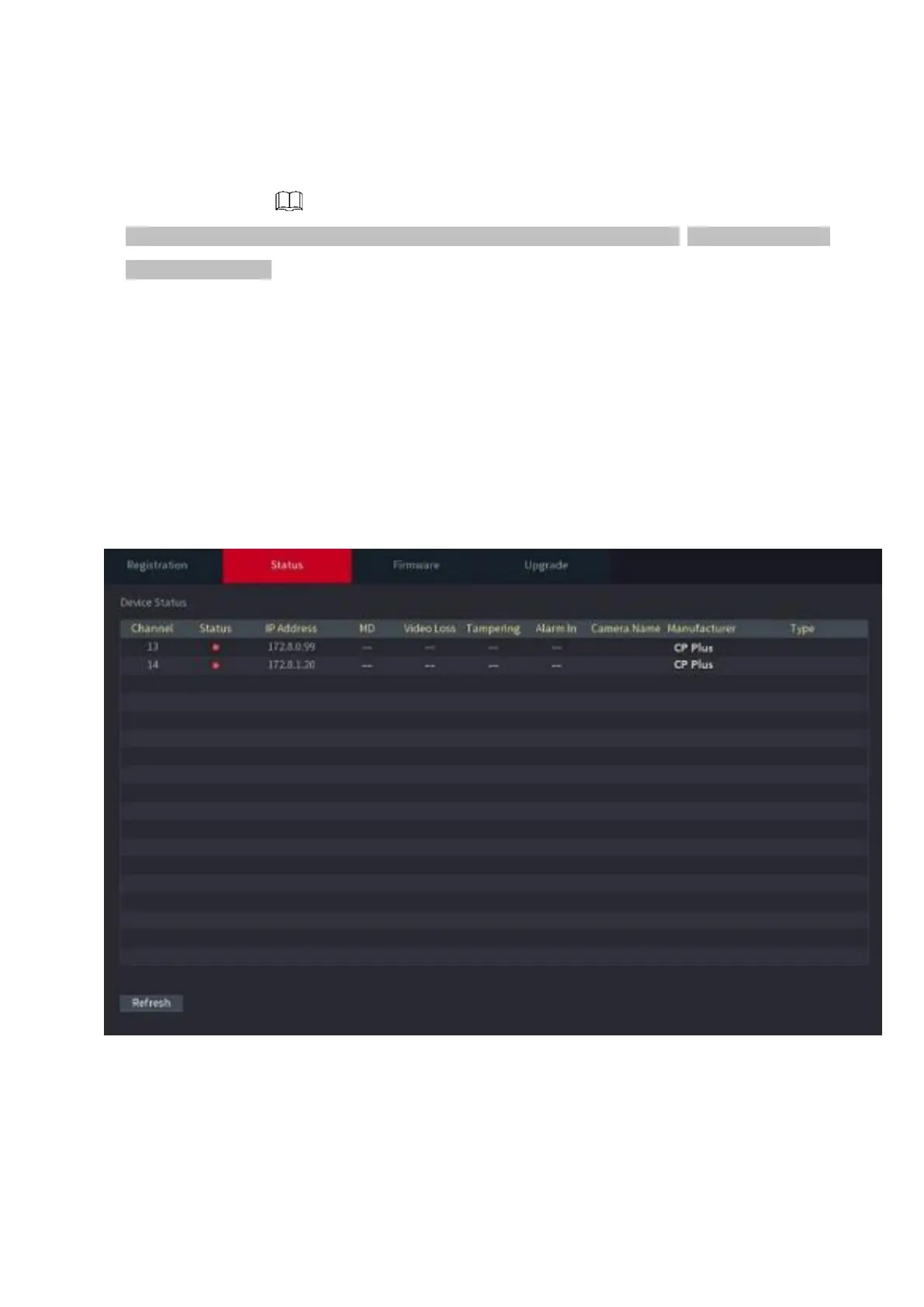
⚫ You can view the connection and alarm status of the corresponding channel.
Select Main Menu > CAMERA > REGISTRATION > Status, the Status interface is displayed.
See Figure 1-60. Refer to Table 1-15 for detailed information.
⚫ Figure 1-60



 To Next Page