⚫ Table 1-15
1.2.8.2 Firmware
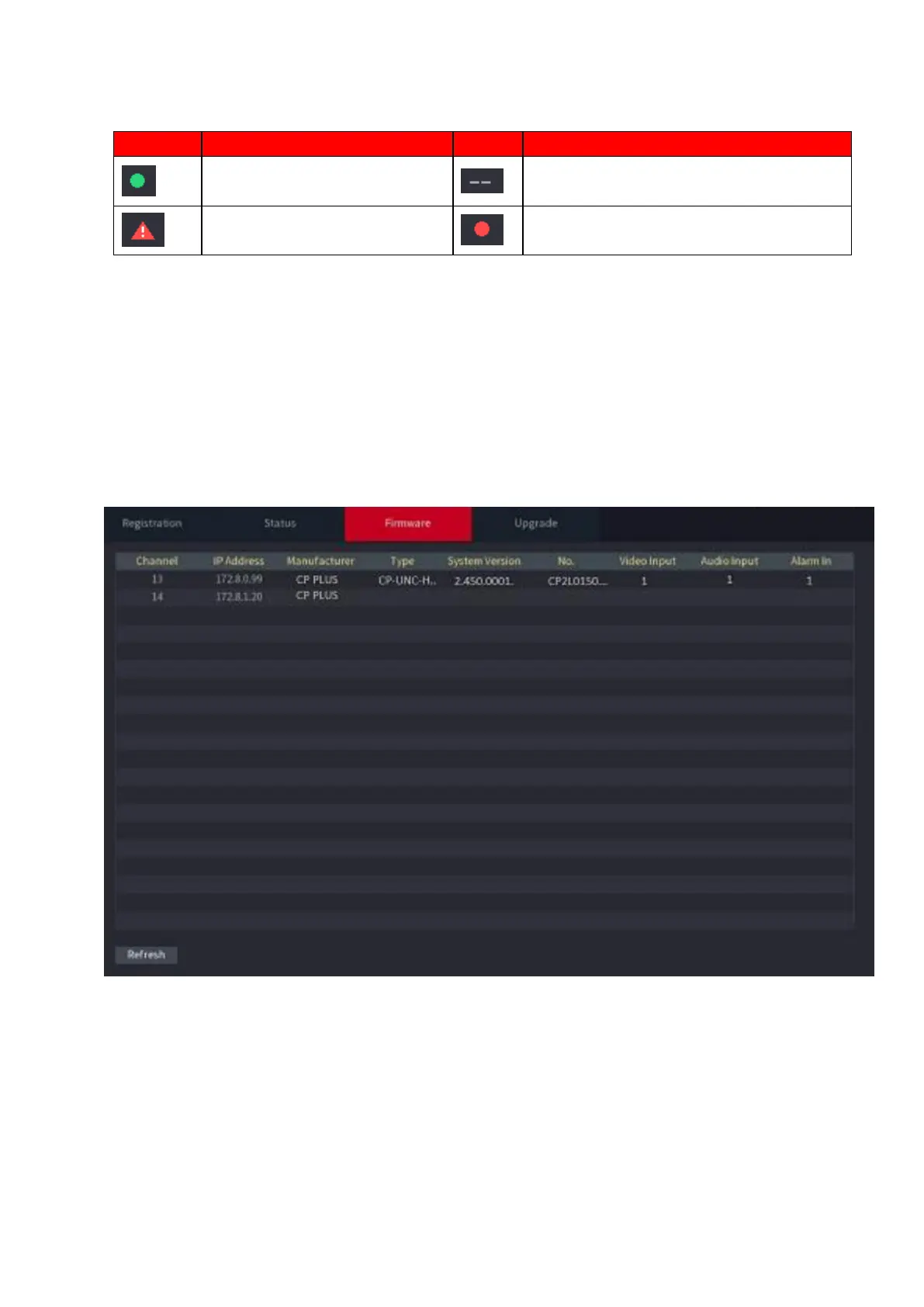
You can view IP address, manufacturer, type, system version of the connected remote device.
Select Main Menu > CAMERA > REGISTRATION > Firmware, the Firmware interface is
⚫ displayed. See Figure 1-61.
⚫ Figure 1-61
1.3 Live View
⚫ After you logged in, the system goes to multiple-channel live view mode by default. You can view the
monitor video of each channel.
⚫ The displayed window amount may vary. The actual product shall prevail.



 To Next Page