⚫
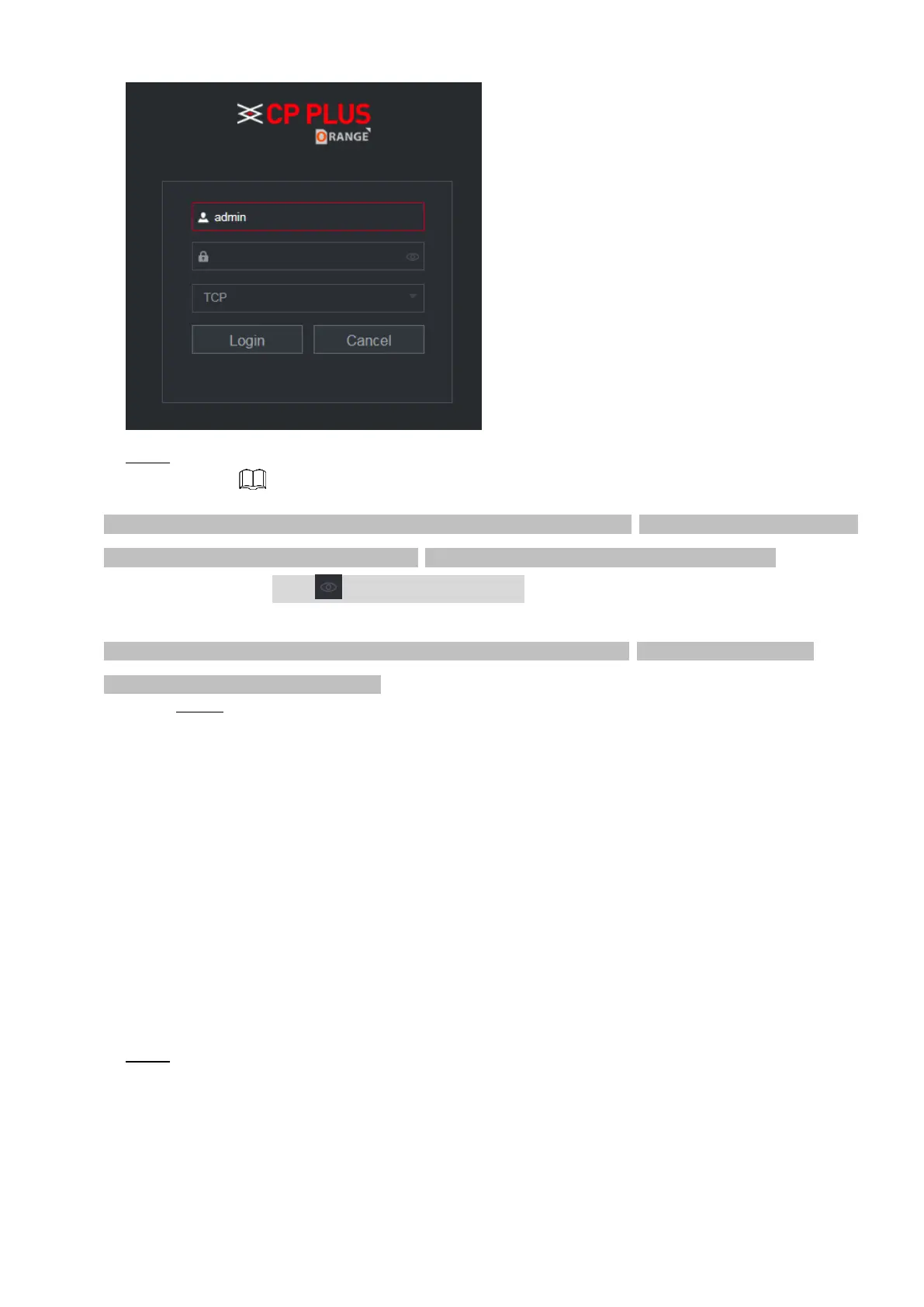
⚫ Step 2 Enter the user name and password.
⚫ The default administrator account is admin. The password is the one that was configured during initial settings.
To security your account, it is recommended to keep the password properly and change it regularly.
⚫ Click to display the password.
⚫ If you forget the password, click Forgot Password to reset the password. For details about resetting the
password, refer to "5.3 Reset Password".
Step 3 Click Login.
2.3 Reset Password
⚫ You can reset the password by the following methods when you forget the password for admin account.
⚫ If the password reset function is enabled, you can use mobile phone to scan the QR code on the local
interface or web interface to reset the password.
⚫ If the password reset function is disabled, the system prompts indicating password resetting function is
disabled. To reset the password, try either of the following ways:
⚫ Login the web with other user account to enable the password reset function.
⚫ Go to local interface to reset the password. For details, refer to "1.1.3 Reset Password".
⚫ Step 1 Login the Web of the Device.
⚫ The Login in dialog box is displayed. See Figure 2-2.
⚫ Figure 2-2



 To Next Page