1.3.2.2 USB Manager
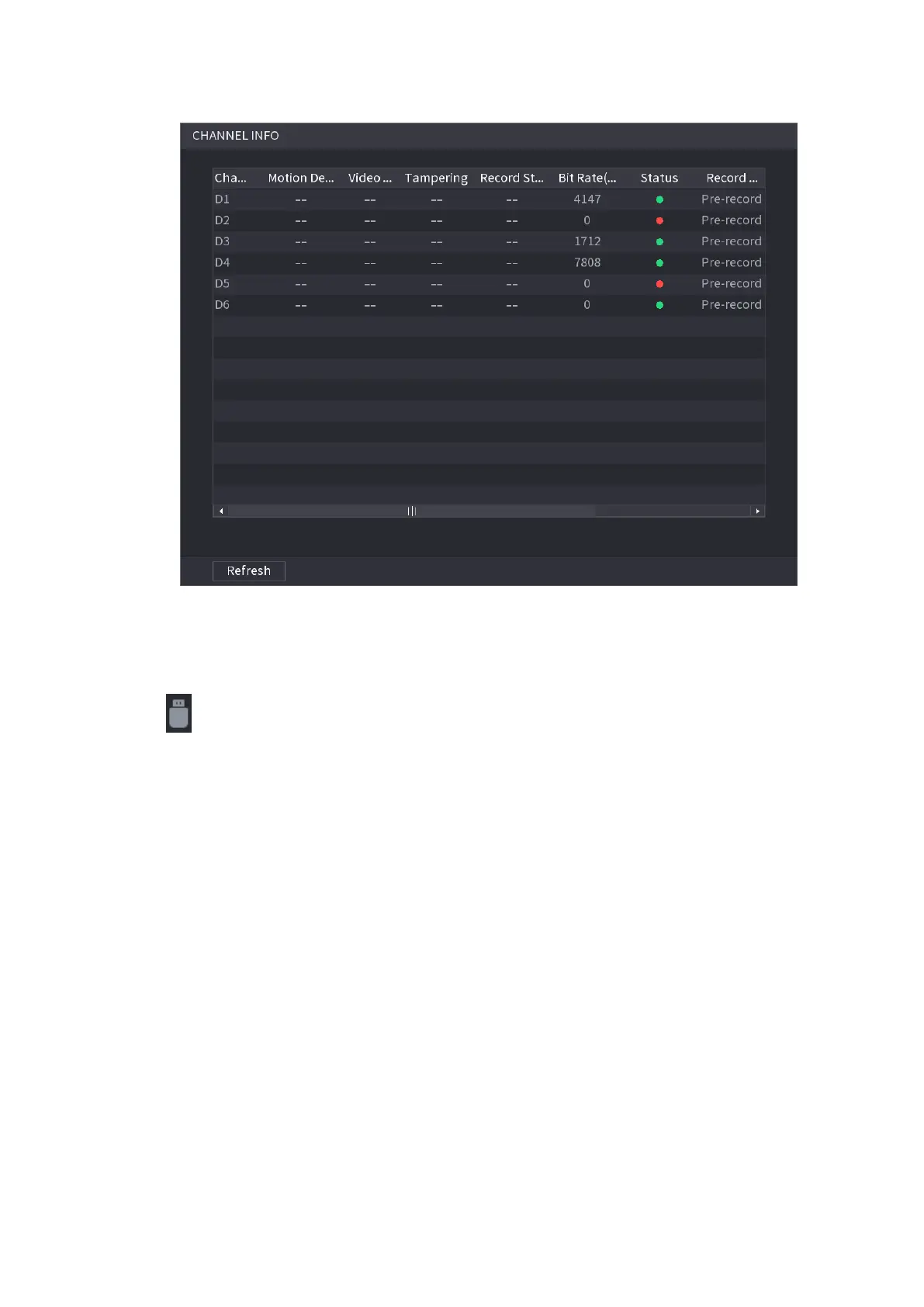
⚫ Figure 1-63
⚫ After connecting the USB device, you can copy log, config file to USB device or update NVR system.
⚫ Click , system goes to HDD Manager interface. You can view and manage HDD information. See
Figure 1-64.
⚫ Here you can view USB information, backup file, and update system. Refer to "1.11 File Backup",
"1.10.1 Log", "1.10.4.2 IMP/EXP", "1.10.4.4 System Update" for detailed information.



 To Next Page