Auto Changing H.265
⚫ For the remote device that first registered to the system, it can automatically adopts encode format
as H.265 if you enable H.265 Auto switch function.
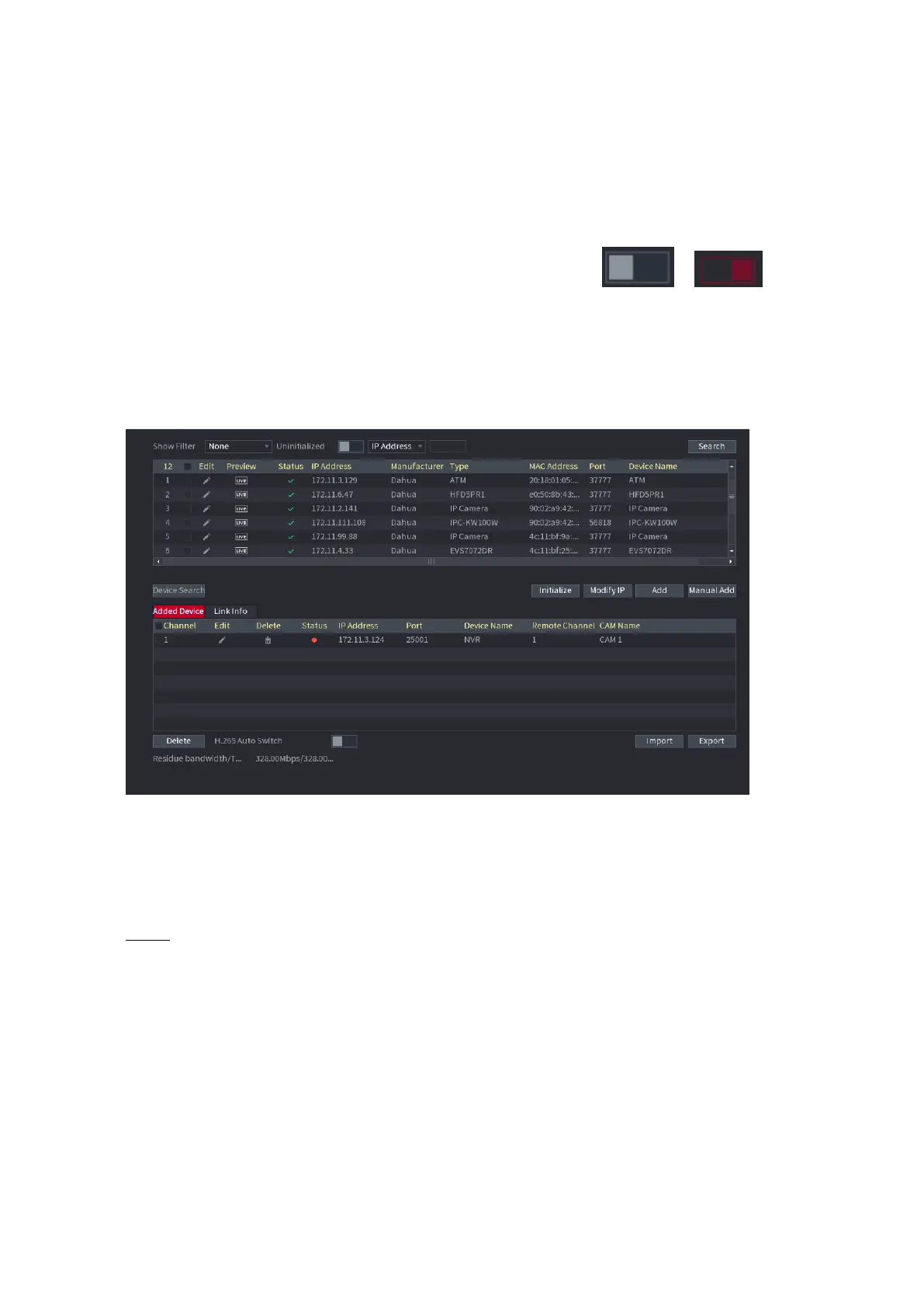
⚫ Click H.265 Auto Switch button at the bottom of the interface, it is from
to
.The
function is enabled. See Figure 1-45.
⚫ Figure 1-45
⚫
1.2.1.2 IP Export
⚫ Device can export the Added device list to your local USB device.
⚫ Step 1 Insert the USB device and then click the Export button.
⚫ The Browse interface is displayed. See Figure 1-46.



 To Next Page