⚫ Step 3 Select a camera to be initialized and then click Initialize.
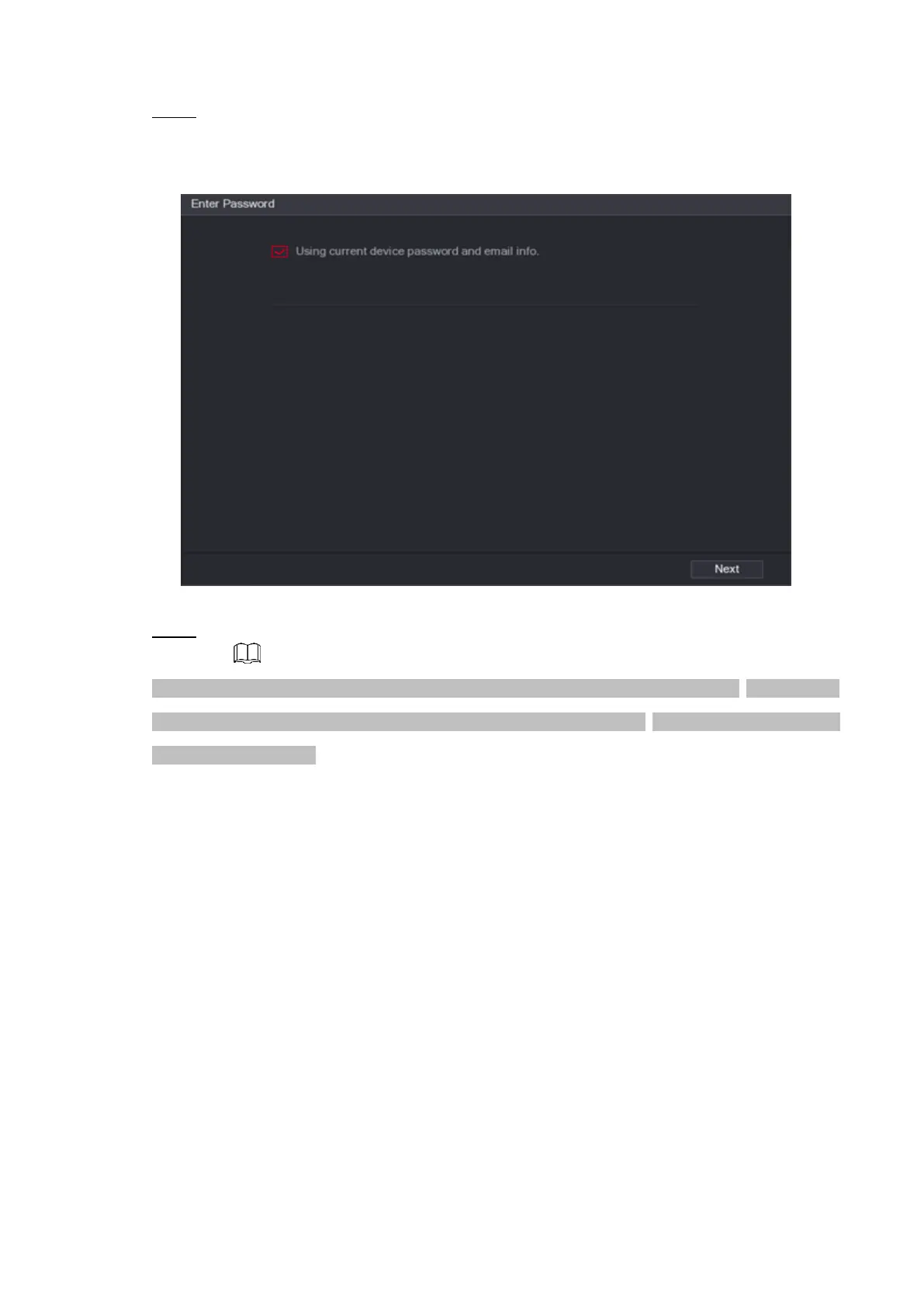
The Enter Password interface is displayed. See Figure 1-48.
⚫ Figure 1-48
⚫ Step 4 Set remote device password and email information.
⚫ If you want to use current device password and email information, the remote device automatically
uses NVR admin account information (login password and email). There is no need to set password
and email. Go to step 6.
1) Cancel Using current device password and email info,
The Enter Password interface is displayed. See Figure 1-49.



 To Next Page