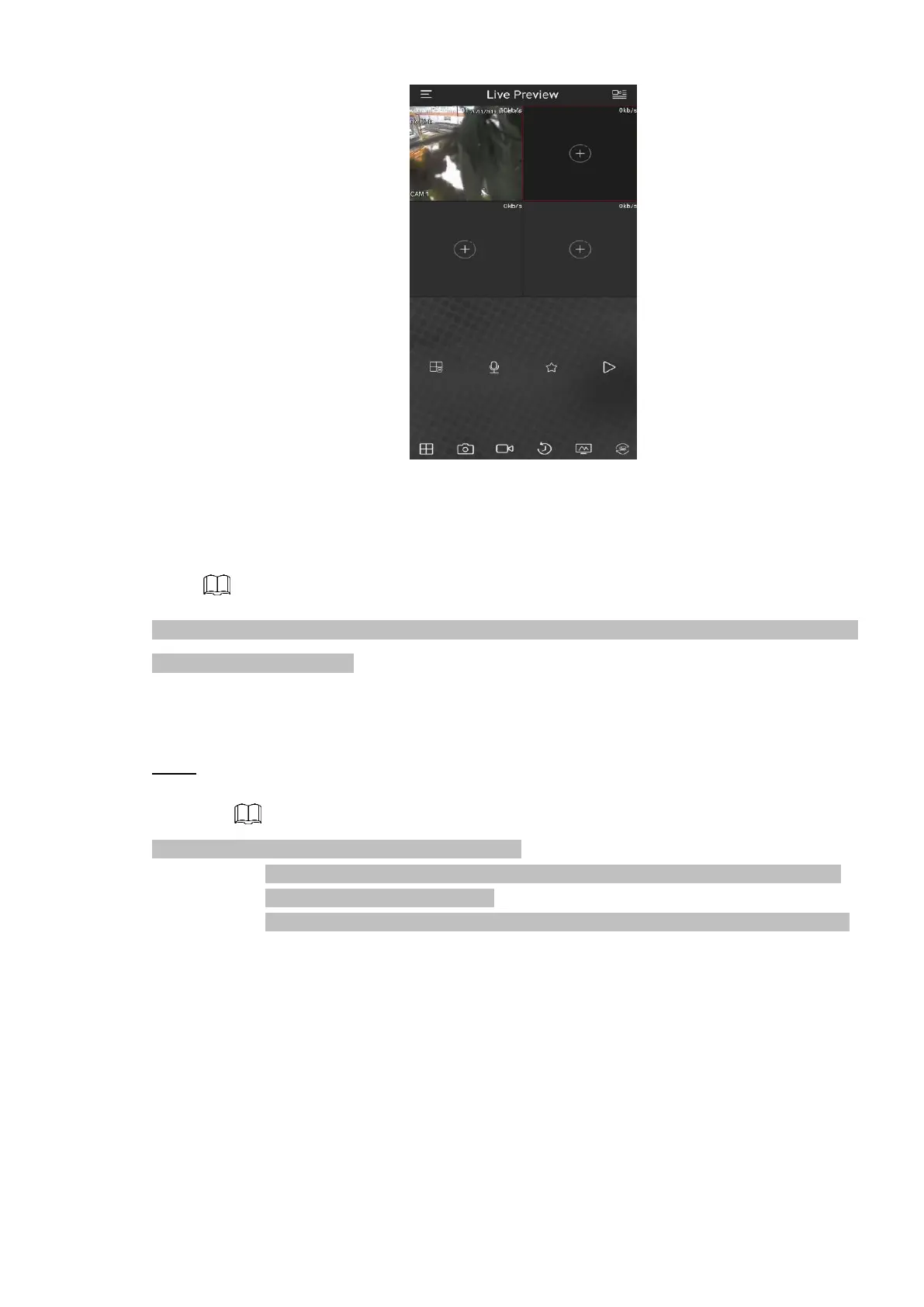
⚫ Figure 1-26
1.1.4.4 Registration
⚫ If you do not select Smart add function during the initialization process, go to the remote Device interface
to register a remote device.
⚫ After adding remote device, the device can receive, store, and manage the video streams of the remote
device. You can view, browse, play back and manage several remote devices at the same time.
⚫ Step 1 On the INSTAON CLOUD interface, click Next button.
The REGISTRATION interface is displayed. See Figure 1-27.
⚫ There are two ways to go to Registration interface.
⚫ Select Main Menu > CAMERA > ADD IP Cam > Add IP cam, you can go to the
Camera Registration interface.
⚫ On the preview interface, right click mouse and then select Camera Registration.
⚫ Figure 4-27



 To Next Page