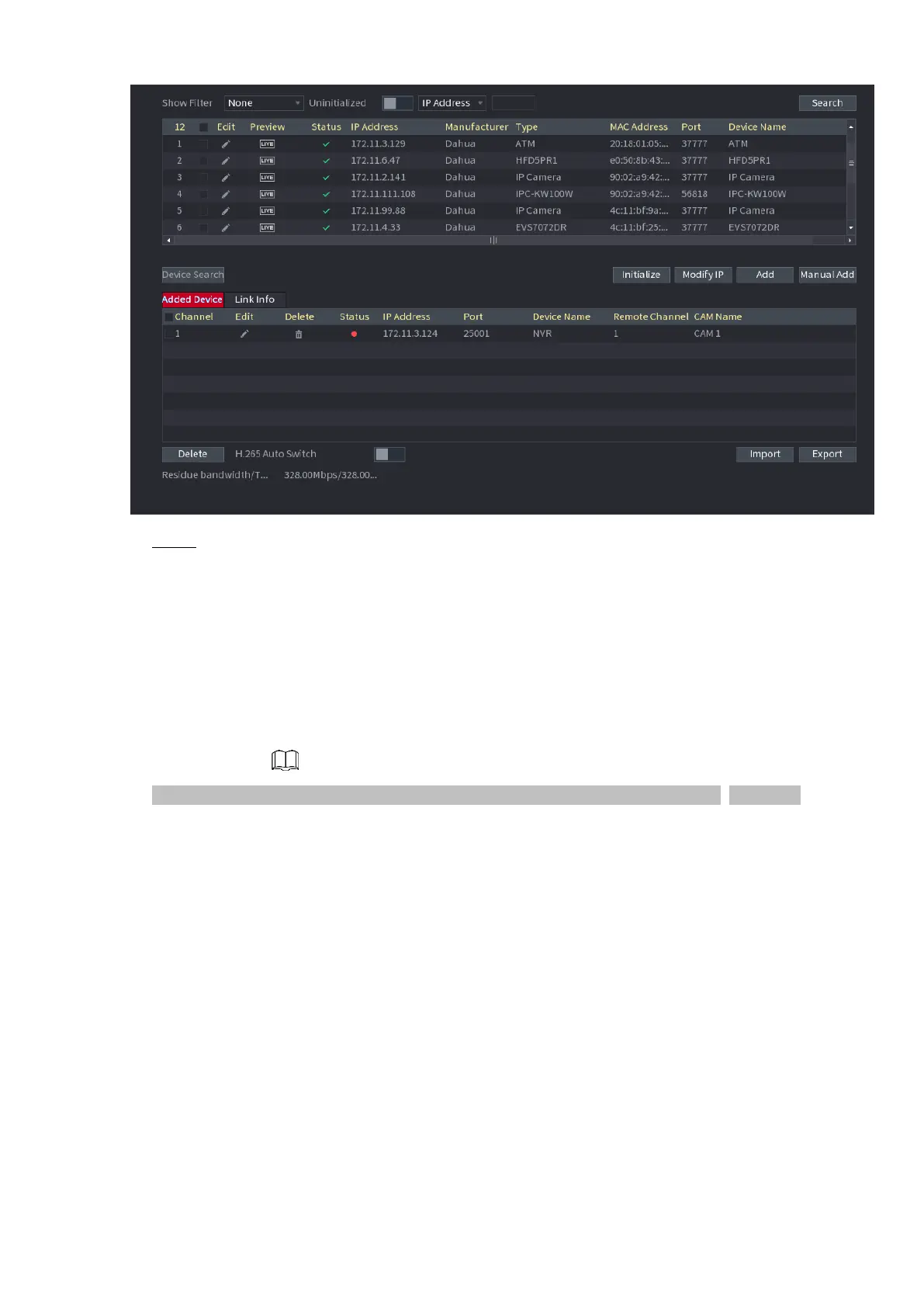
⚫ Step 2 Register remote device.
⚫ Search and then add
1) Click Device Search.
⚫ System displays searched devices at the upper pane.
2) Double-click a remote device or select a remote device and then click Add to register it to the Added
Device list. See Figure 1-28. Refer to
3) Table 1-7 to set parameters.
⚫ The search results do not display the remote camera that has registered to the system



 To Next Page