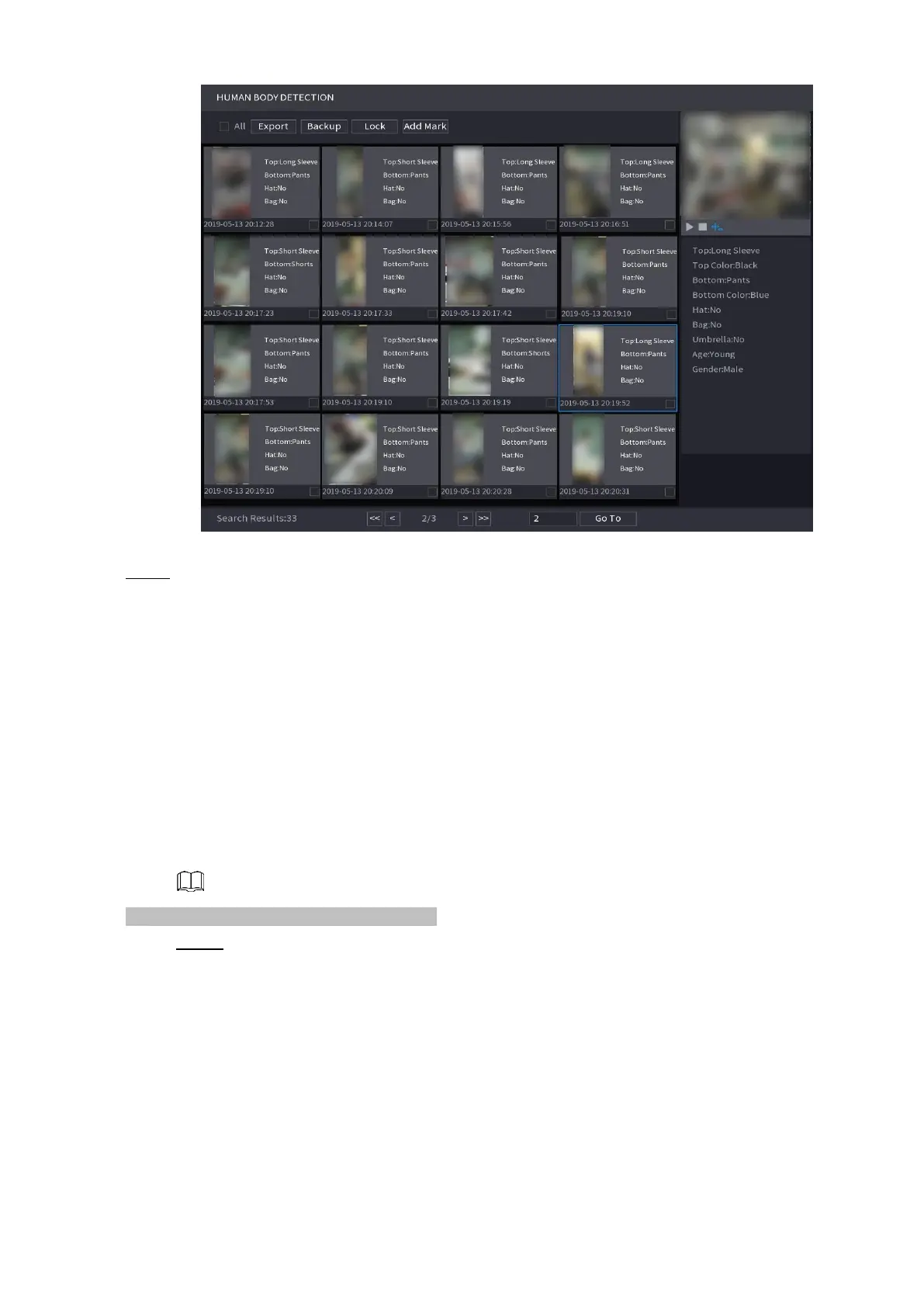
⚫ Step 4 Select one or multiple results, and then you can
⚫ To back up the recorded files to the external storage device, select files, click
⚫ Backup select the save path and file type, and then click Start.
⚫ To lock the files to make it unable to be overwritten, select the files, and then click Lock.
⚫ To add a mark to the file, select the files and then click Add Mark.
⚫ Go to the Face Properties and Person Details to view detailed information.
1.7.1.5 Vehicle Detection
⚫ You can search according to the vehicle parameters and search the alarm record during the specified
period.
⚫ This function is for some series products only.
Step 1 Select Main Menu > AI > SMART SEARCH > VEHICLE DETECTION.
The VEHICLE DETECTION interface is displayed. See Figure 1-114.



 To Next Page