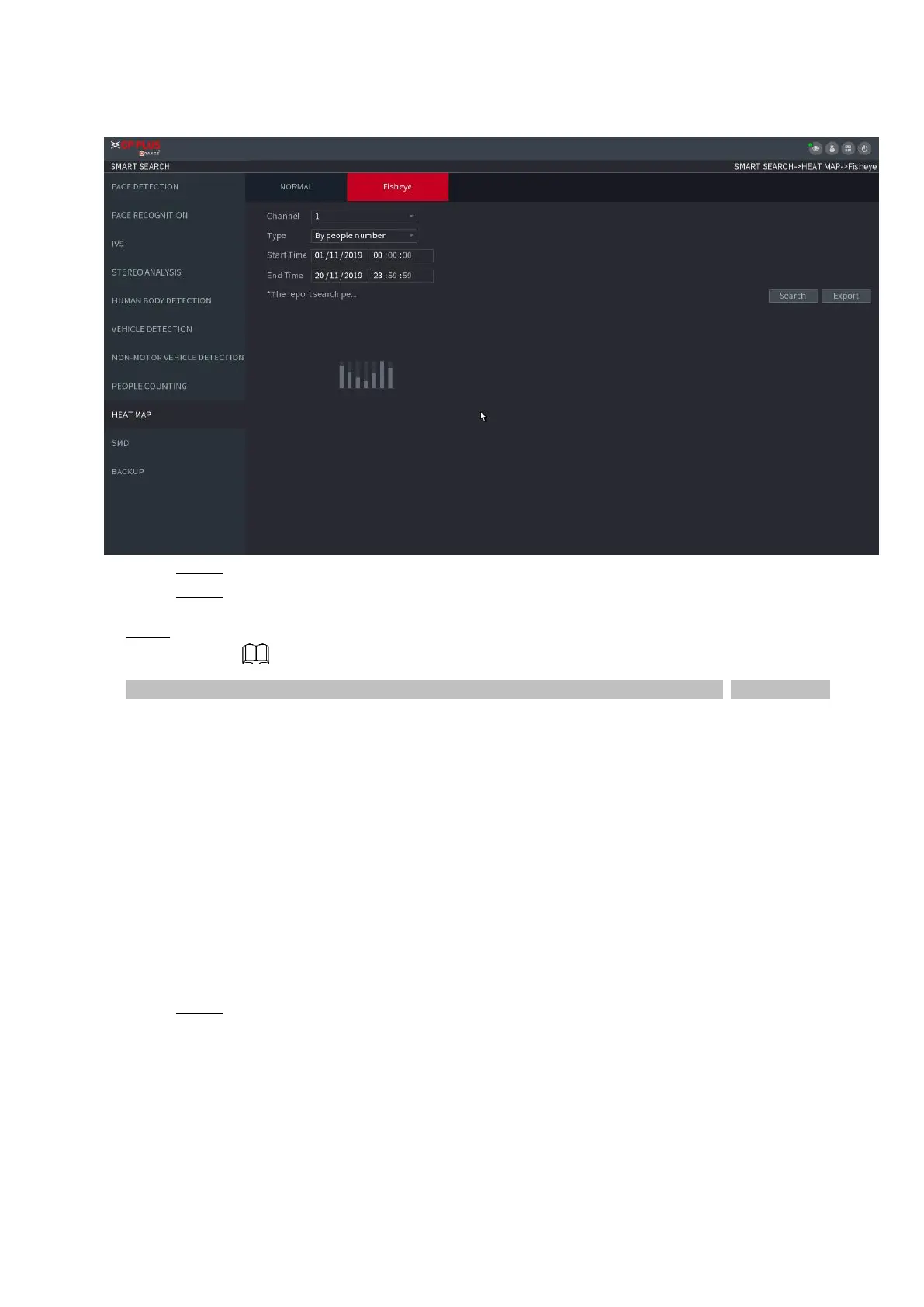
⚫ Figure 1-119
Step 2 Set Channel, Type, Start Time, End time.
Step 3 Click Search.
⚫ Step 4 System displays heat map report.
⚫ Click Export and then select saved path, click Save to save the heat map report to the USB device.
1.7.2 Parameters
1.7.2.1 Smart Plan
⚫ The smart plan is for the smart network camera. It includes IVS, human face detection, human face
recognition, human body detection, people counting, heat map. If you do not set a rule here, you cannot use
these AI intelligent functions when you are connecting to a smart network camera.
⚫ This series NVR products support AI by camera only. Make sure the connected network camera supports
intelligent functions. For NVR, it just displays the intelligent alarm information from the smart network camera
and set or playback the record file.
Step 1 Select Main menu > AI > PARAMETERS > SMART PLAN.
The SMART PLAN interface is displayed. See Figure 1-120.



 To Next Page