117
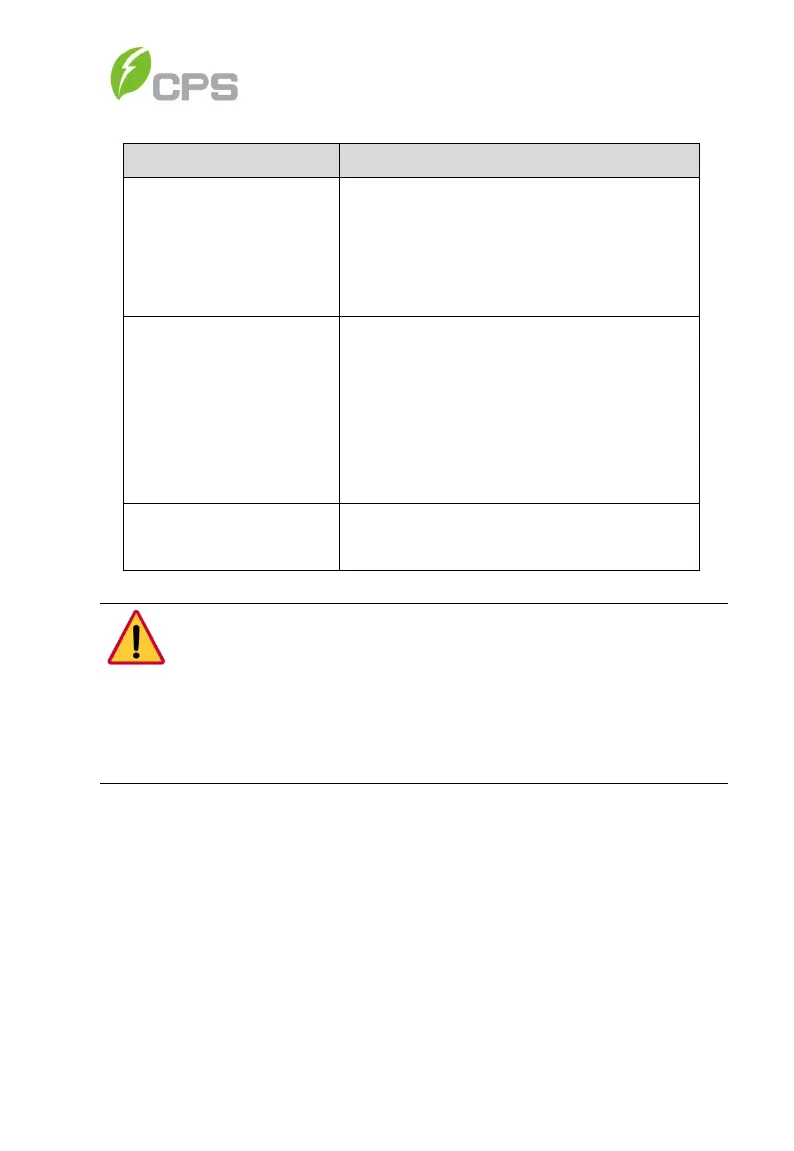
Table 7-1 Troubleshooting of LED Lights
LED fault status Solutions
Neither the “Power”
LED nor the LCD
screen lights up.
1. Turn off the external AC breaker
2. Switch the DC switch to “OFF”
position
3. Check the PV input voltage and
polarity
The “GRID” LED is
blinking.
1. Turn off the external AC breaker
2. Switch the DC switch to “OFF”
position
3. Check whether the grid voltage is
normal and whether the cable
connection of AC side is correct and
secure
off or “FAULT” LED
Refer to Table 7-2 through
Table 7-4 for troubleshooting
DANGER:
D
isconnect the inverter from AC grid and PV modules before opening
the equipment. Make sure hazardous high voltage and energy inside
the equipment has been discharged.
Do not operate or maintain the inverter until at least 5 minutes after
disconnecting all sources of DC and AC.
7.2 LCD Fault and Troubleshooting
The inverter will shut down automatically if the PV power generation system
fails, such as output short circuit, grid overvoltage/undervoltage, grid
overfrequency/underfrequency, high environmental temperature or internal
malfunction of the machine. The fault information will be displayed on the
LCD screen. Please refer to 6.4 History Record for detailed operation.
The causes of a fault can be identified based on the faults listed in Table 7-2
through Table 7-7. There are 4 types of fault: alarm, protection, warning and
hardware fault. Proper analysis is recommended before contacting post-
sales service to ensure your quickest time to resolution.



 To Next Page