116
Firmware Update
DSP firmware
LCD firmware
Upgrading device firmware, please
Wait !
UPGRADE FIRMWARE
Please Confirm
LVRT/HVRT Setup
Setting
P1/2
System Parameters
Protection Parameters
Power Derating Setup
Reactive Power Derating Setup
ARC Parameters
Control Command
History Record
Main Menu
Measurement Data
Power On/Off
Device Information
Setting
Setting
P2/2
Other Parameters
Firmware Update
File Export
UPGRADE FIRMWARE OK, PLEASE
WAIT!
UPGRADE FIRMWARE FAILURE,PLEASE
WAIT!
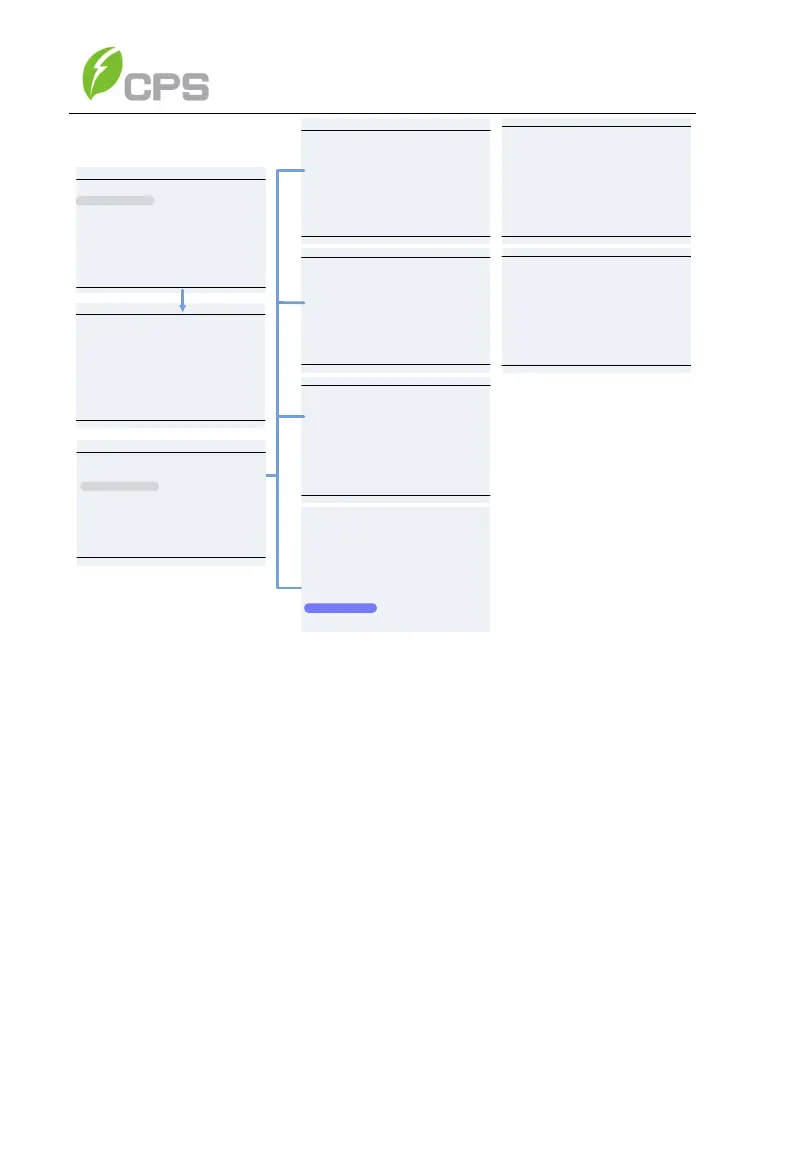
Figure 6-22 Firmware Upgrade Interface
7 Fault Shutdown and Troubleshooting
If a fault occurs within the system, the inverter will recognize and report via the
LED or LCD panel. If this occurs, reference the following section prior to
contacting post-sales service. This will ensure the quickest time to resolution
possible.
7.1 LED Fault and Troubleshooting
Please refer to the definition of LED lights in Table 4-1 and troubleshoot
according to Table 7-1:



 To Next Page