104
6.2.7 Arc Parameters
ARC Parameters is used to enable/disable the ARC function and set the
ARC parameters. These settings are only to be changed by CPS
personnel with approval from the AHJ.
LVRT/HVRT Setup
Setting
P1/2
System Parameters
Protection Parameters
Power Derating Setup
Reactive Power Derating Setup
ARC Parameters
Control Command
ARC Bandwith Setting
ARCEnable
P1/1
Disable
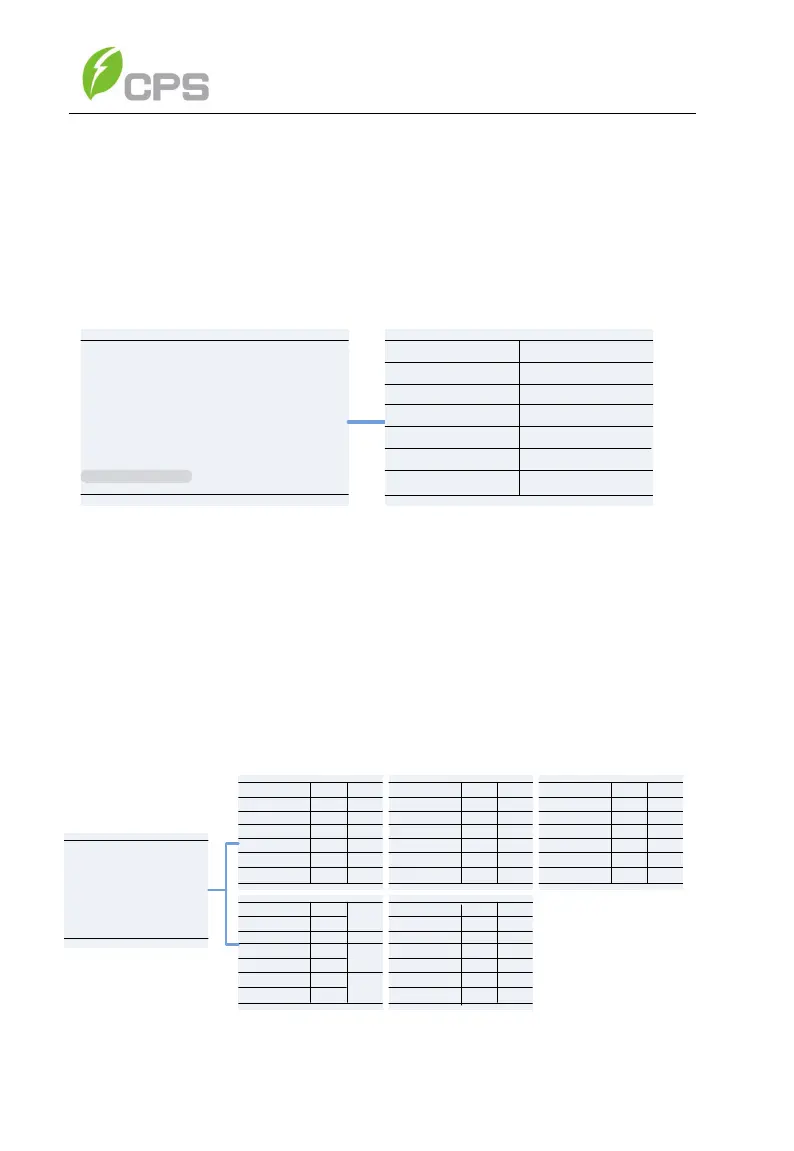
Figure 6-17 Arc Parameters Setting
6.2.8 Other Parameters
Other Parameters is used to set additional parameters including MPPT
scan period, nominal derating step and GFCI, DCI parameters. Press
ENT and use UP/DOWN keys to set parameters and enable/disable the
functions. Press ENT to confirm the setting. The parameters shown in
Figure 6-18 and Table 6-10.
Others
PVSlowStartS
PowerOnDelay
(s)
P1/
5
ErrSoftStartP
Others
P2/5
83.0
95.0
NormSoftStopP
NormalDeratingStep
FaultPowerT(C)
FaultEnvT(C)
6.00%
0.16%
10.00%
5
4.00%
6.00%
Disable
Others
GFCIStaticValue(mA)
P3/5
2.50%
100.0%
0.2
650
GFCIStaticT(s)
10.00
950
1.00
Others
P4/5
140K
3600
330
GFCIDynProFactor
DCIProtectionT1(s)
DCIProtection1
DCIProtection2(mA)
PVStarupVolt(V)
MPPTScanPeriod(s)
ISOProtection(ohm)
Enable
Disable
Enable
Enable
NormSoftStartP
DCIProtectionT2(s)
Enable
Enable
Enable
4
30%
-30.0
StartUPMinTemp(C)
DuplicationGroup
CtrParaGroup
Others
P5/5
Enable
Enable
Island Protect
Fan Detect
Setting
P2/2
Others Parameters
Pid box
Disable
OperationOverVol 120.00%
Enable
VirtualDamping 0
Figure 6-18 Other Parameters Setting



 To Next Page