2-11 Installation
2.5 RF Connections
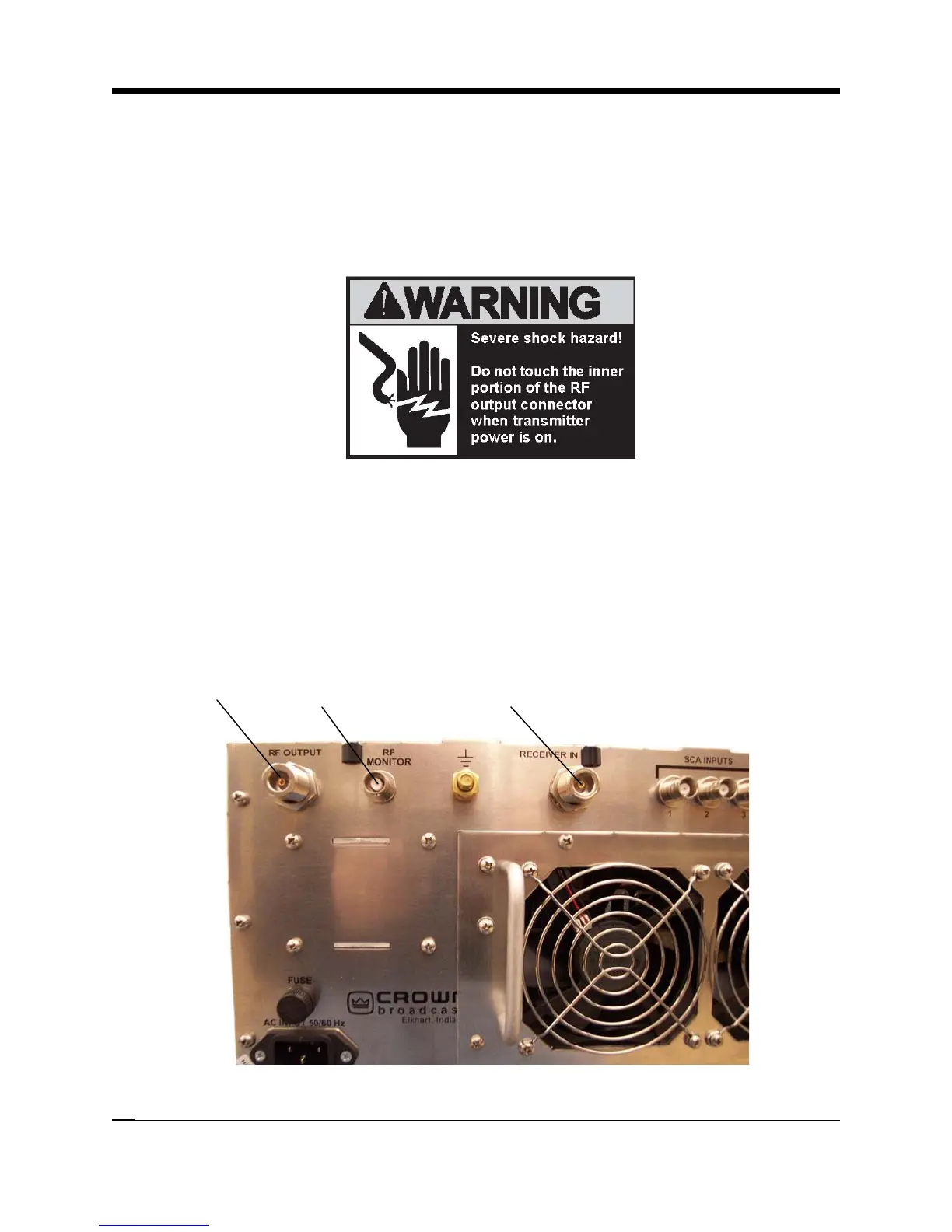
Connect the RF load, an antenna or the input of an external power amplifier, to the type-N, RF
output connector on the rear panel. VSWR should be 1.5:1 or better.
The RF monitor is intended primarily for a modulation monitor connection. Information gained
through this connection can supplement that which is available on the transmitter front panel
displays.
If your transmitter is equipped with the receiver option, connect the incoming RF to the Re-
ceiver IN connector.
RF Output
Connector
RF Monitor
Connector
Receiver In
(Receiver Option Only)
Illustration 2–13 RF Connections



 To Next Page