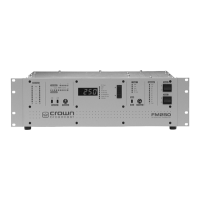
3.4 Input Gain Switches
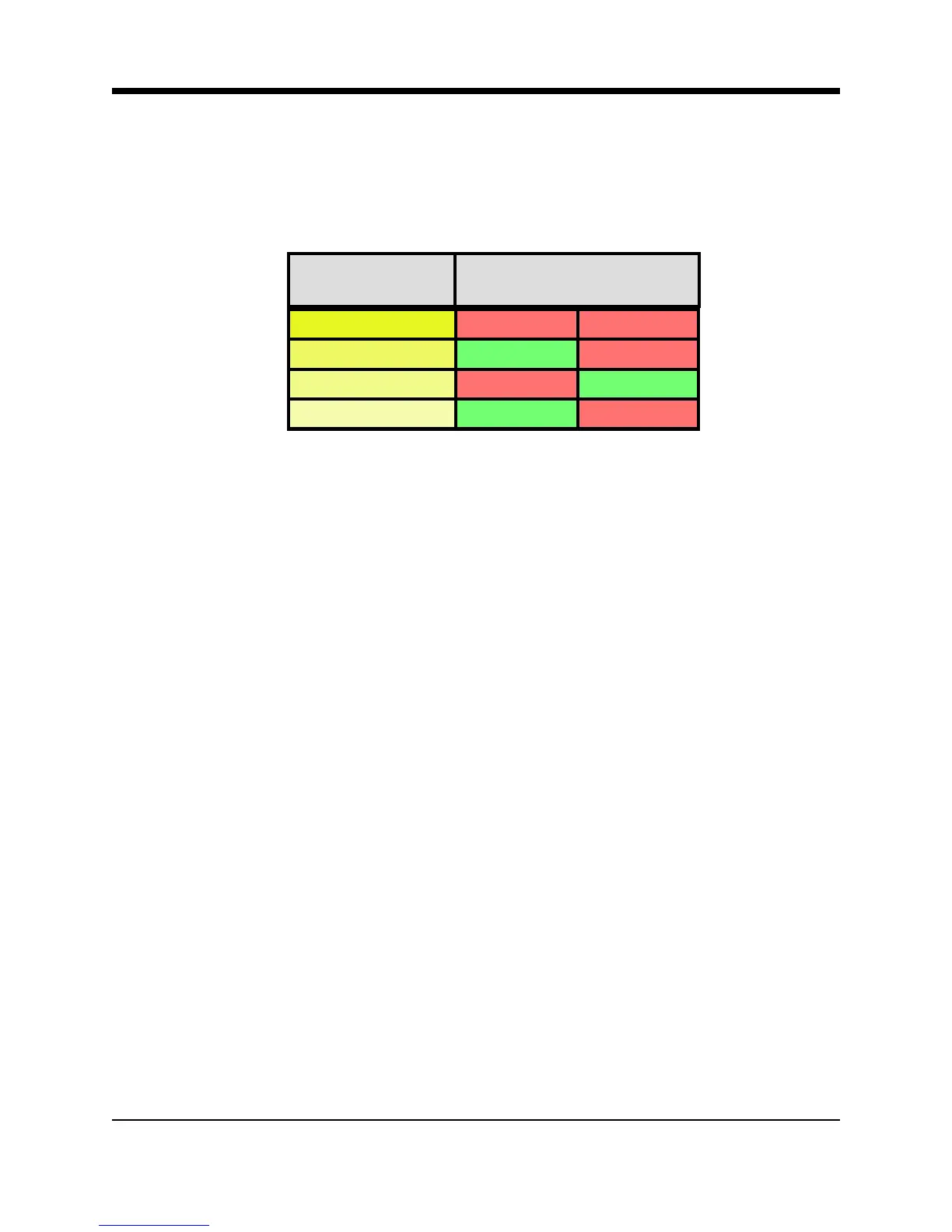
The “+6 dB” and “+12 dB” slide switches set audio input sensitivity according to the following
table.
Illustration 3–4 Input Gain Switches
Find, experimentally, the combination of Input Gain switch settings that will bring the Wideband
gain-reduction indicator to mid scale for “normal” level program material. The audio processor
will accommodate a fairly wide range of input levels with no degradation of audio quality.
3.5 Processing Control
Two factors contribute to the setting of the Processing control: program material and personal
taste. For most program material, a setting in the range of 40 to 70 provides good program
density. For the classical music purist, who might prefer preservation of music dynamics over
density, 10 to 40 is a good range. The audio will be heavily processed in the 70 to 100 range.
If the program source is already well processed, as might be the case with a satellite feed, set
the Processing to “0” or “10”.
3.6 Stereo-Mono Switch
The Stereo-Mono slide switch selects the transmission mode. In Mono, feed audio only to the
left channel. Although right-channel audio will not be heard as audio modulation, it will affect
the audio processing.
+10dBm Down Down
+4dBm Up Down
-2dBm Down Up
-8dBm Up Up
Normal Input
Sensitivity
Switches
+6dB +12dB
3-6 FM600 User’s Manual



 To Next Page