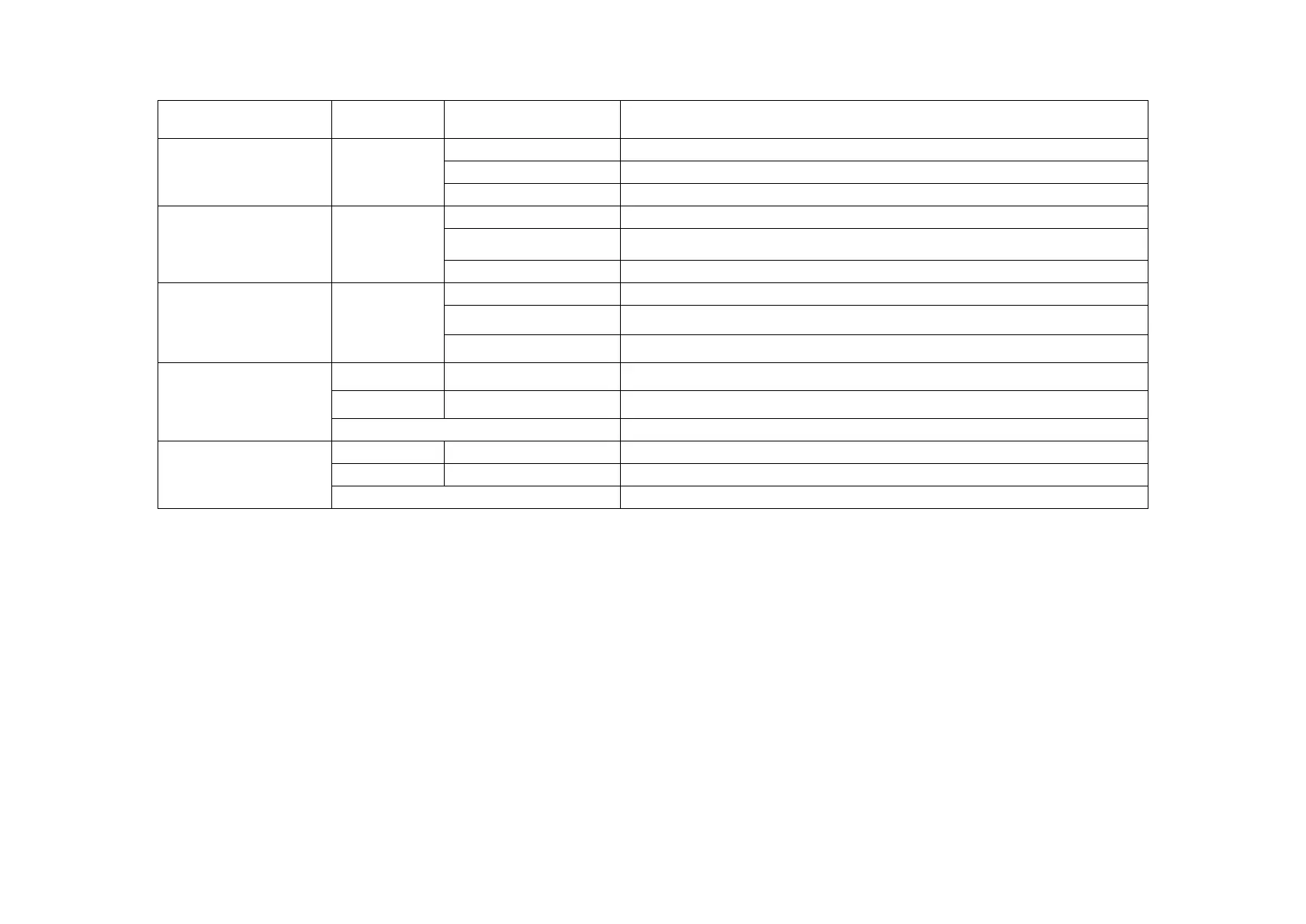
Light if power is connected and active.
1. S/W Upgrading or 2. Waiting for IP from DHCP server
Light when the fiber port has an optical link but no link activity.
Flash when there is data traffic.
There is no optical link.
Light when the LAN port has a link but no link activity.
Flash when there is Ethernet traffic.
There is no LAN port link.
Lit when the LAN speed is 1G.
Lit when the LAN speed is 100M.
If not lit, the LAN speed of 10M is indicated.
Lit when the fiber speed is 1G.
Lit when the fiber speed is 100M.
There is no optical link.
1.7 Factory Reset Procedure
Apply power to 2000MS. Allow 20 seconds to fully boot.
Using a pencil or ball-point pen, press the 'DEFAULT' recessed push-button switch (located on the face plate) and hold for 6 seconds or until
the LEDs flash very rapidly. The unit will be restored to factory default almost immediately. The defaults are:
IP=10.1.1.1
Netmask=255.255.255.0
GW=10.1.1.254
'admin' password reset to none



 To Next Page