53
3.2.22 Maintenance
Nine menu items under this item provide restart, factory default, software upgrade, and configuration management.
3.2.22.1 Restart Device
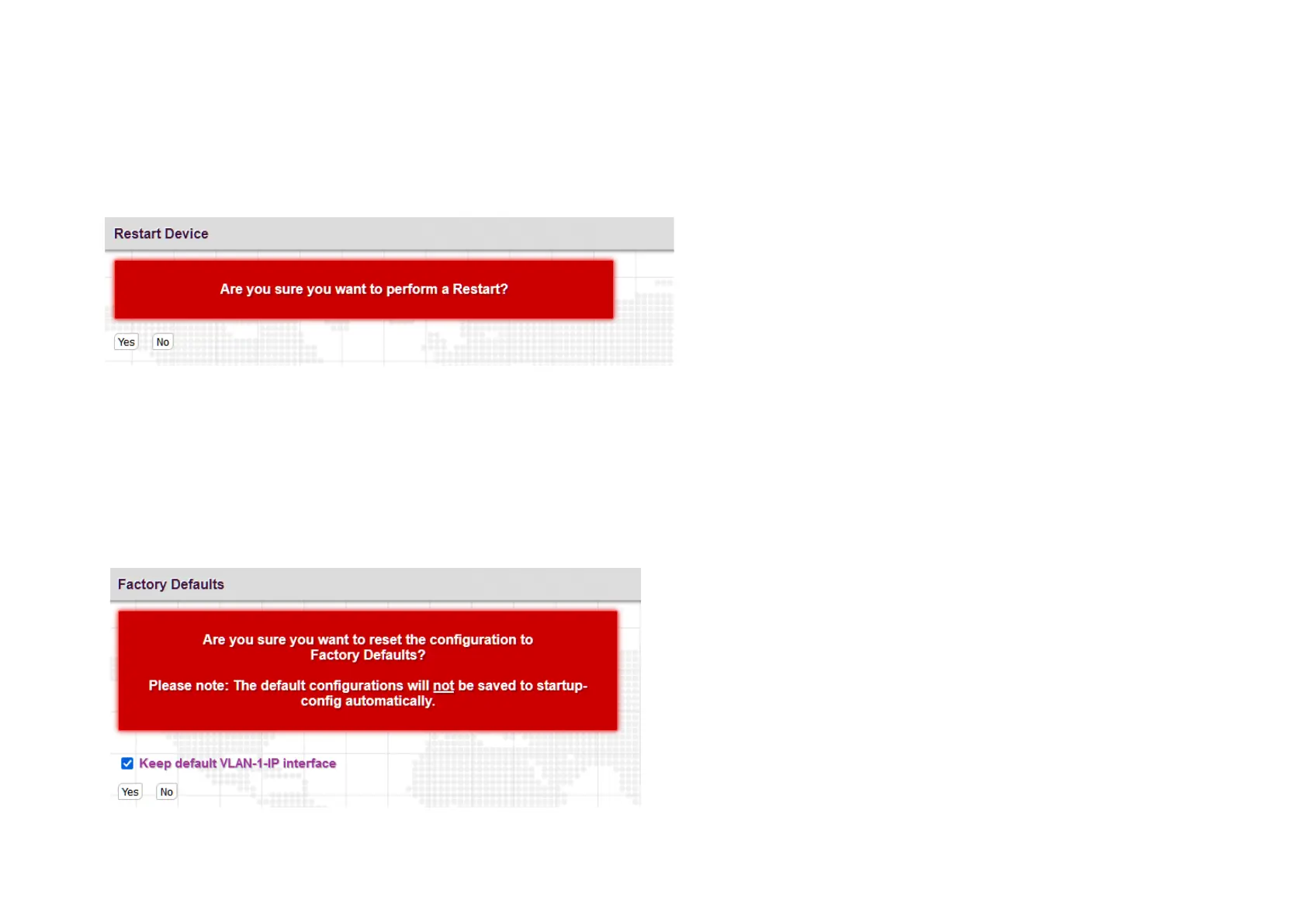
Use this option to perform a cold reboot. Confirmation is required. The device will block traffic for about 15 seconds until fully booted.
Configuration is loaded from the saved startup-config.
3.2.22.2 Factory Default
Use this option to return the device to factory defaults, either completely or to just keep the current IP address setting. Confirmation is required.
Note: This action will only default the running-config, not the startup-config. So remember to save to startup-config. This must be done manually.



 To Next Page