46
3.2.12 Remote Device
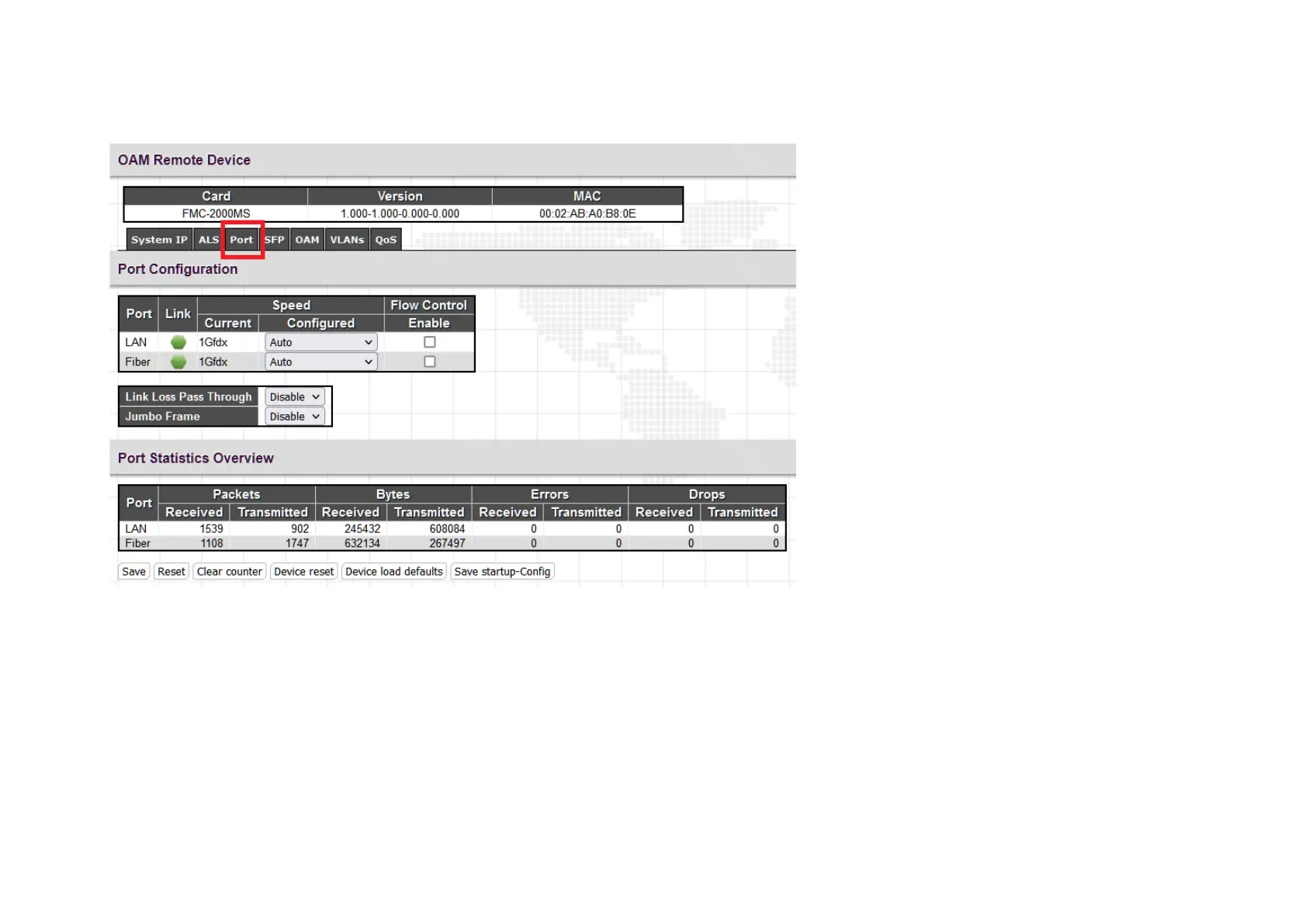
This web page allows entering configuration of the remote OAM connected converter. If the fiber connected remote converter is not seen,
make sure that OAM is enabled on both converters and make sure the local converter is in 'active' mode. The factory default has the converters
in 'passive' mode. OAM cannot link unless at least one device is in 'active' mode. From the menu items in the vertical bar, all settings for the
remote can be done. This example is showing the settings under the "Port" menu.



 To Next Page