36
3.2 Web Provisioning
3.2.1 Introduction
To make Networking devices easier to configure, many devices can now be configured via a Web GUI, which should be familiar to all Internet
users.
The web page is accessed by the Default IP Address of the device from a Web Browser such as Chrome, Internet Explorer or Firefox in the
following way:
http://10.1.1.1/ (Assuming the Default IP Address is 10.1.1.1)
Before accessing this device by web browser, the IP address must be known or it must be reset or changed to be used on the desired
network. The IP address can be changed through the console port interface and serial terminal. See Chapter 3, section 3.1 Please refer to
Chapter 1, section 1.7 for the factory reset procedure via default push-button. If the IP address has not been set for your network, either previously
or via serial console, you must set your PC to the default IP subnet and access this device that way. Then you can change the IP address
through the web interface.
3.2.2 Web Login Page
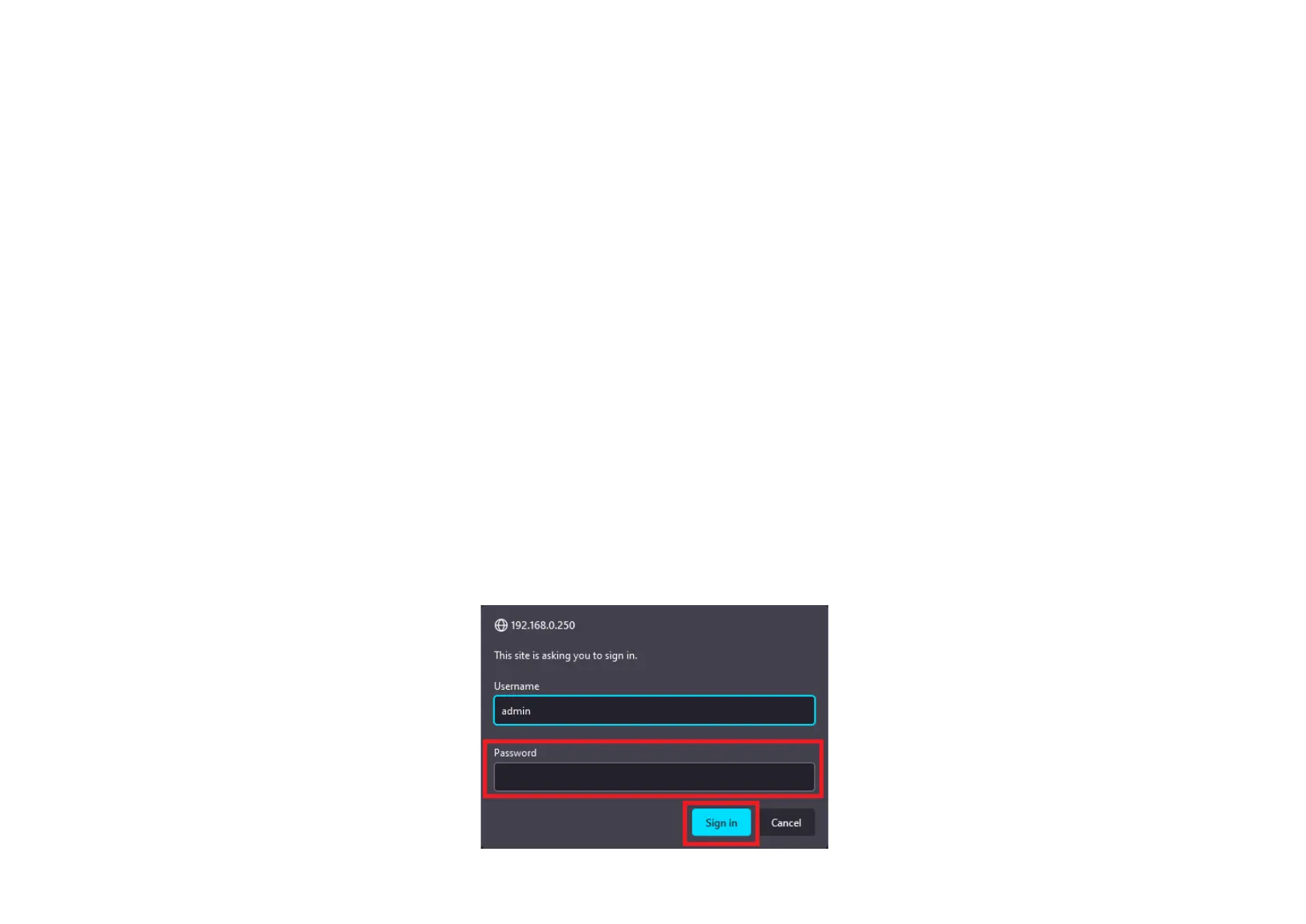
Access the device via a web browser. Default username is ‘admin’ with no password.
Enter the password, if required and click “Sign in”.



 To Next Page