17
Chapter 3 Provisioning
3.1 Console Provisioning
3.1.1 Introduction
All FMC-2000MS converters have a USB Type-C™ connector which may be connected to a host computer. If your host computer has a USB
Type-C™ port, use a USB Type-C™ to USB Type-C™ cable to connect the FMC-2000MS to the host. If the host has a regular USB Type-A™
connector (USB® v1.0, v2.0, v3.0), then use a standard USB Type-A™ to USB Type-C™ adapter cable to connect the FMC-2000MS to the host
computer.
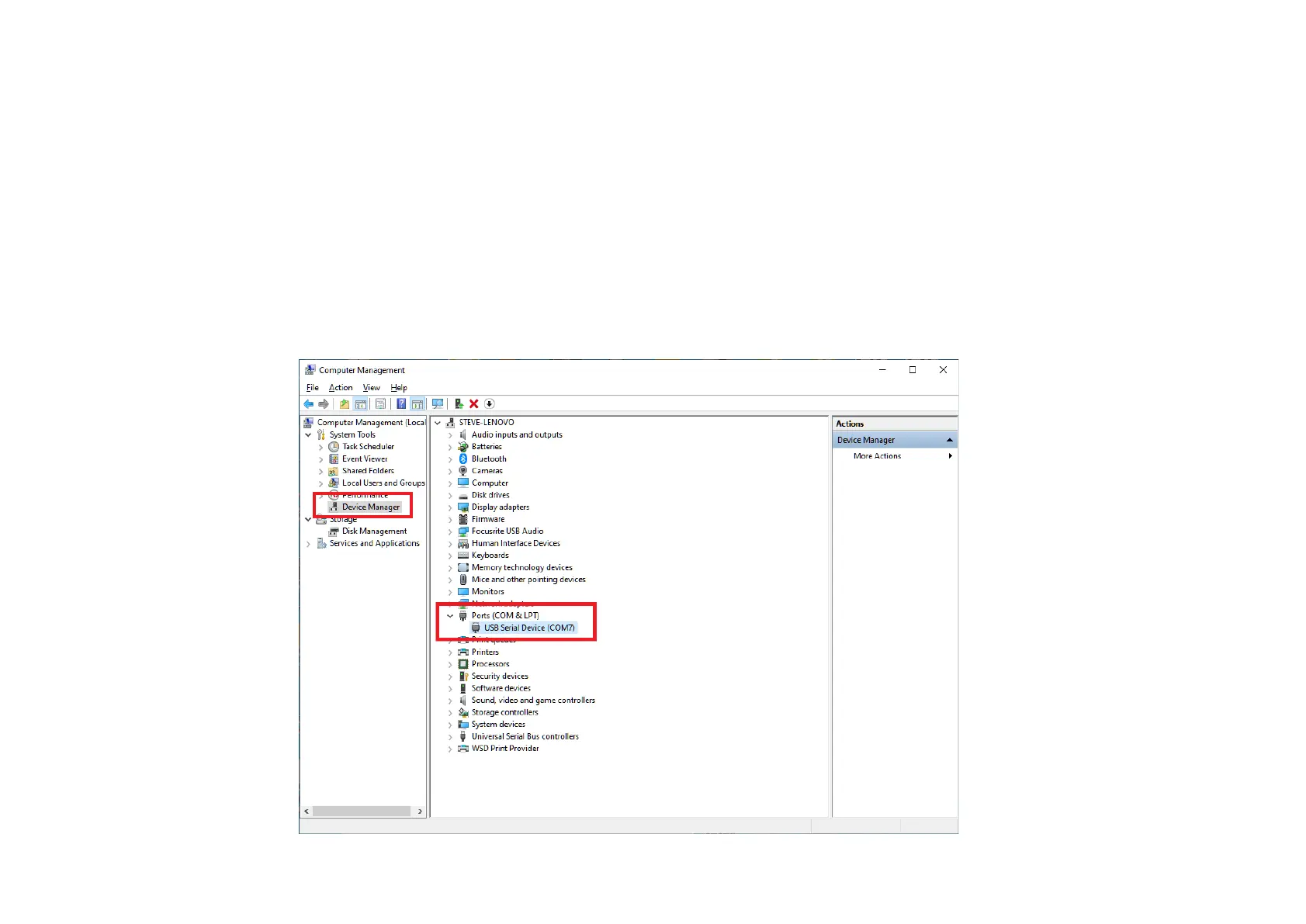
When connecting to a host computer, a COM port will be added automatically. No extra drivers are required.
Device Manager Display



 To Next Page