103D-Link DIR-895L User Manual
Section 4 - Conguration - Extender Mode
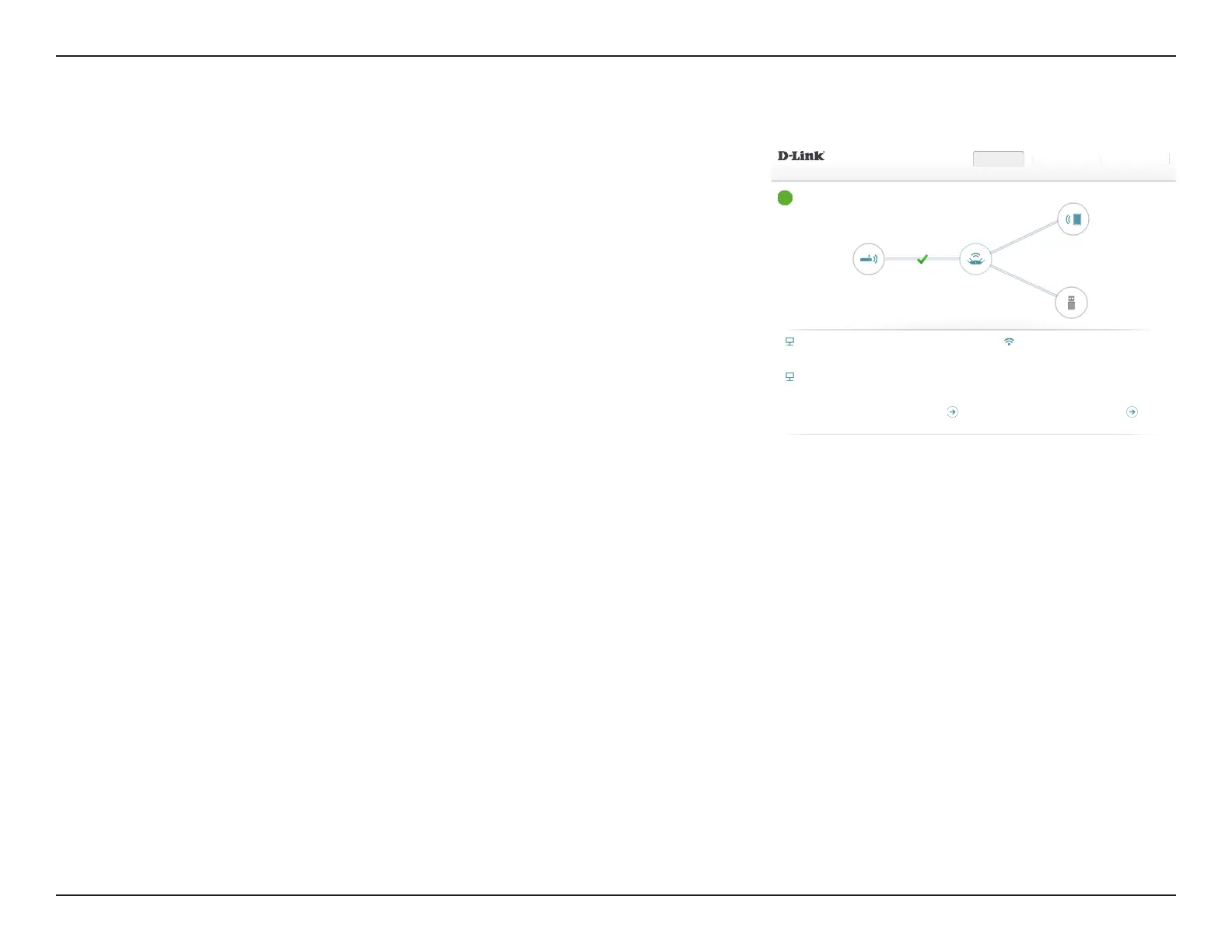
To see additional connection details, click on the DIR-895L icon. Your Network and Wireless
Network settings are displayed at the bottom of the page.
Your DIR-895L's MAC address, IPv4 address, and subnet mask are displayed. To recongure
the network settings, click Go to settings and refer to Network on page 110.
The image to the right shows an example wireless network conguration with Smart
Connect enabled. The wireless network status, names (SSIDs), and passwords are shown. To
recongure the wireless settings click Go to settings and refer to Wireless on page 107.
DIR-895L
Existing Network
DIR-895L
DIR-895L HW:A1 FW:1.12
DIR-895L
Connected Clients: 1
USB Device
Internet Connected
Click on any item in the diagram for more information.
Settings ManagementHome
COPYRIGHT © 2016 D-Link
Wi-Fi
Status: Enabled
Wi-Fi Name (SSID): dlink-DIR-895L
Password: A_Str0nG_P@ssW0rd!%!
IPv4 Network
MAC Address: FF:FF:FF:FF:FF:FF
Router IP Address: 192.168.0.1
Subnet Mask: 255.255.255.0
IPv6 Network
Link-Local Address: FF00::FF00:FF00:FF00:FF00
Router IPv6 Address: 2001:B021:23:10::1/64
DHCP-PD: Disabled
Go to settings
Go to settings


 To Next Page