163D-Link DIR-895L User Manual
Section 5 - Applications
Mac Conguration
Install the SharePort Plus Utility on each Mac:
Visit dlink.com to download and install the latest version of the D-Link SharePort Plus Installation Utility. Upon successful installation, the SharePort
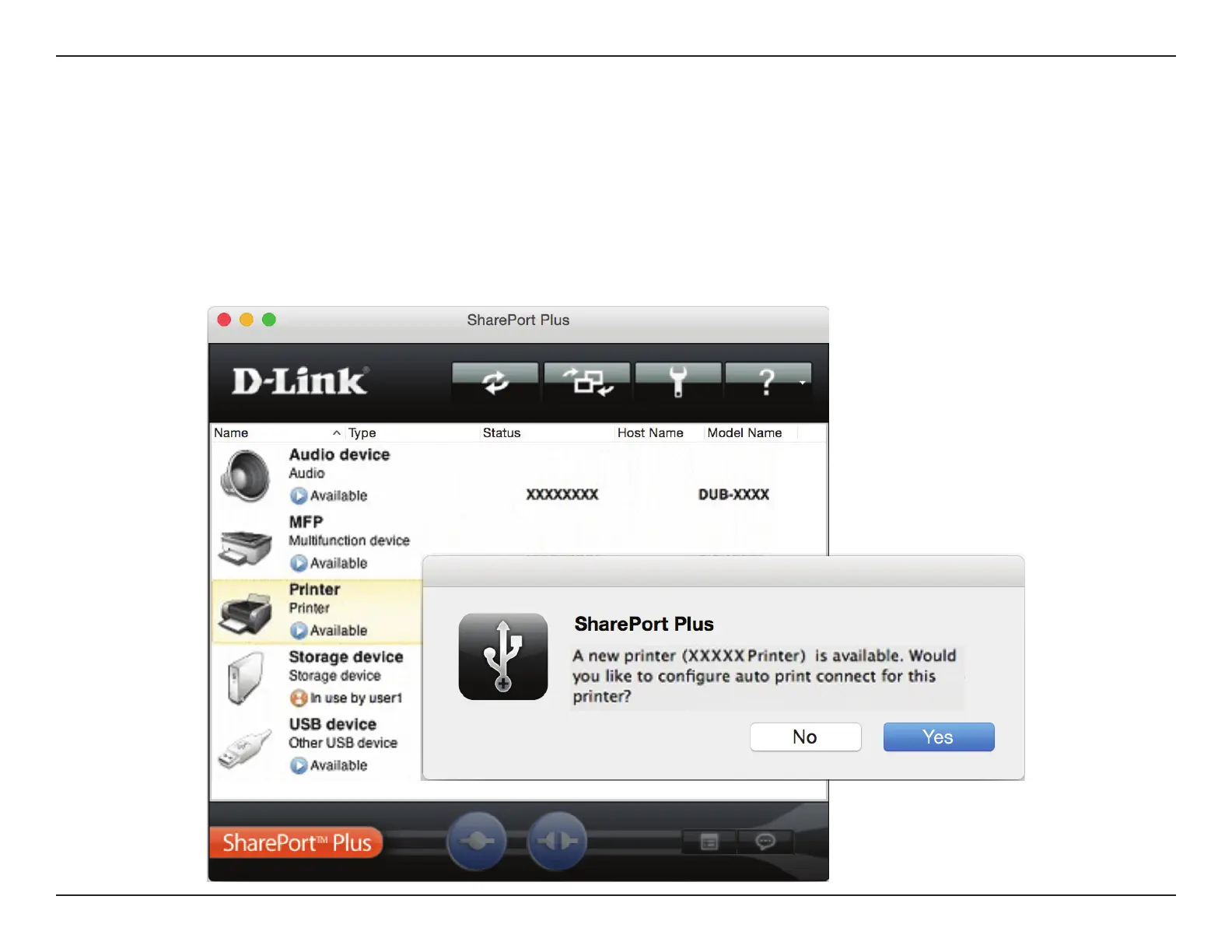
Plus Utility will launch. Your Mac will automatically try to connect to your D-Link SharePort Enabled DIR-895L and once successful a list of connected
USB devices will be displayed. If your printer is among the listed devices, a dialog box will automatically appear, asking, “Would you like to congure
auto print connect for this printer?”
To quickly set up your printer, click Yes.


 To Next Page