136D-Link DIR-895L User Manual
Section 5 - Applications
Folders
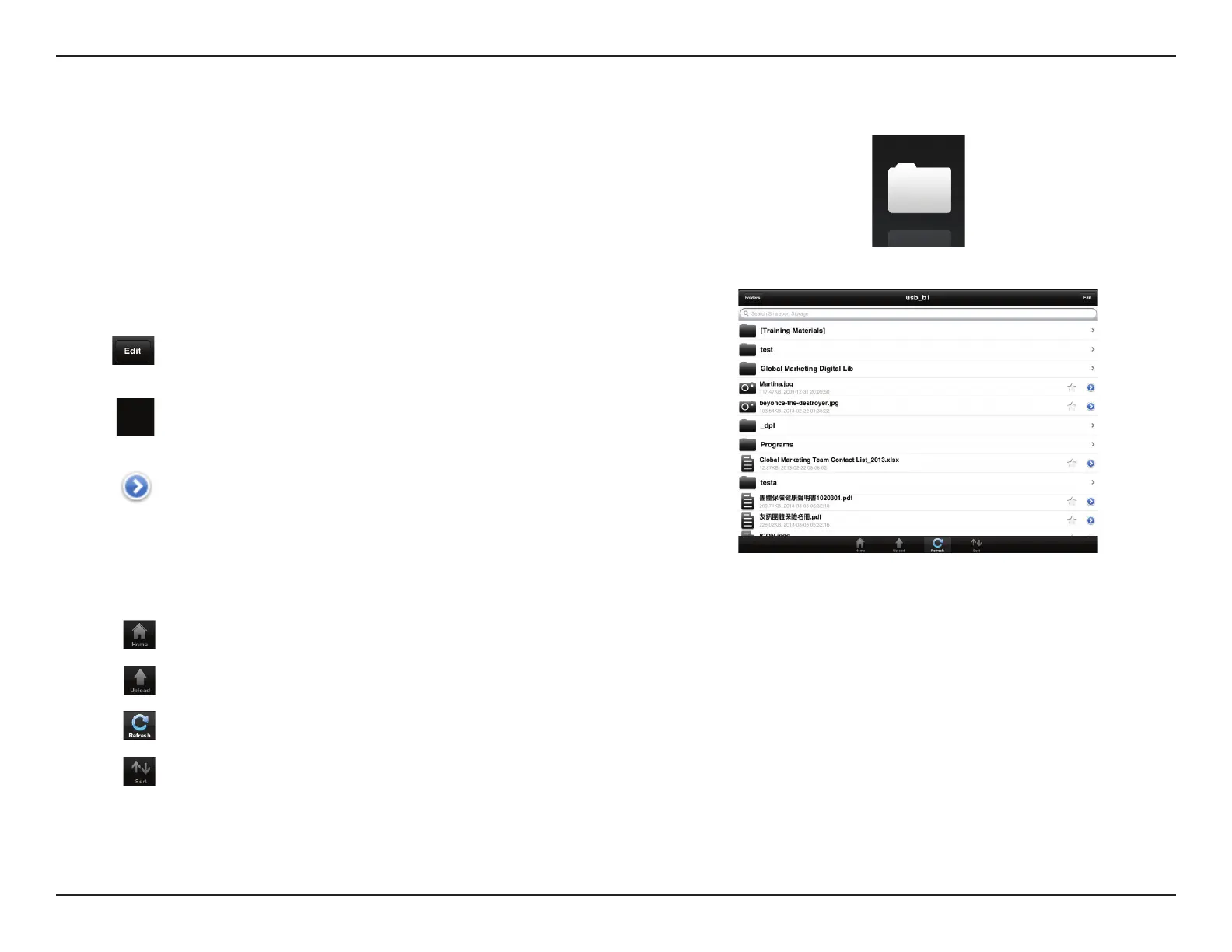
You can browse your removable storage in a folder view in the folders section. Tapping
the lename will open the viewer/player for that le type as described in the previous
pages. You can also upload les from your mobile device to the removable storage
attached to your router.
Enter a lename here to search your storage.
Tap to take you to the editing screen where you can add a folder and
mark les for deletion or copying.
Tap the star icon next to each le to download it to your device and
add it into your Favorites section.
Tapping the > icon gives you additional options depending on the
le type.
Search Bar:
The bottom menu bar includes these options:
Tap to go back to the main menu.
Tap to upload les from your device to your removable storage.
Tap to update the list of les.
Tap to reorder the les alphabetically.


 To Next Page