165D-Link DIR-895L User Manual
Section 5 - Applications
Share a USB Storage Device
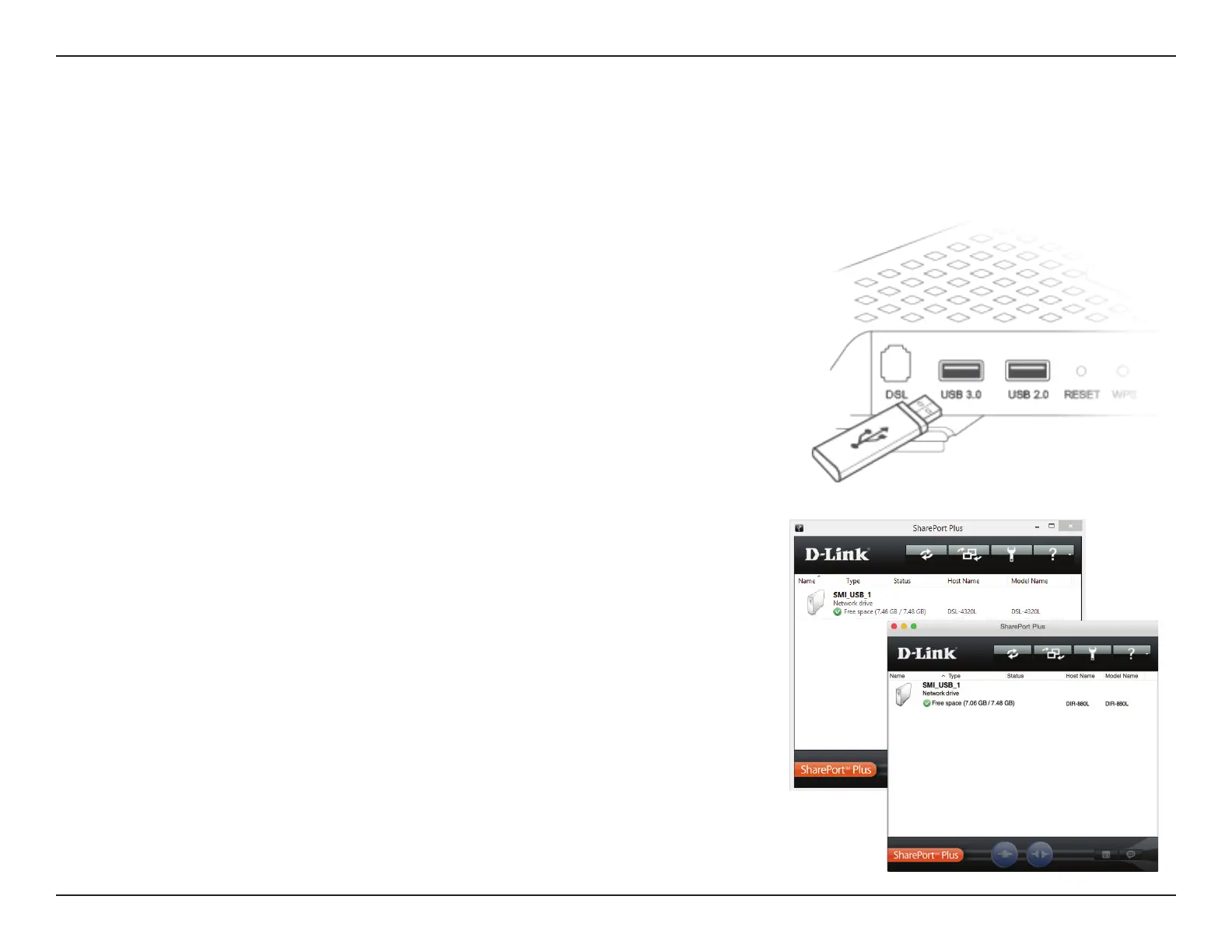
Connect Your USB Storage Device To Your D-Link DIR-895L
Directly connect your USB storage device to your D-Link SharePort Plus enabled DIR-895L’s
USB port.
Install the SharePort Plus Utility on each Windows PC or Mac:
Visit dlink.com to download and install the latest version of the D-Link SharePort Plus
Installation Utility. Upon successful installation, the SharePort Plus Utility will launch. Your
PC or Mac will automatically try to connect to your D-Link SharePort Enabled DIR-895L and
once successful, a list of connected USB devices will be displayed.
The SharePort Plus Utility turns your USB Storage Device into a network drive that, once connected, will allow you to copy, move, delete, and edit
les like you would with any ordinary drive attached to your computer.


 To Next Page