156D-Link DIR-895L User Manual
Section 5 - Applications
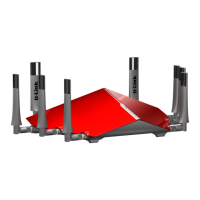
To copy les:
Tap on
to select les for copying. Tick the box next to each le
for copying.
Tap on to browse to the destination.
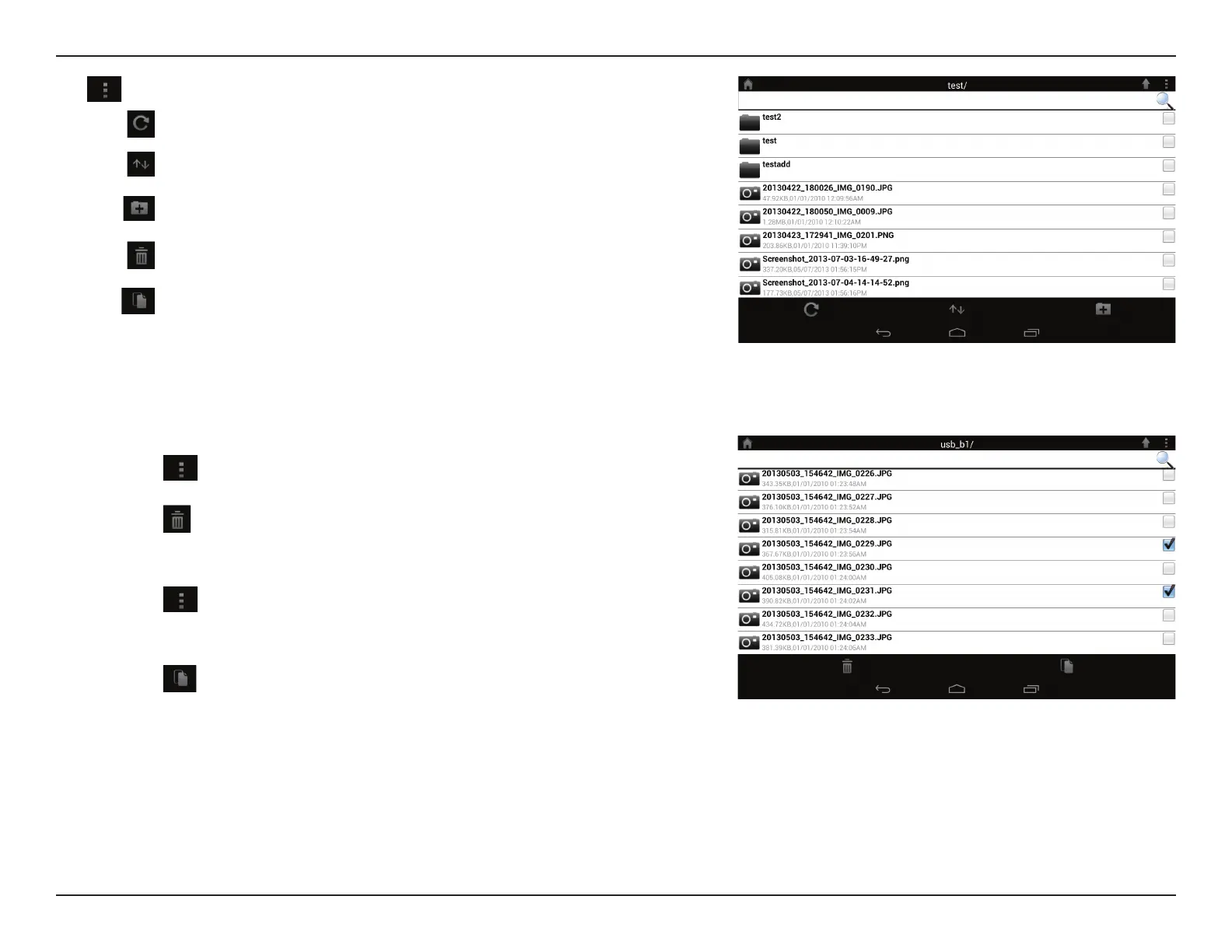
Tap to select les and perform the following actions:
Tap to update the list of les.
Tap to sort the les by name, size, type, or date.
Tap to create a new folder.
Mark a le then tap this icon to delete it.
Mark a le then tap this icon to copy it.
To delete les:
Tap on
and tick the box next to a le for deletion.
Tap on
to delete your selected les. Tap OK to conrm.


 To Next Page