DVG-2102S User’s Manual SETUP
D-Link Systems, Inc. 24
SETUP → VoIP Setup
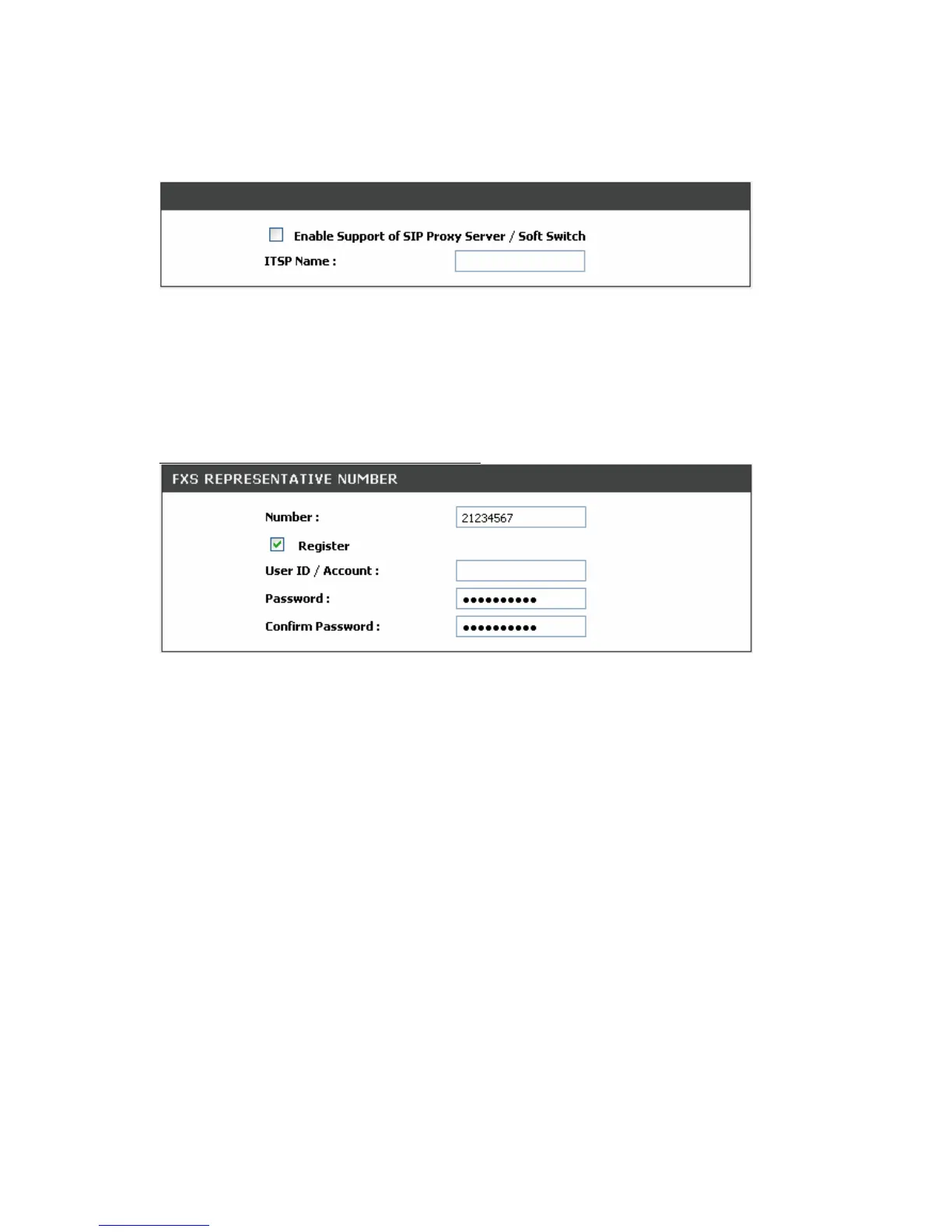
Enable Support of SIP Proxy Server / Soft Switch: Check the box to register the VoIP Telephone
Adapter with SIP proxy server or soft switch.
ITSP Name: Enter the name of ITSP.
SETUP → VoIP Setup
FXS Representative Number registers to Proxy:
Number: Enter the representative number for Line 1 and Line 2. If the VoIP Telephone Adapter is
configured to register with SIP proxy server, Line 1 and Line 2 are using this number to call through SIP
proxy server. It is the Caller ID for the called party when you make a VoIP call. If you register the VoIP
Telephone Adapter to a SIP proxy server, then it should be the number that provided by SIP proxy server.
Register: Check the box to register with SIP proxy server.
User ID/Account: User ID/Account are usually the same as Number from most SIP proxy severs.
Password: Enter password and re-enter to confirm.
Note: Please ensure if your VoIP Service Provider allows one account for multi-port using.



 To Next Page