DVG-2102S User’s Manual SETUP
D-Link Systems, Inc. 25
SETUP → VoIP Setup
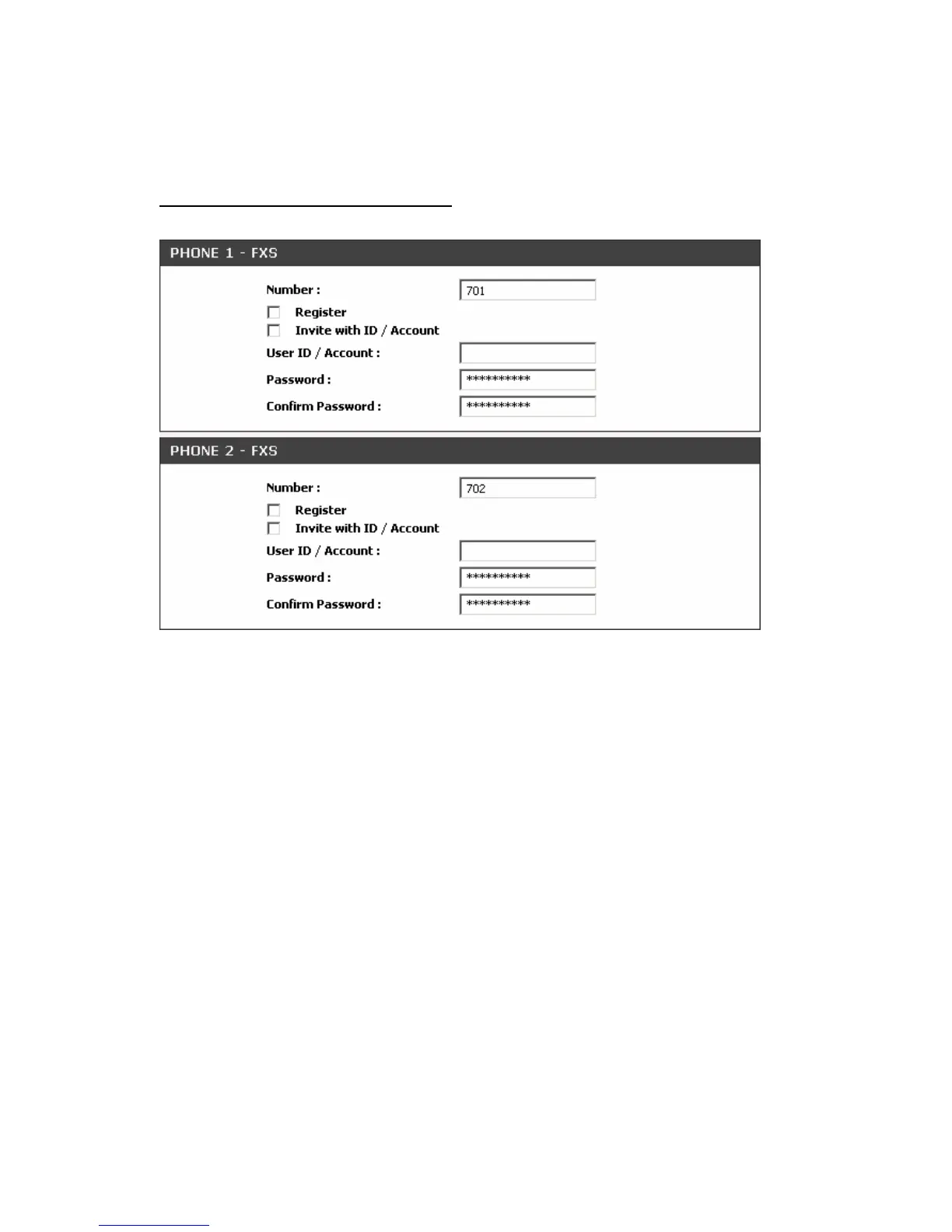
Each line registers to Proxy independently:
Number: Enter the number, text or number and text in this field. It is the Caller ID for the called party when
you make a VoIP call. If you register the VoIP Telephone Adapter to a SIP proxy server, then it should be
the number that provided by SIP proxy server. Number and User ID/Account are usually the same from
most SIP proxy severs. Each line has a number. And the number of each line is not reiteration.
Register: Check the box to register with SIP proxy server.
Invite with ID / Account: Check the box to call through SIP proxy server without registration. It is always
ticked when Register is also ticked. Most VoIP Service Providers will interdict the connection without
registration.
User ID/Account: User ID/Account are usually the same as Number from most SIP proxy severs.
Password: Enter password and re-enter to confirm.



 To Next Page