DVG-2102S User’s Manual ADVANCED
D-Link Systems, Inc. 48
ADVANCED → VoIP → FAX
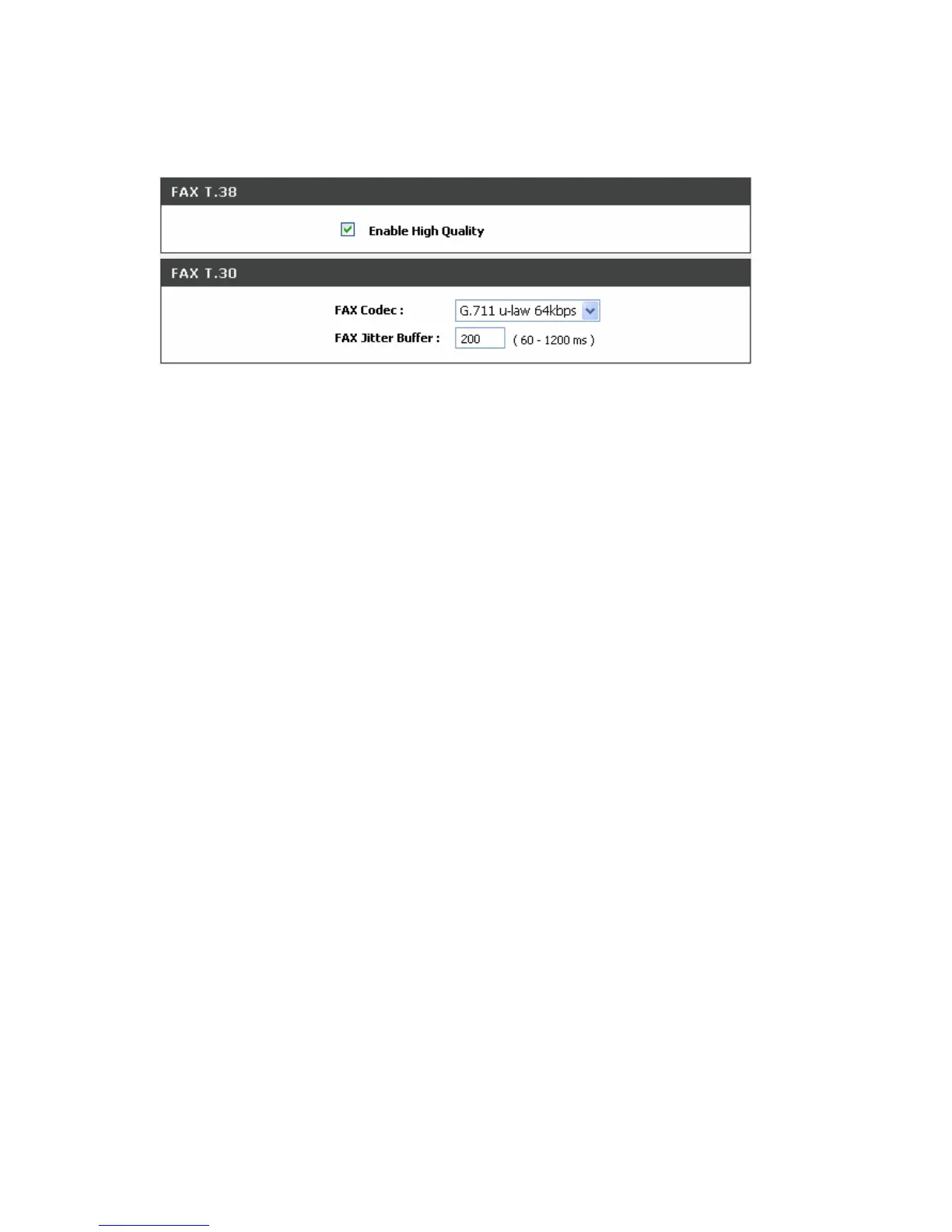
Enable High Quality: Check the box to increase approximately two times the bandwidth in order to
compensate possible loss of packet during transmission and offers a better and reliable fax quality.
FAX Codec: Select G.711 a-law, G.711 u-law, or G.726 for T.30 from the drop-down menu.
FAX Jitter Buffer: Enter the buffer or jitter when receiving packets.
Note: When you send a fax over an IP network, the IP network needs to support fax over IP functionality
(either T.38 or T.30). Please consult your VoIP Service Provider for this setting.



 To Next Page