Local Configurations 216
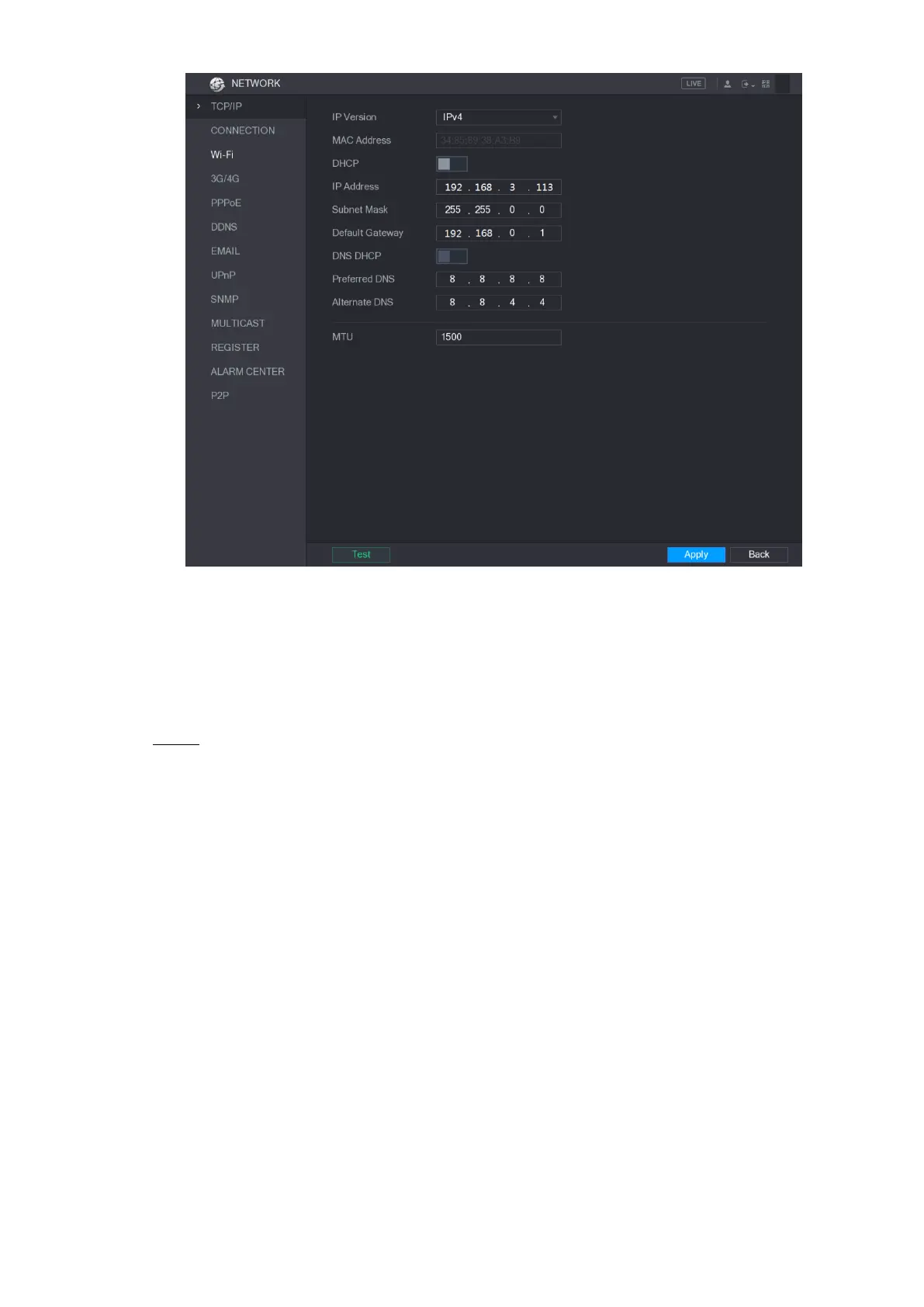
Figure 5-187
5.16.1.2 Configuring Port Settings
You can configure the maximum connection accessing the Device from Client such as WEB,
Platform, and Mobile Phone and configure each port settings.
Select Main Menu > NETWORK > CONNECTION. Step 1
The CONNECTION interface is displayed. See Figure 5-188.


 To Next Page
 Loading...