20 Installation Manual 3P291714-2B
DCM601A71 intelligent Touch Manager
English
2.4.3 Address setup
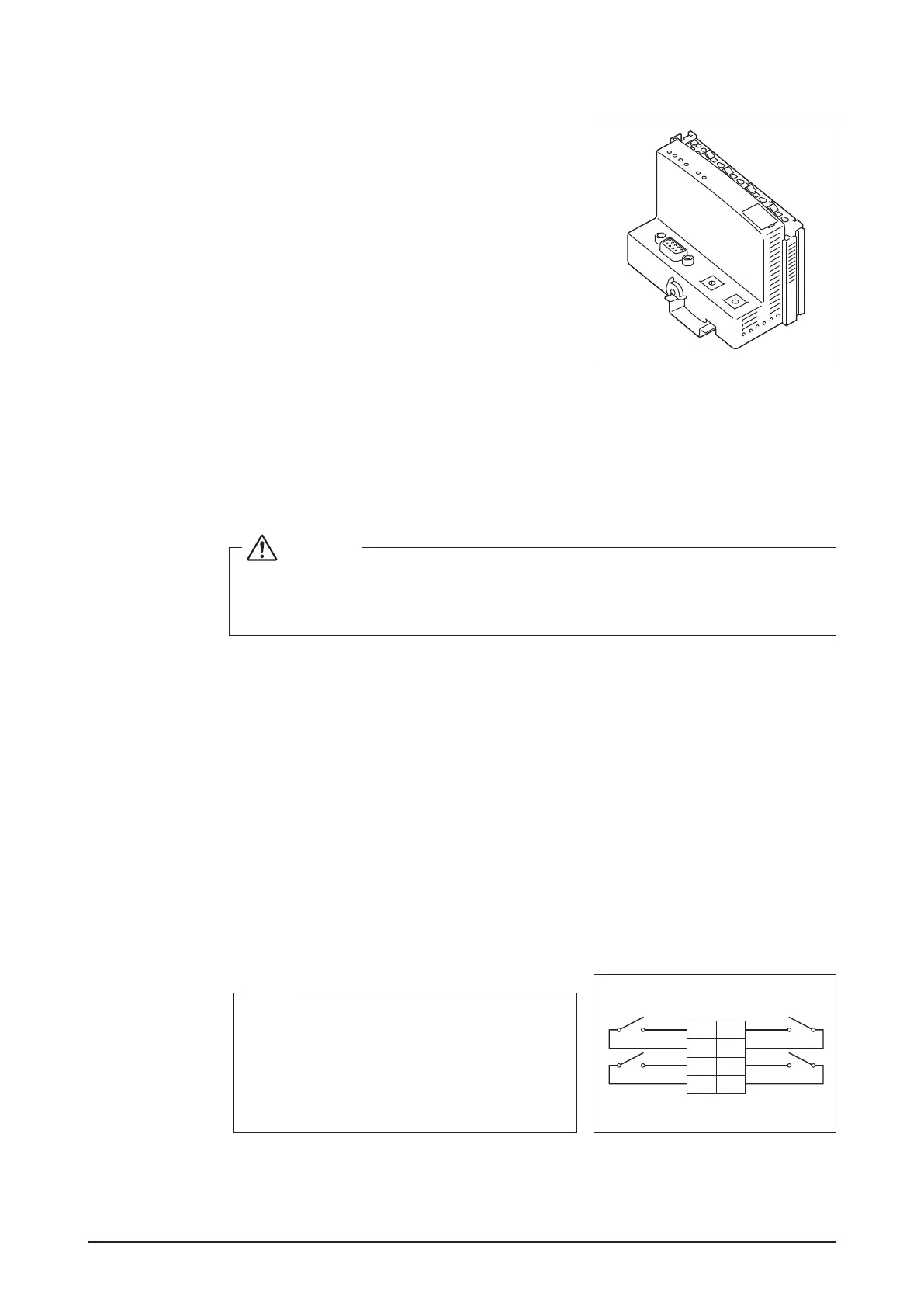
<Bus coupler>
The bus coupler located at the left end of nodes has
rotary switches for setting the addresses.
Set a unique address for each node.
For details, refer to the “Commissioning Manual
Supplementary Volume (External Management Points
(EM11A0 26))”.
2.5 Connecting an emergency stop input device or power meter
The intelligent Touch Manager can perform operations such as an emergency stop of air
conditioners according to the external signal input device, and an electricity usage calcu-
lation for each air conditioner (for power proportional distribution) according to the pulse
inputs from a power meter.
WARNING
• Be sure to perform the operation during power-off conditions. Not doing so
may cause an electric shock.
• Do not clamp high-current cables together with low-current cables.
2.5.1 Terminal location and schematic connection diagram
Connect the contact input signal wire or pulse signal wire to Di1, Di2, Di3, Di4, or COM
terminal on the orange connector on the rear face. Each of these terminals has different
function.
[Di1] Emergency stop input
[Di2] [Di3] [Di4] Pulse input, contact signal input
[COM] Common
However, the function settings for these terminals can be changed later. For how to change
the function settings, refer to the “Commissioning Manual (EM11A022)”.
<Schematic drawing of Di connec-
tion>
NOTE
The COM terminals are all connected internally.
So, you can use either of them. However, you
can connect up to two wires simultaneously to
each COM terminal. When using an open col-
lector type output, connect the COM terminal to
the negative side.
Di1
COM
Di2
COM
Di3
COM
Di4
COM










 To Next Page