28 Installation Manual 3P291714-2B
DCM601A71 intelligent Touch Manager
English
3.2.3 Installation procedure
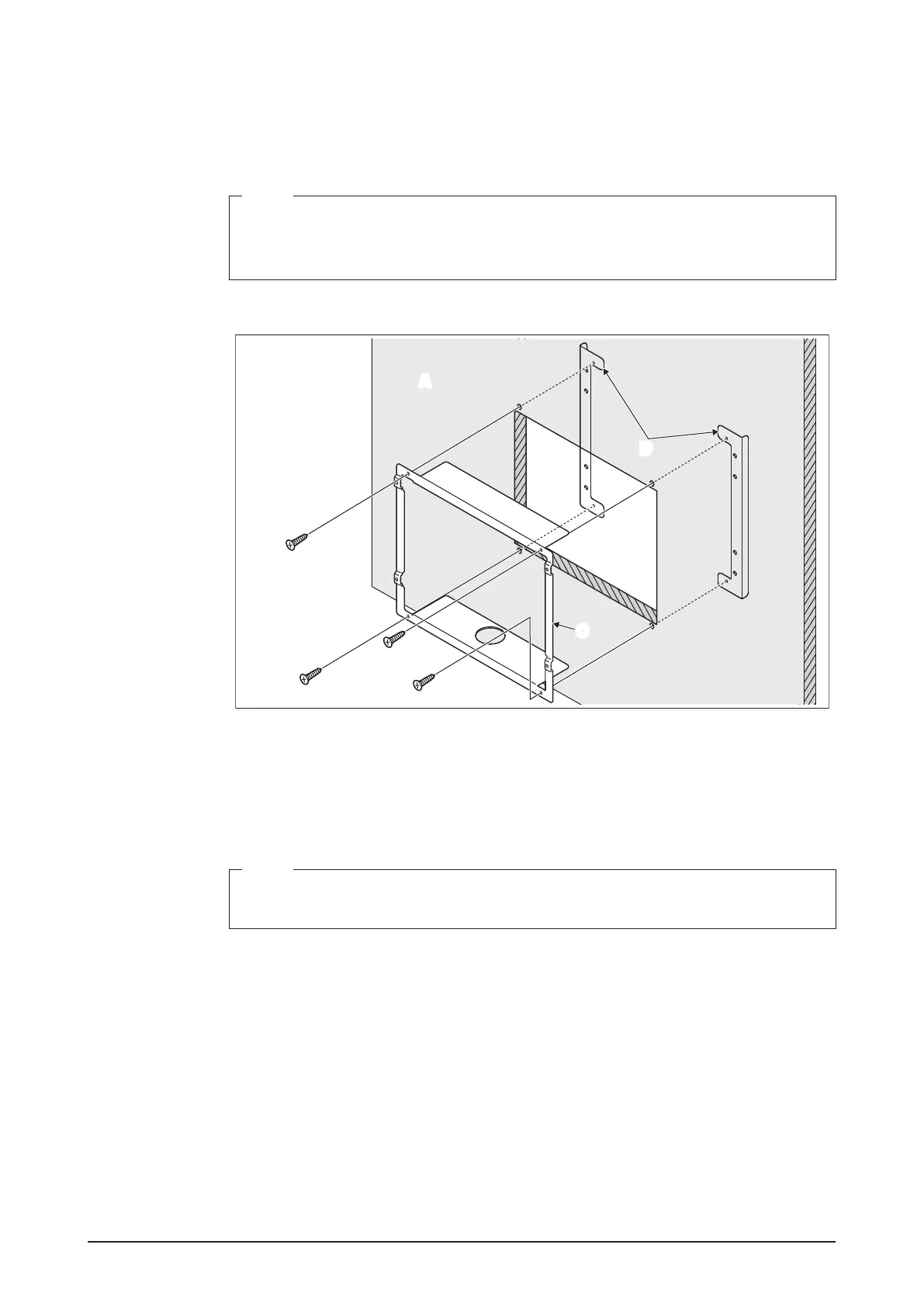
1. Insert the mounting frame bracket and angle brackets into the wall opening and secure
them to the wall in such a manner that the wall is sandwiched between the brackets
with at-head screws.
NOTE
• You need to route in advance the cables connected to the rear face of the intelligent
Touch Manager through the cable hole provided at the bottom of the frame bracket.
• Install the rear face terminal cover while the intelligent Touch Manager is removed.
<Securing frame bracket and angle brackets>
B
B
B
B
A
D
C
A Wall
B Flat-head screw
C Frame bracket
D Angle bracket
NOTE
When securing the frame bracket, be careful not to drop the angle brackets inside the
wall.
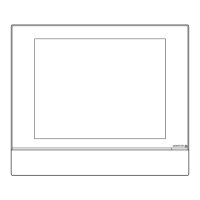
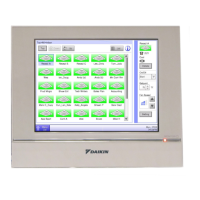
2. Remove the front panel from the front face of the intelligent Touch Manager. The front
panel is originally attached to the monitor screen.










 To Next Page