Paper Handling
2-3
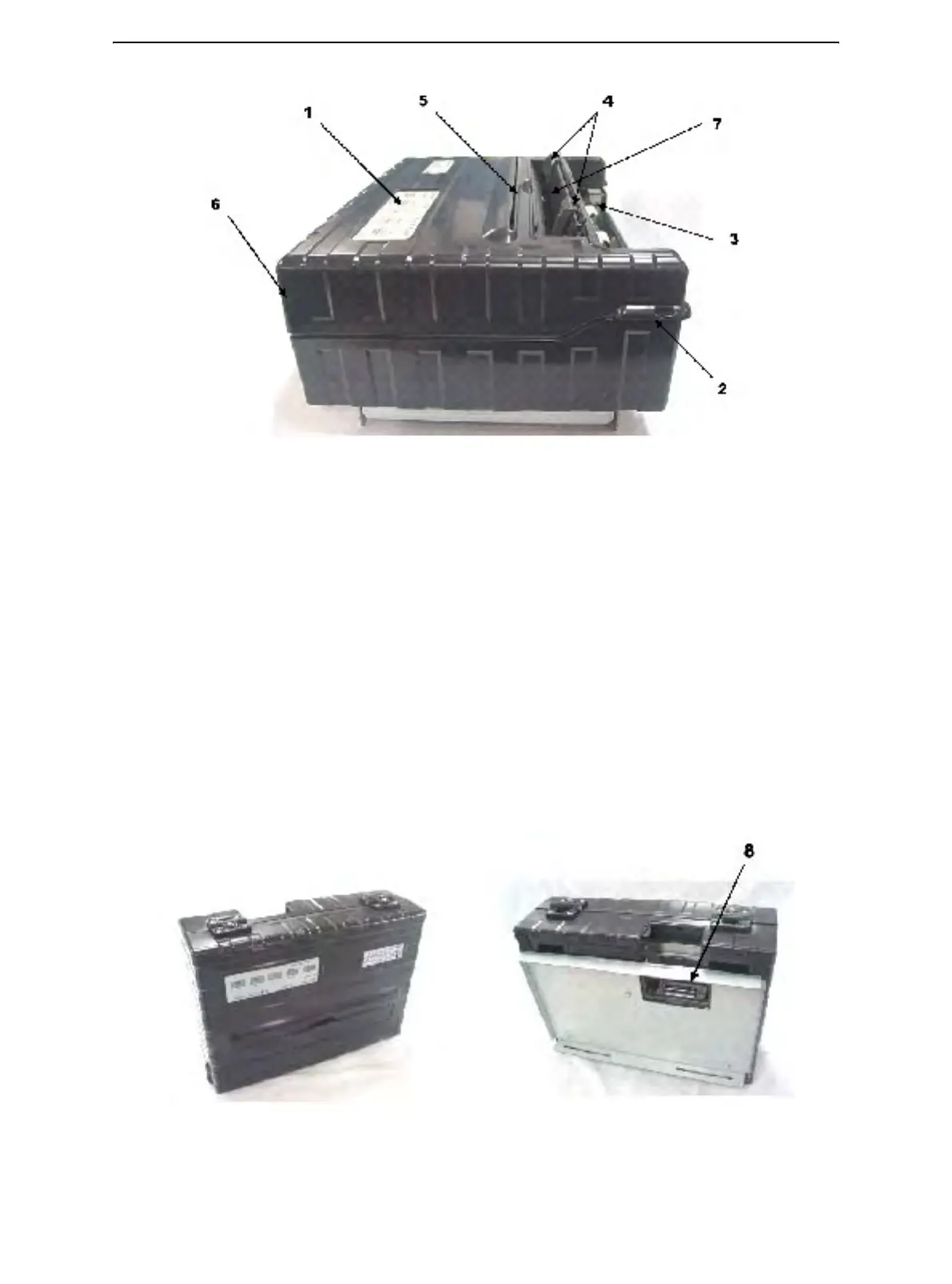
Left Side View
1 Power Switch
2 Cover Latch (to secure top cover)
3 Forms Tractors (to hold and feed continuous forms)
4 Paper Guides (to guide single sheets)
5 Paper Exit Slot and Tear Edge
6 Top Cover – Rear
7 Single Sheet Tray (Shown in down Position)
Bottom View
8 Interface Connectors (or Wireless Adapters if installed)
Front Rear
Vertical Position Bottom View



 To Next Page