DK-45 Kullanım Kılavuzu V1.0 (22.09.2016)
- 48 -
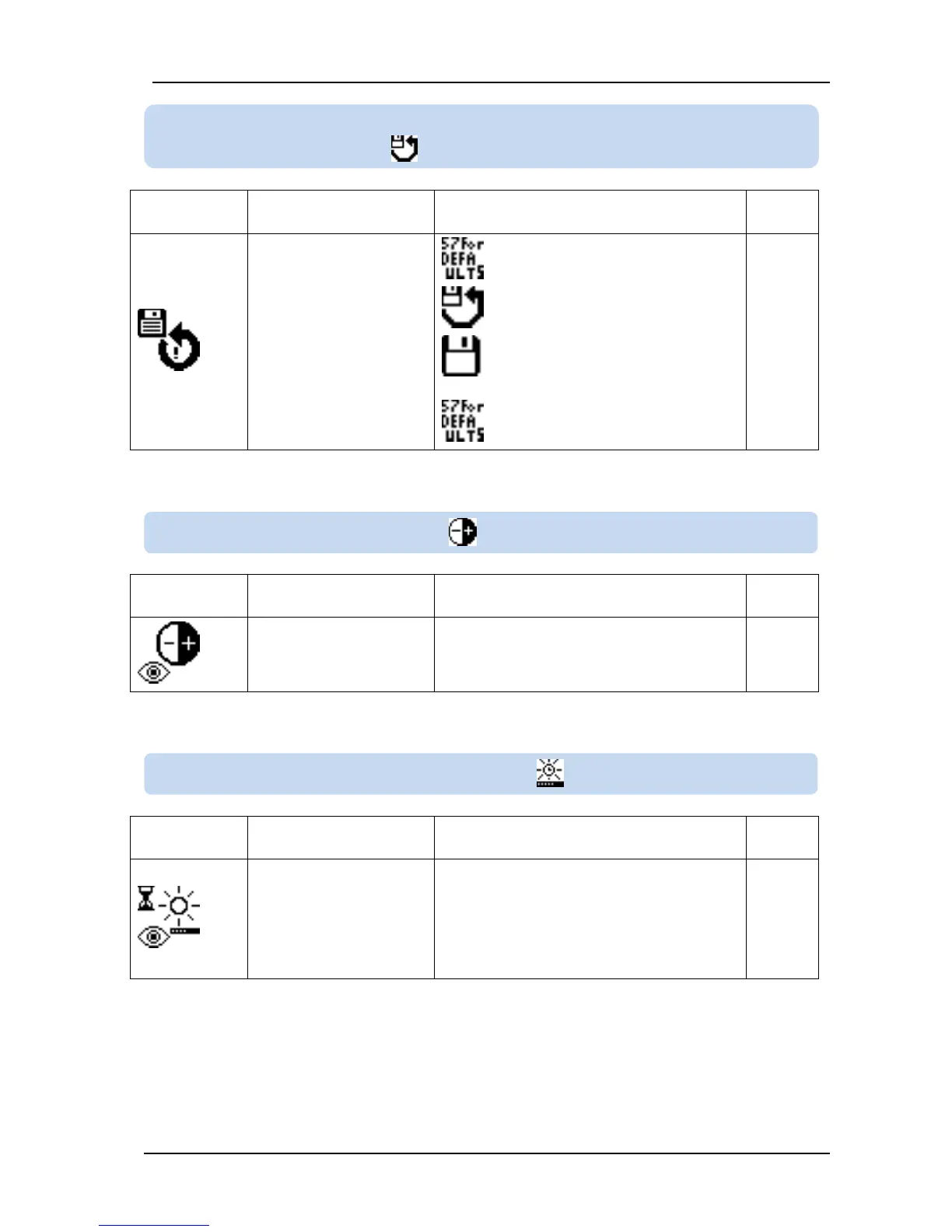
RETURN SAVE :
Return to restore values/
return to factory settings
1: Return to restore point values
2: Save current parameter set as
restore point
57: Return to factory settings
BACKLIGHT TIMER :
LCD backlight dimming
timer
If no action happens and no button is
pressed during this timer, then LCD backlight
will turn off.
If this parameter is set to 0 then LCD
backlight never turns off. It is always on.
10.2.8. RETURN/SAVE TO FACTORY SETTINGS OR SAVED
SETTINGS
10.2.10. LCD BACKLIGHT TIMER



 To Next Page