CONTENTS
USER’S MANUAL
9
CHARGE THE BATTERY
The battery pack is not initially fully charged. After installing the battery, charge it with a
USB Type-C cable or with a dock (single slot dock, 4-slot dock, vehicle dock, 4-slot bat-
tery charger).
During the charging process the notification LED positioned at the top right side of the
display glows red constantly. Once the charging process has been completed, the notifi-
cation LED glows green constantly.
Charge with USB
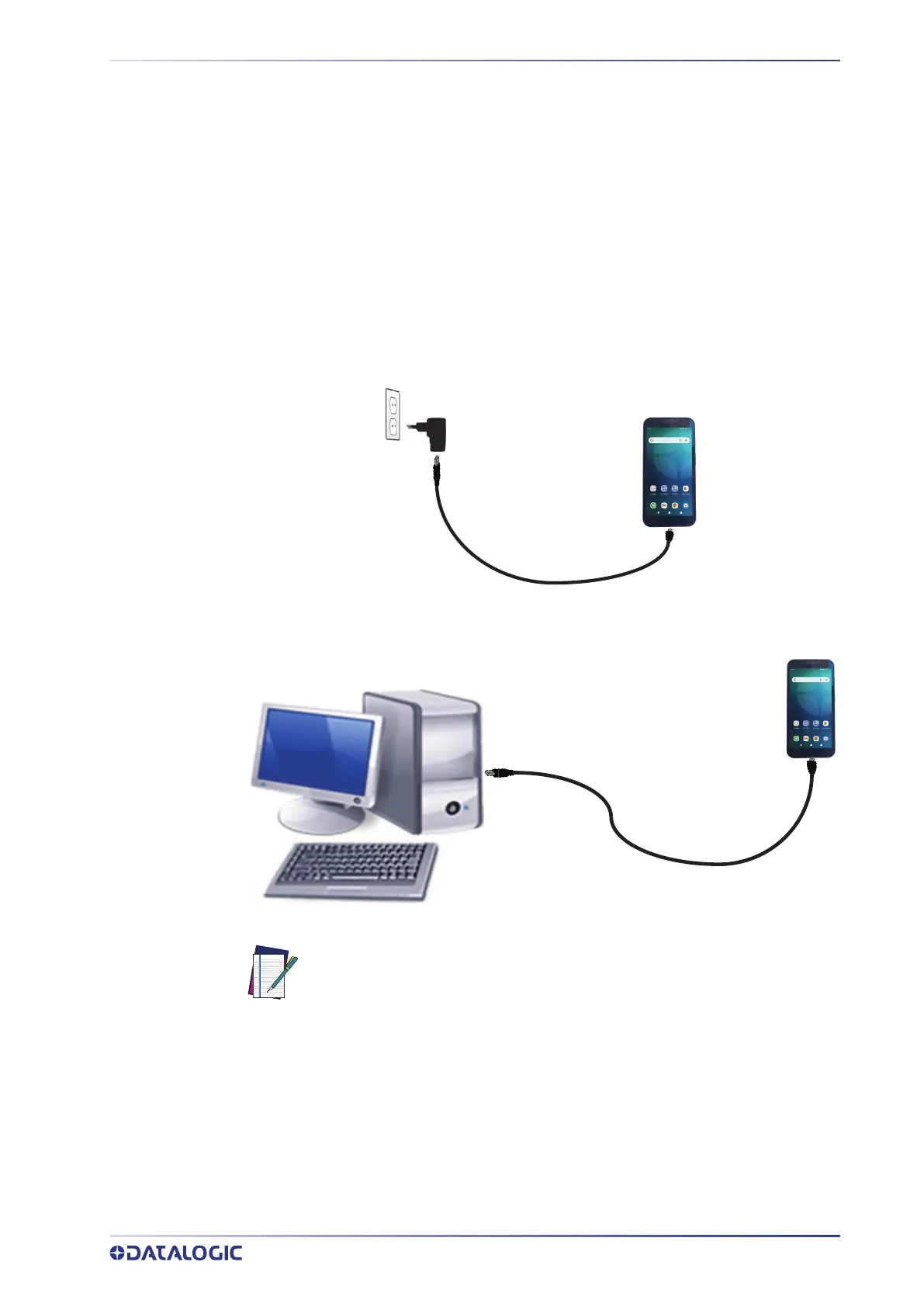
Use a USB Type-C cable in conjunction with the power supply adapter (sold separately,
p/n 94ACC0383) to charge the device from a power outlet.
The charger is modular, with one adapter and five switchover plugs.
You can also use the USB cable to charge the Memor 30/35 from any self-powered USB
hub or USB port on a computer.
NOTE: Use only the Datalogic power supply 94ACC0383 to power the
Memor 30/35.



 To Next Page