CONTENTS
10
MEMOR™ 30/35 FAMILY
Charge with the dock
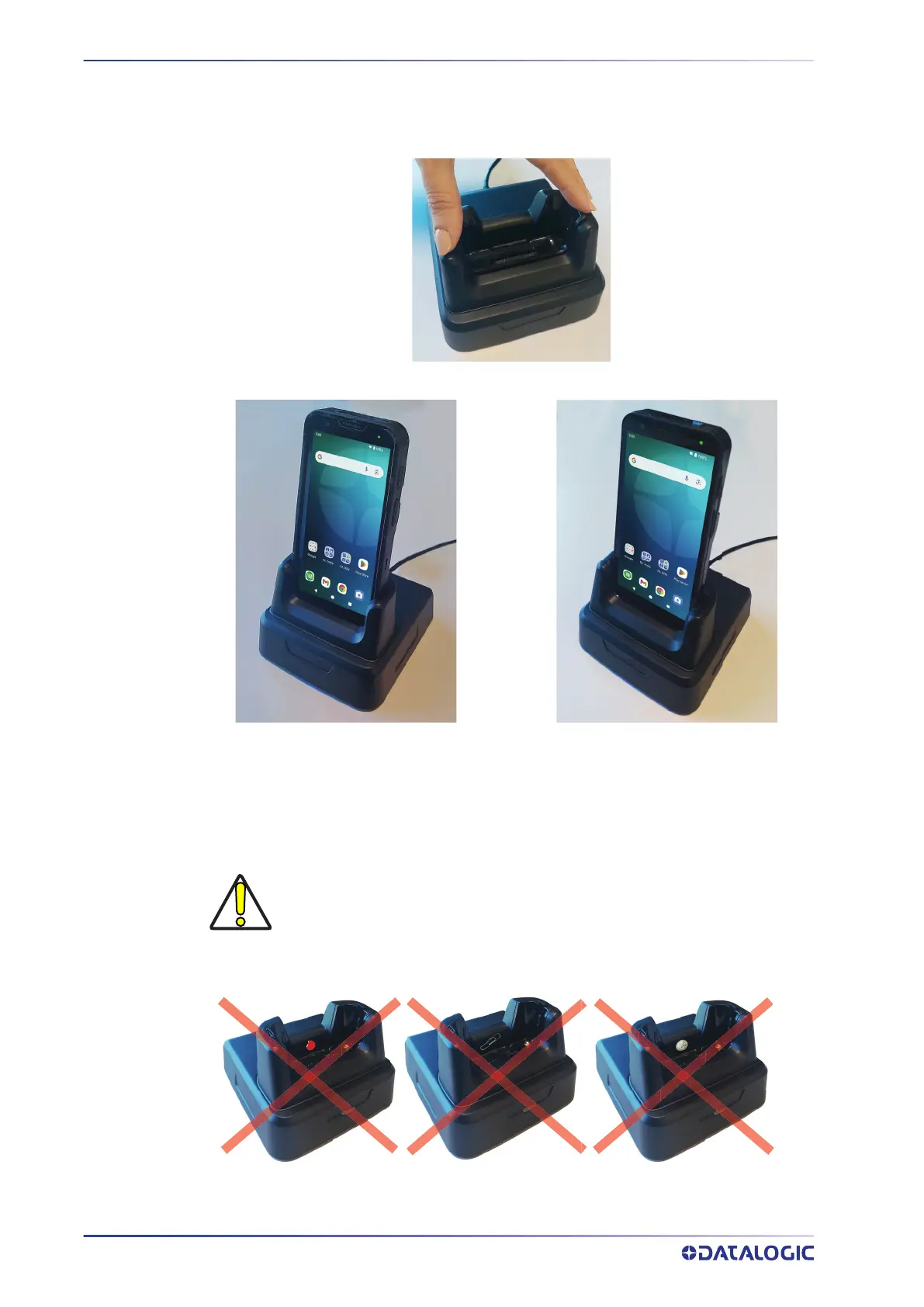
Install the protective boot on the device, or insert the adapter into the dock as shown
below.
Insert the device into the dock with the screen facing front and the head facing up.
To remove the device from the dock, pull it upwards while holding the dock firmly
down.
CAUTION: Use only the Datalogic power supply 94ACC0383 to power any of
the docks.
Do not put any foreign object such as, but not limited to, coins, paper clips,
stickers inside the slot of any of the docks (see the examples below).
Memor 30/35 with Protective Boot
Memor 30/35 without Protective Boot



 To Next Page