CONTENTS
USER’S MANUAL
57
USB
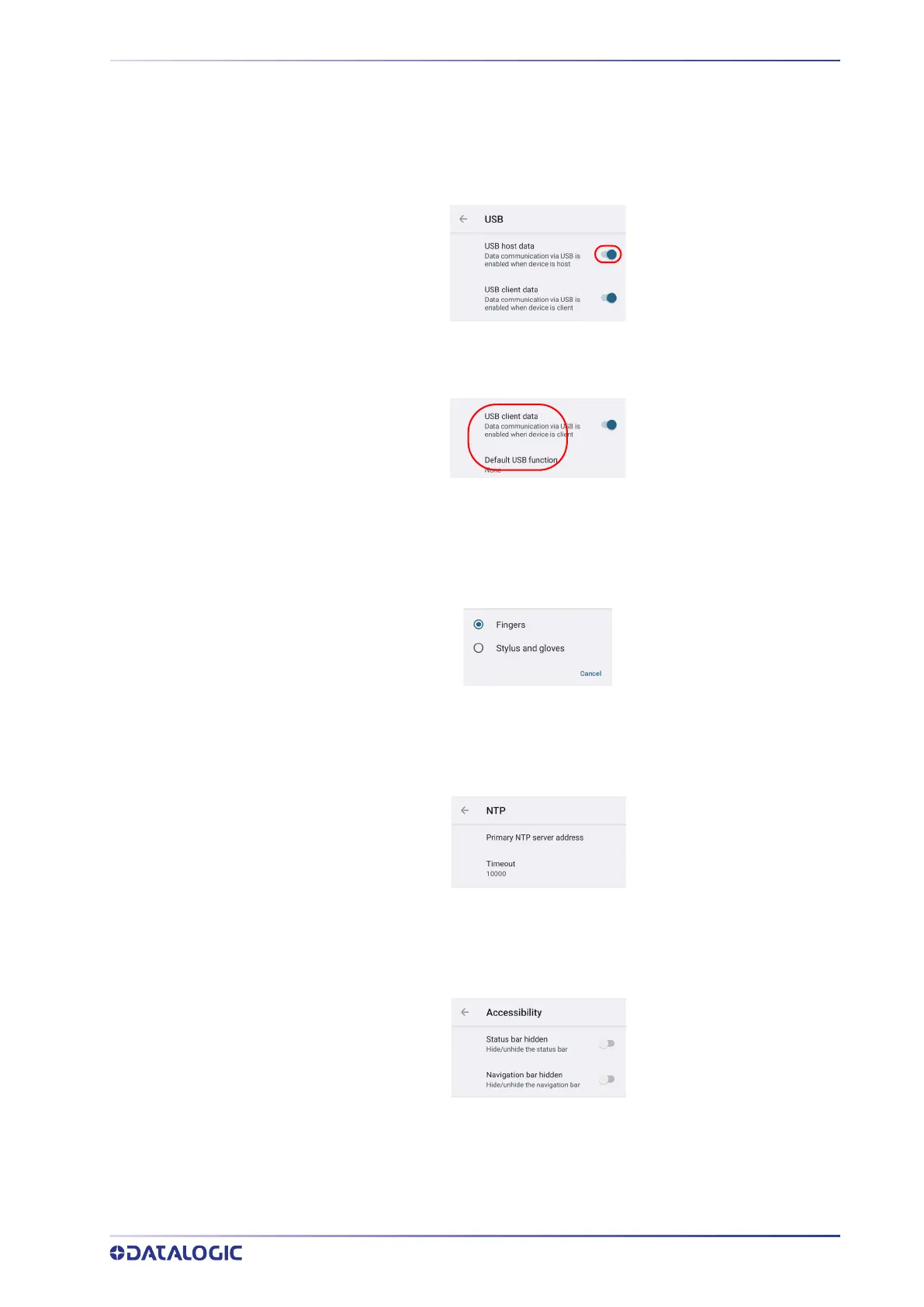
To enable/disable USB communication, tap
• Datalogic Settings > USB > USB host data when the device is host.
• Datalogic Settings > USB > USB client data when the device is client.
Use the USB settings to set the USB function (None, MTP, PTP, MIDI).
Touch Mode
Tap Touch mode > Screen sensitivity to adjusts touch-screen sensitivity for input with a
bare, a gloved finger or a stylus.
NTP
Tap NTP to set the primary NTP server addresses and to configure the NTP timeout.
Accessibility
Use the Accessibility settings to hide/unhide the status bar and the navigation bar.



 To Next Page