CONTENTS
24
MEMOR™ 30/35 FAMILY
Android Applications
TOUCH GESTURES
Icon Description
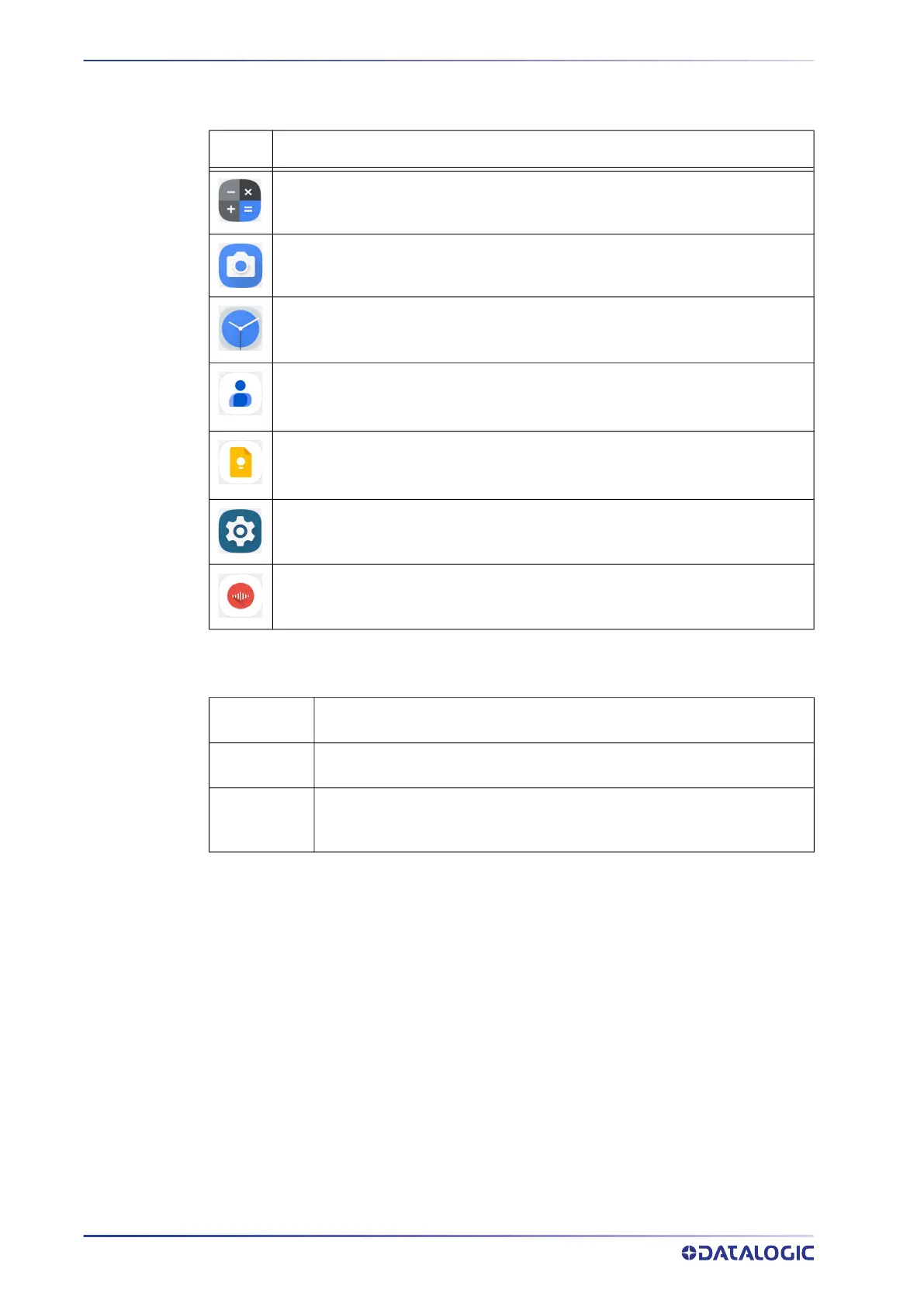
Calculator - Provides the basic and scientific arithmetic functions.
Camera - Use it to take photos or record videos.
Clock - Lets you schedule alarms for appointments or as a wake-up.
Contacts - Allows you to manage contacts information.
Keep Notes - Note-taking service developed by Google. It offers a variety of
tools for taking notes, including text, lists, images, and audio.
Settings - Use it to configure the Memor 30/35 (see "Settings" on page 28).
Sound Recorder - Tool for recording the sound and editing the saved recordings.
Tap
Tap the screen with your finger or with the stylus to open items and select
options.
Drag
Hold your finger or the stylus on the screen and drag across the screen to
scroll or pan. Drag in a list to select multiple items.
Tap-and-hold
Tap and hold your finger or the stylus on an item to see a list of actions
available for that item. On the pop-up menu that appears, tap the action
you want to perform.



 To Next Page