CONTENTS
16
MEMOR™ 30/35 FAMILY
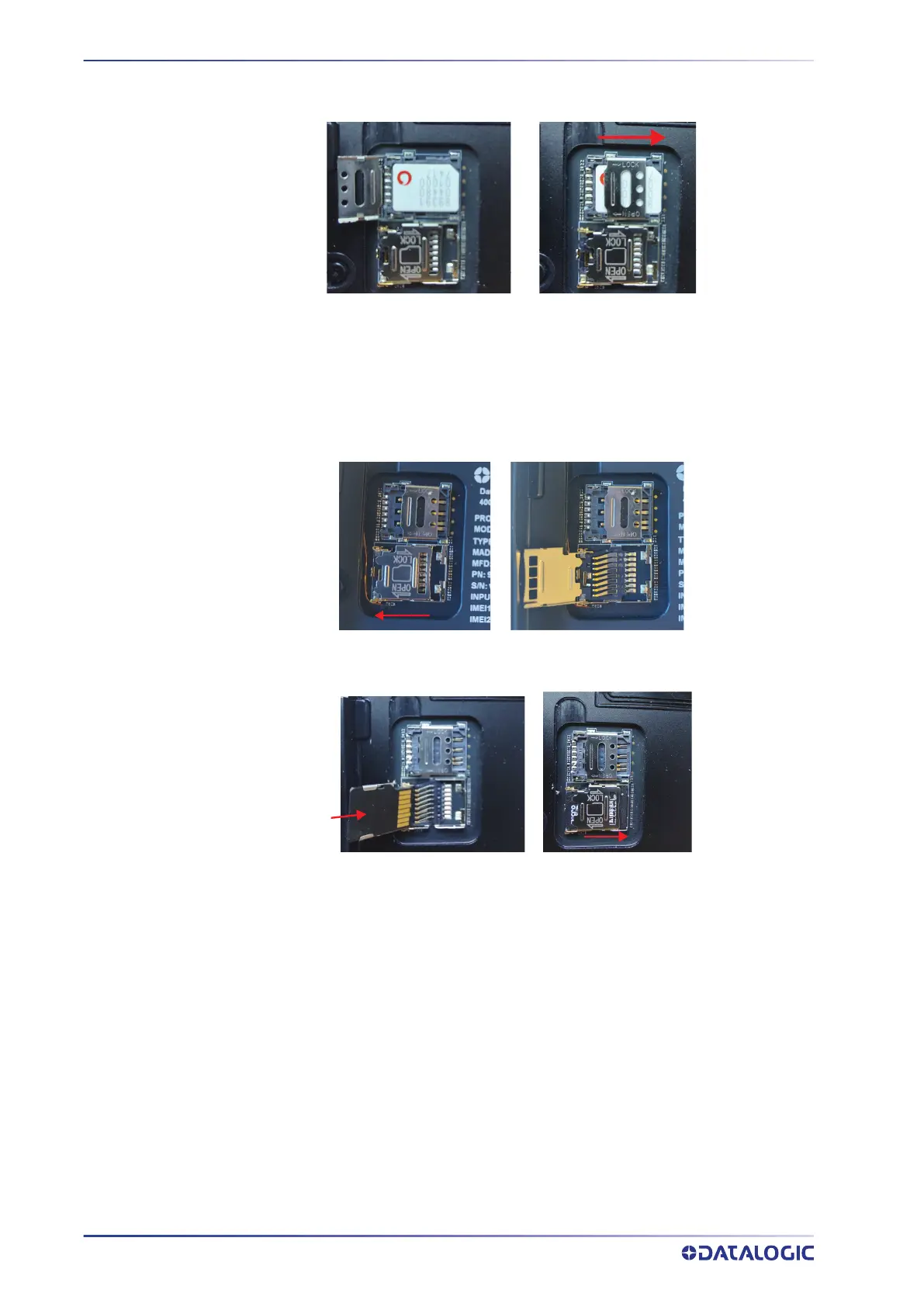
2. Insert the SIM card with the written part upward. Push the cardholder down and
then slide it to the right.
3. Replace the SIM/SD rubber cover and press it, then replace the battery (see
"
Install the Battery" on page 8).
Install the SD Card
1. Slide the cardholder to the left and then pull it up.
2. Insert the SD card as shown below. Push the cardholder down and then slide it to
the right.
3. Replace the SIM/SD rubber cover and press it, then replace the battery (see
"
Install the Battery" on page 8).



 To Next Page