CONTENTS
USER’S MANUAL
79
Configure Actions
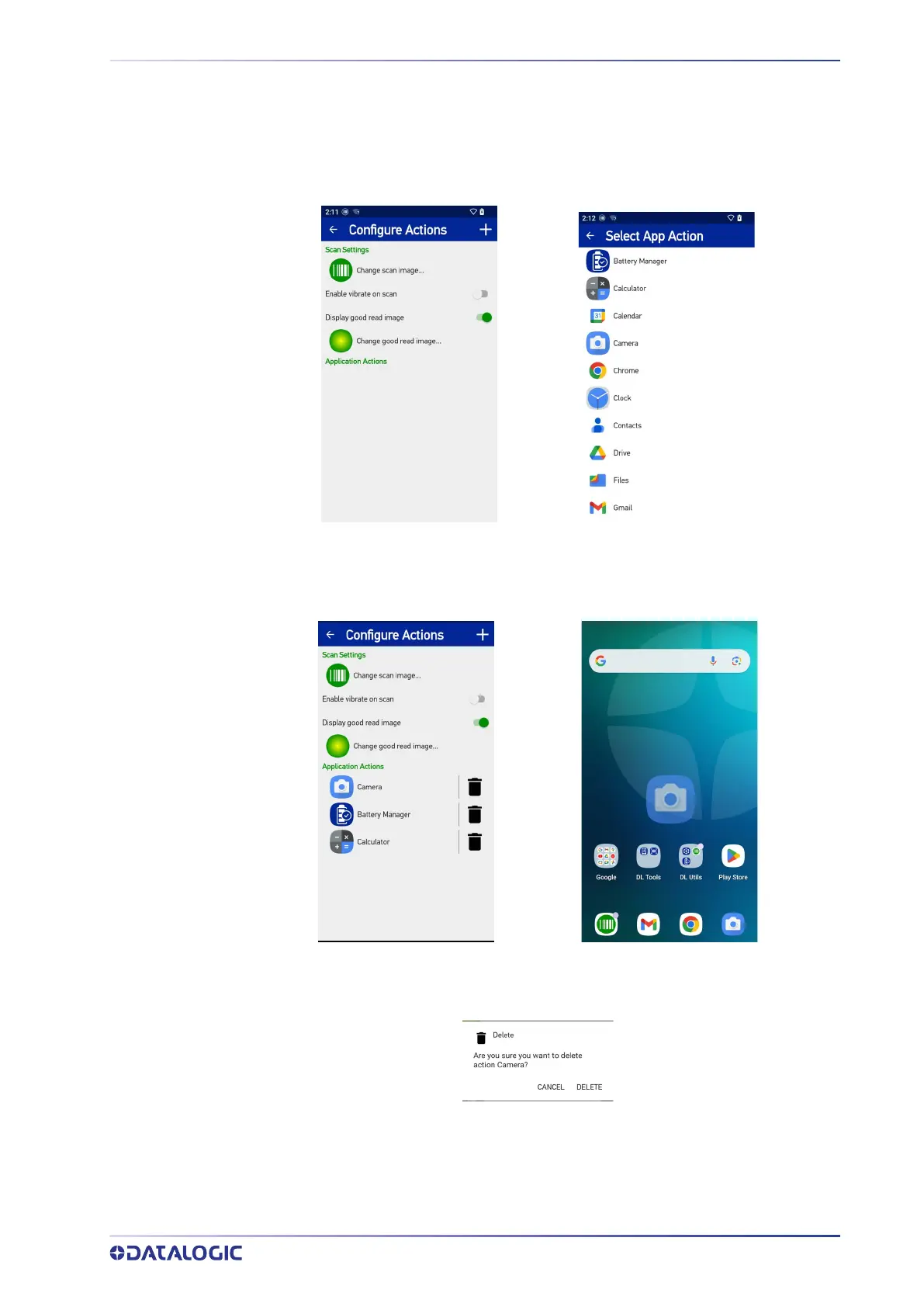
You can use SoftSpot to quickly switch between the applications you actively use.
From the SoftSpot settings screen, tap Configure Actions > + to add the applications you
want to launch with SoftSpot.
Only one action is active at a given moment. Tap the SoftSpot to launch the application.
You can switch between actions by swiping left and right on the SoftSpot.
To remove an application from the actions list, tap the trash bin icon on its right.
You can also use the Configure Actions screen to change the SoftSpot image, to display
and change the good read image and to enable the vibrator.



 To Next Page