CONTENTS
USER’S MANUAL
27
LED INDICATORS
The LEDs illuminate to indicate various functions or errors on the reader. The following
tables list these indications. The good read LED indicator is programmable, and may or
may not be enabled ("
Scanner & Decoder" on page 29 for more details). The notification
LED is configurable via SDK.
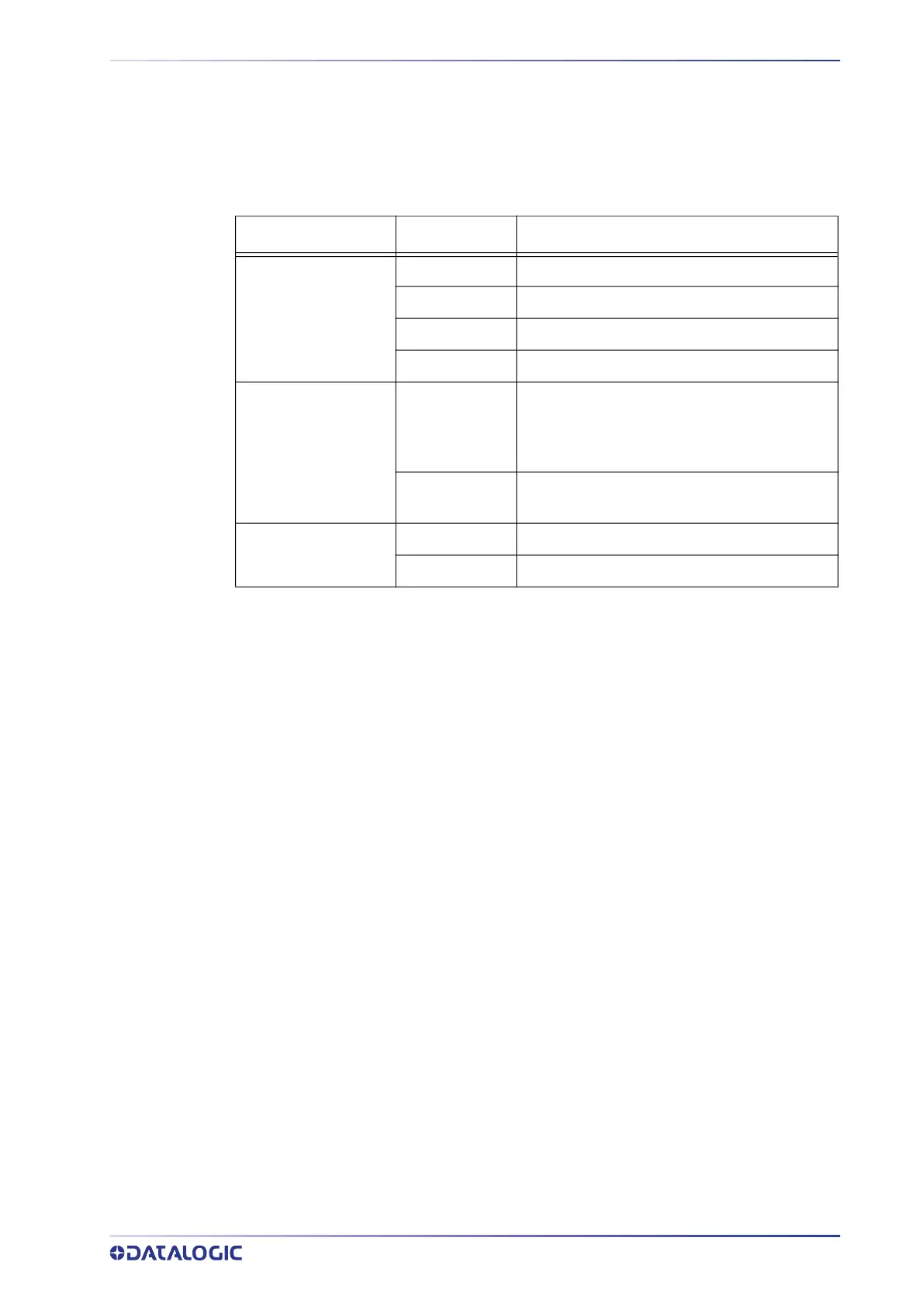
LED Status Description
Notification LED
Red Constant The device is charging.
Green Costant Charging is complete.
Red Blink Charge fault.
Blue Blink Battery swap.
Good Read Indicator
Red
Light is solid red from the time the user
presses the scan key until the barcode is
decoded, until the scanner times out, or until
the user releases the scan key.
Green
Light changes to solid green when a good
decode is completed.
Battery Swap LEDs
Red Do not remove the battery.
Green Battery can be replaced.



 To Next Page