CONTENTS
USER’S MANUAL
29
DATALOGIC SETTINGS
The Datalogic Settings app allows you to configure scanner and decoder, control power
and source behaviour, configure keyboard, trigger and mappings, Wi-Fi roaming, USB
data and features, touch mode settings, NTP server address status and navigation bar,
update device firmware and display device information.
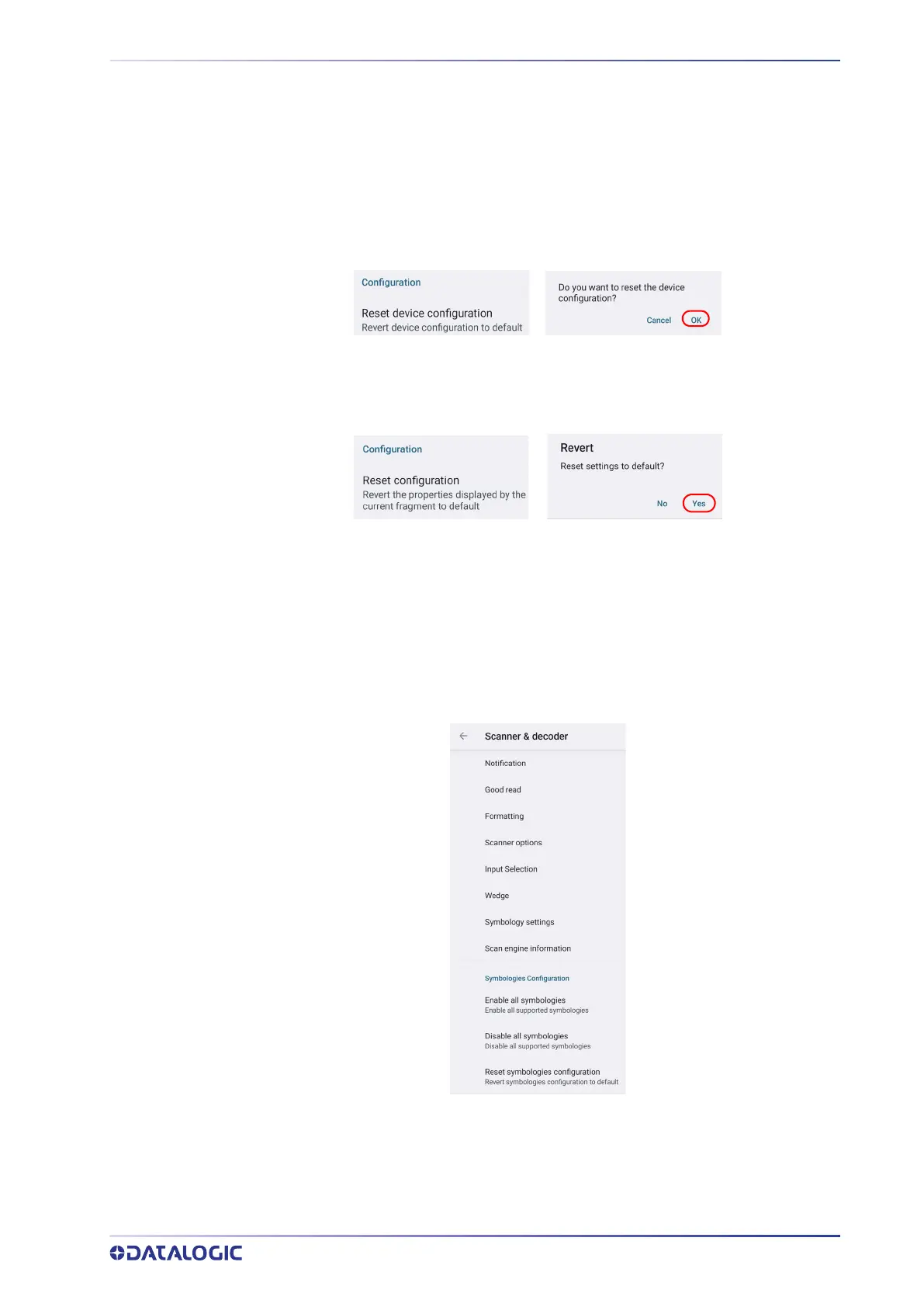
Tap Reset device configuration at the end of the Datalogic Settings main screen to
reset all configuration settings to the factory default settings:
Tap Reset configuration at the end of a specific settings screen to reset those configura-
tion settings to default:
Scanner & Decoder
Before you start reading barcodes, use the Settings app to view and configure all set-
tings for the scanner.
From the applications menu, tap Settings > Datalogic Settings > Scanner & decoder.
Select the desired configuration from the following options:



 To Next Page