CONTENTS
30
MEMOR™ 30/35 FAMILY
Notification
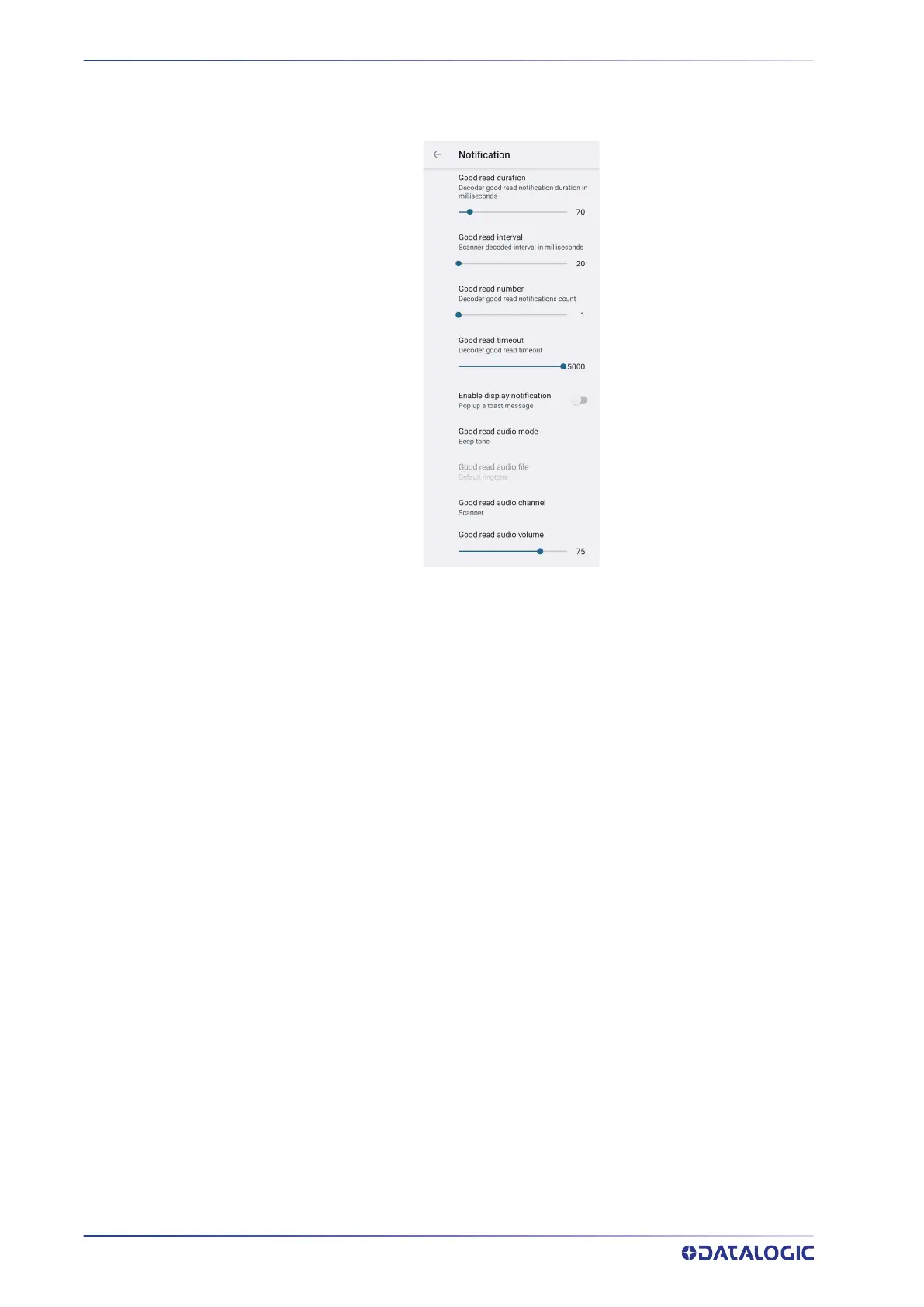
Use it to configure the good read tone and display notification:
Good Read Duration
Sets the duration of the notification (LED, green spot or beep) the scanner emits on a
good read.
Good Read Interval
Sets the interval between each notification (LED, green spot or beep) the scanner emits
on a good read.
Good Read Number
Sets the number of notifications (LED, green spot or beep) the scanner emits on a good
read.
Good Read Timeout
Sets the amount of time before the good read LED and the green spot turn off after a
successful decoding (unless the trigger is released or the SDK release function is called
before that time).
Enable Display Notification
Enables display notifications (toasts). If cleared, the scanner is disabled until you launch
a scanner listener application developed using the Datalogic SDK or enable a keyboard/
intent wedge.
Good Read Audio Mode
Sets the audio tone to:
• None
• Beep tone
• Audio file
• Viper beep
• Baroque beep



 To Next Page